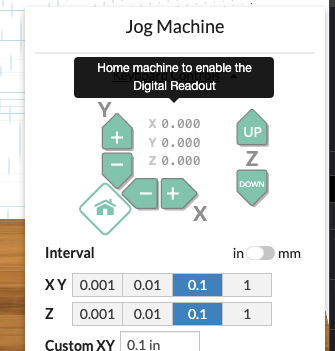
Digital Read Out (DRO)
Digital Readout for relative machine position is now available to Pro Users. Open the jog menu, carve walkthrough or machine inspector to view the machine position.
Read more →Product updates
New tools, apps, and improvements from the Easel team.
Digital Readout for relative machine position is now available to Pro Users. Open the jog menu, carve walkthrough or machine inspector to view the machine position.
Read more →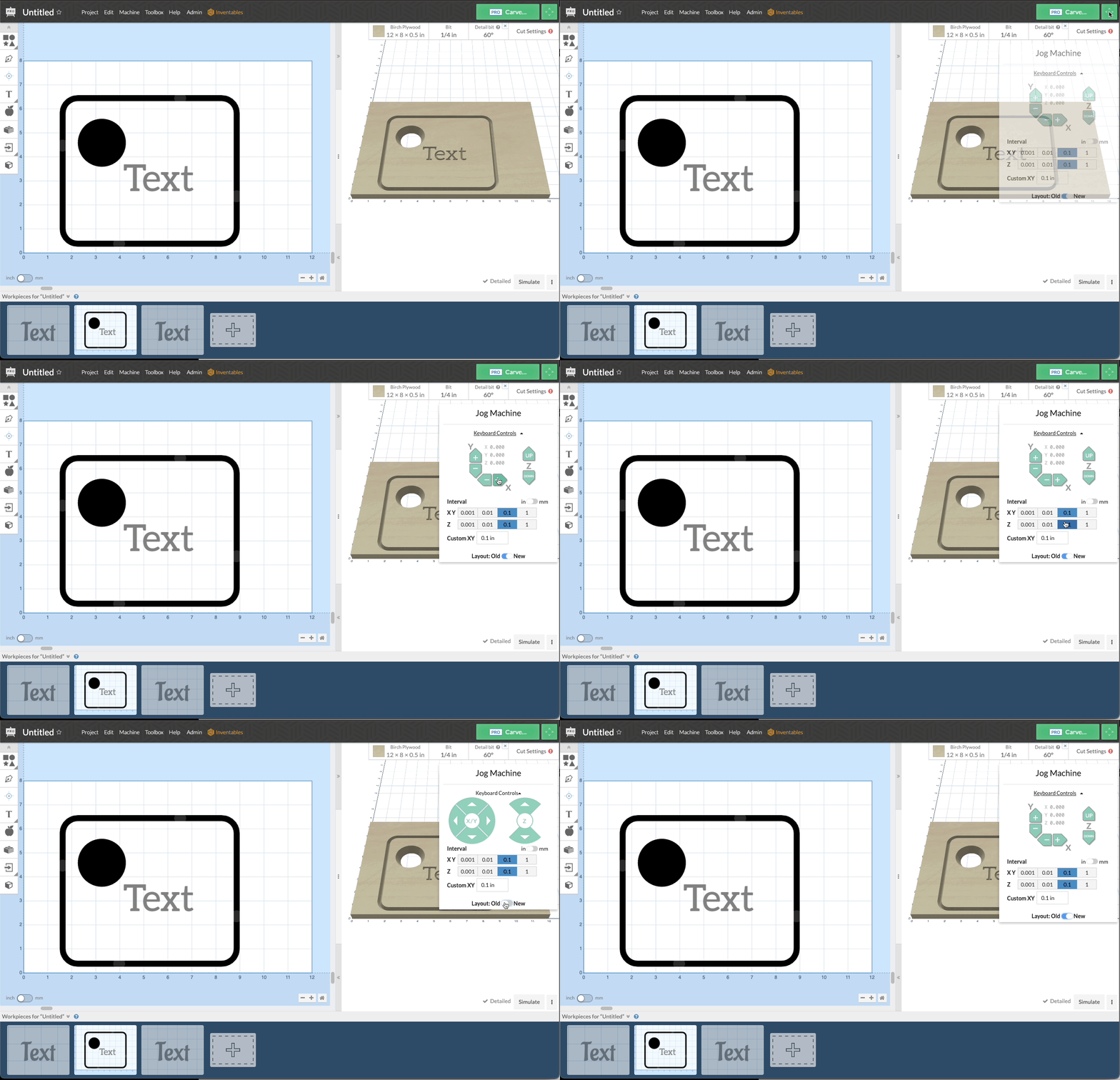
New Machine Jog Controls are now available to all users. The new controls have an improved layout and easy homing built in for compatible machines. Don’t worry we made sure you can keep using the old layout if you still love it with a simple toggle.
Read more →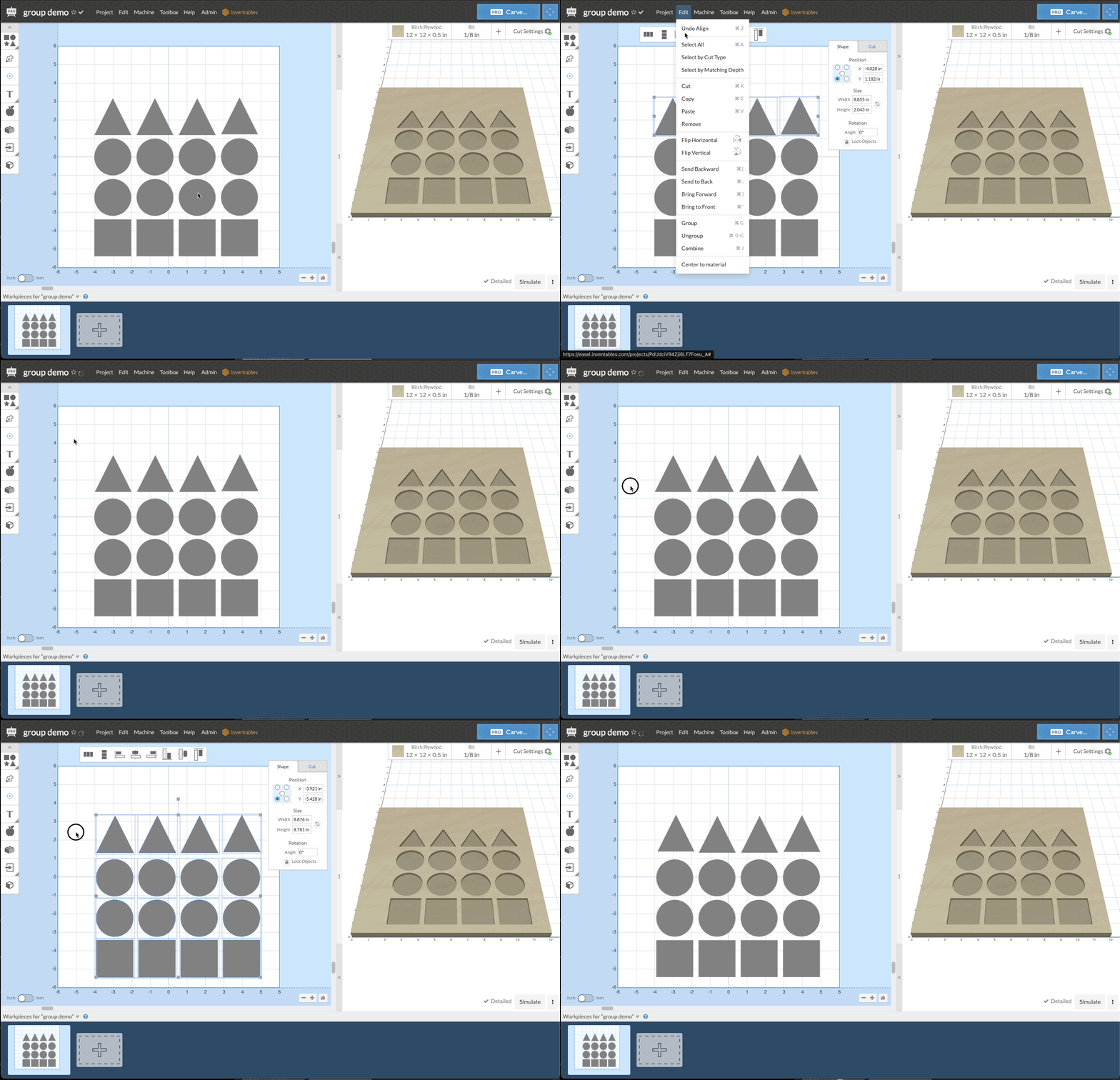
New controls for grouping and ungrouping of shapes in Easel. This allows you to group multiple shapes together so that they move, resize, and rotate together letting you get the desired design quicker and easier in Easel.
Read more →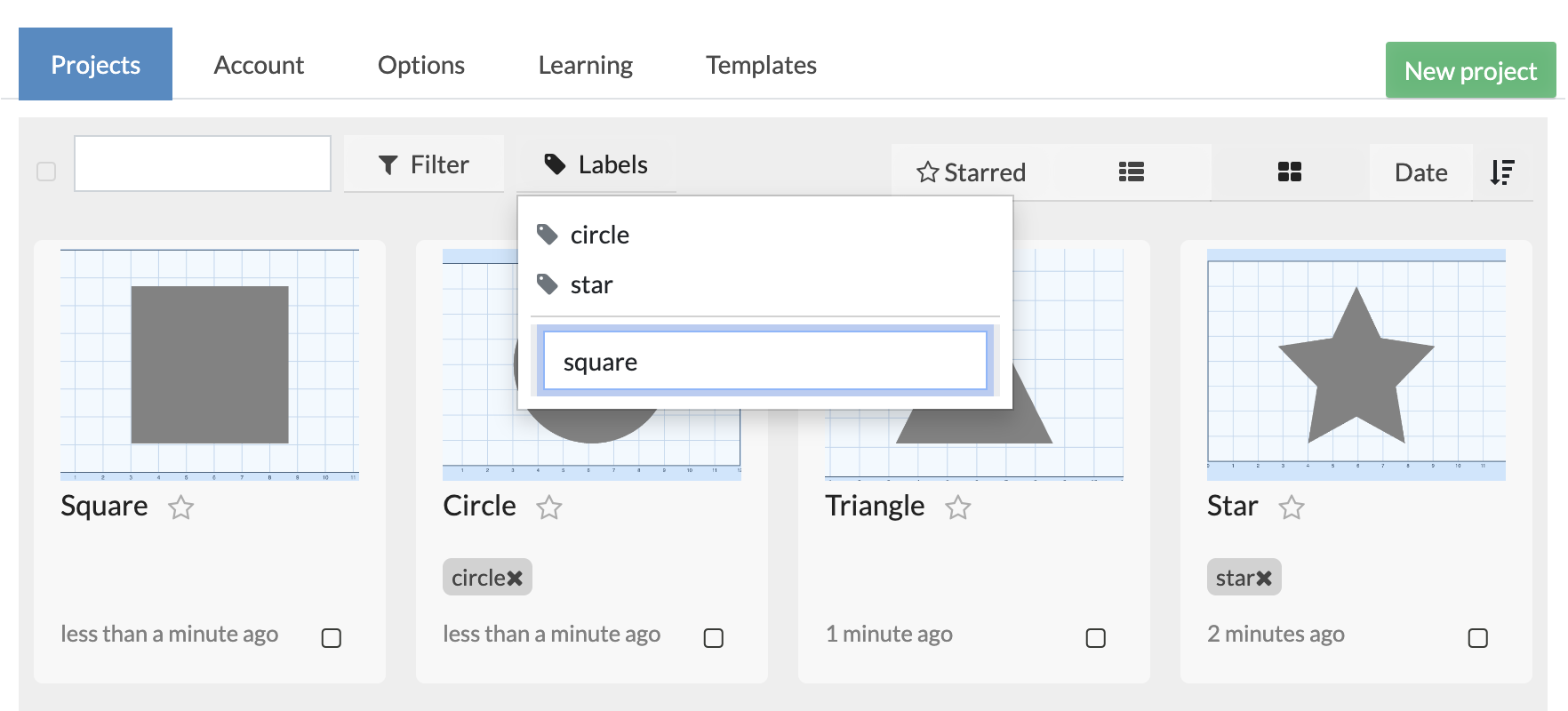
Easel Pro users now have more control over their project labels than ever, right from the Projects Modal.
Read more →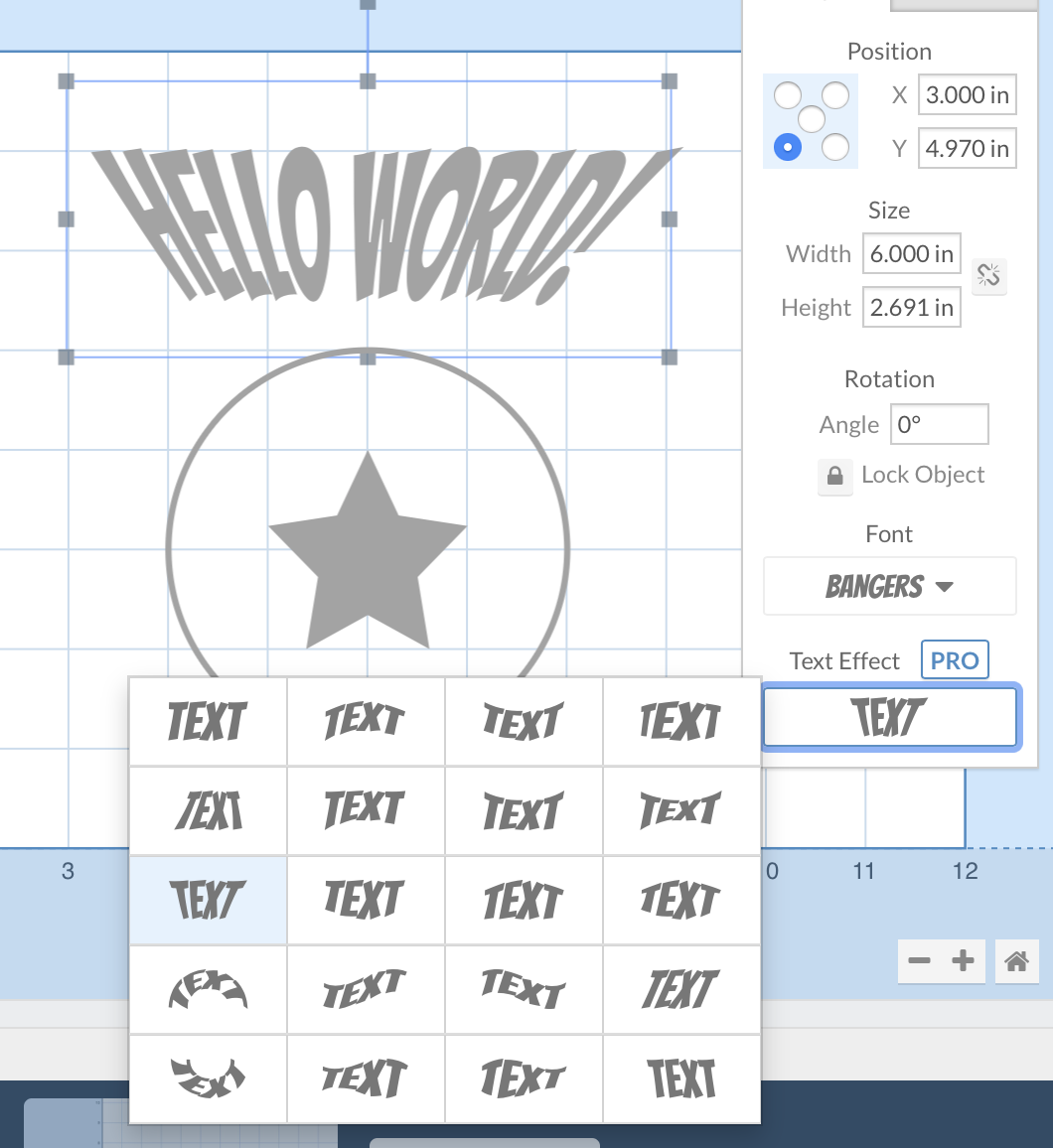
Easel Pro now includes several new text effects to choose from, including Perspective Up & Down, Slant Left & Right, and Barrel:
Read more →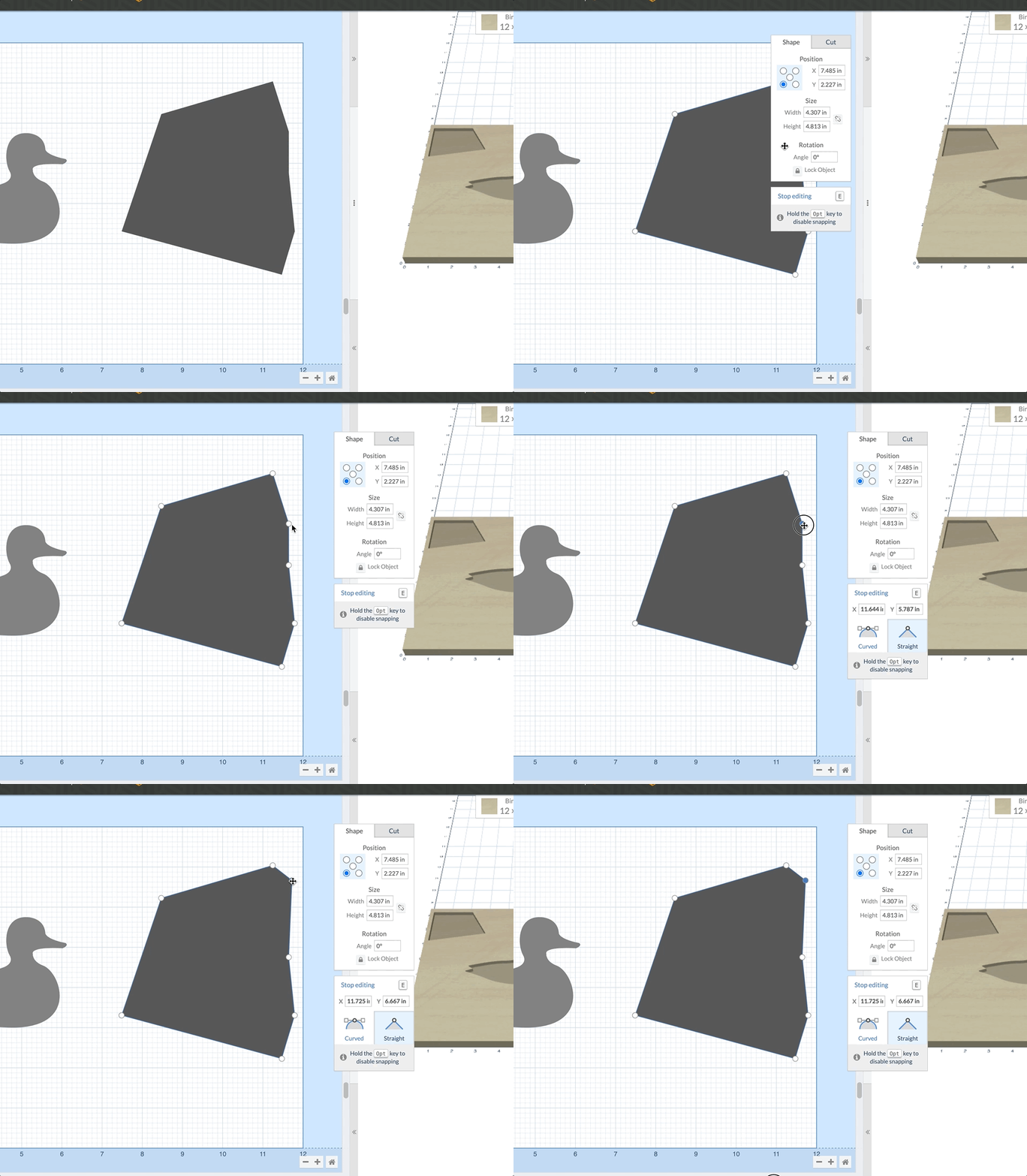
Introducing the ability to move the shape/cut panel. Now you can easily move the panel away from your work area and place it out of the way. This feature is available for all users immediately.
Read more →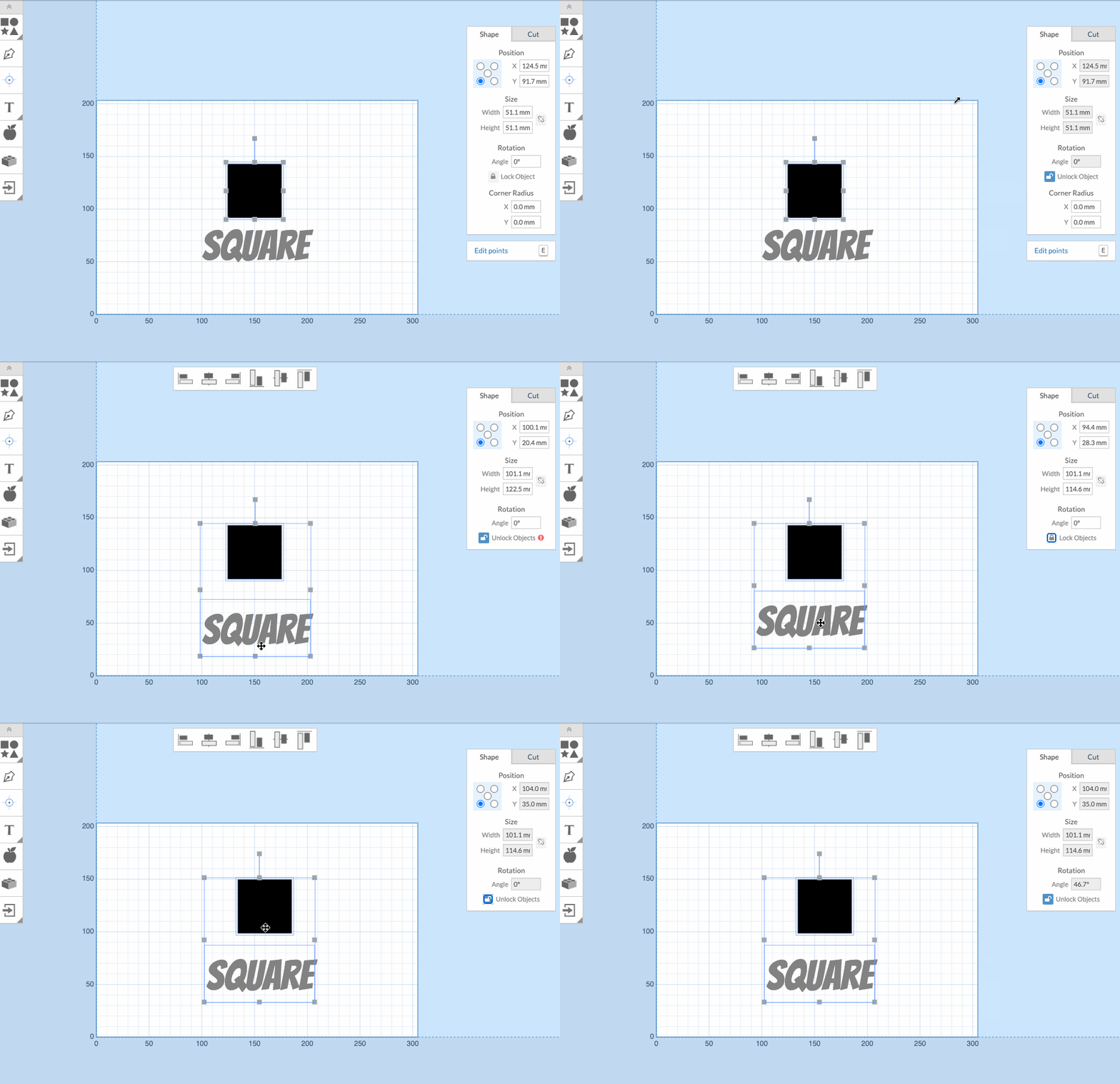
Lock and unlock specific shapes while designing in Easel to suit your workflow. Locked shapes will not move, rotate or scale. Locked text fields are uneditable. Ensure parts of your design don't accidentally change while working on other areas.
Read more →

Labels assigned to projects let you easily manage your projects. Each project can now be labeled to ease searching, organizing and keep track of your work.
Read more →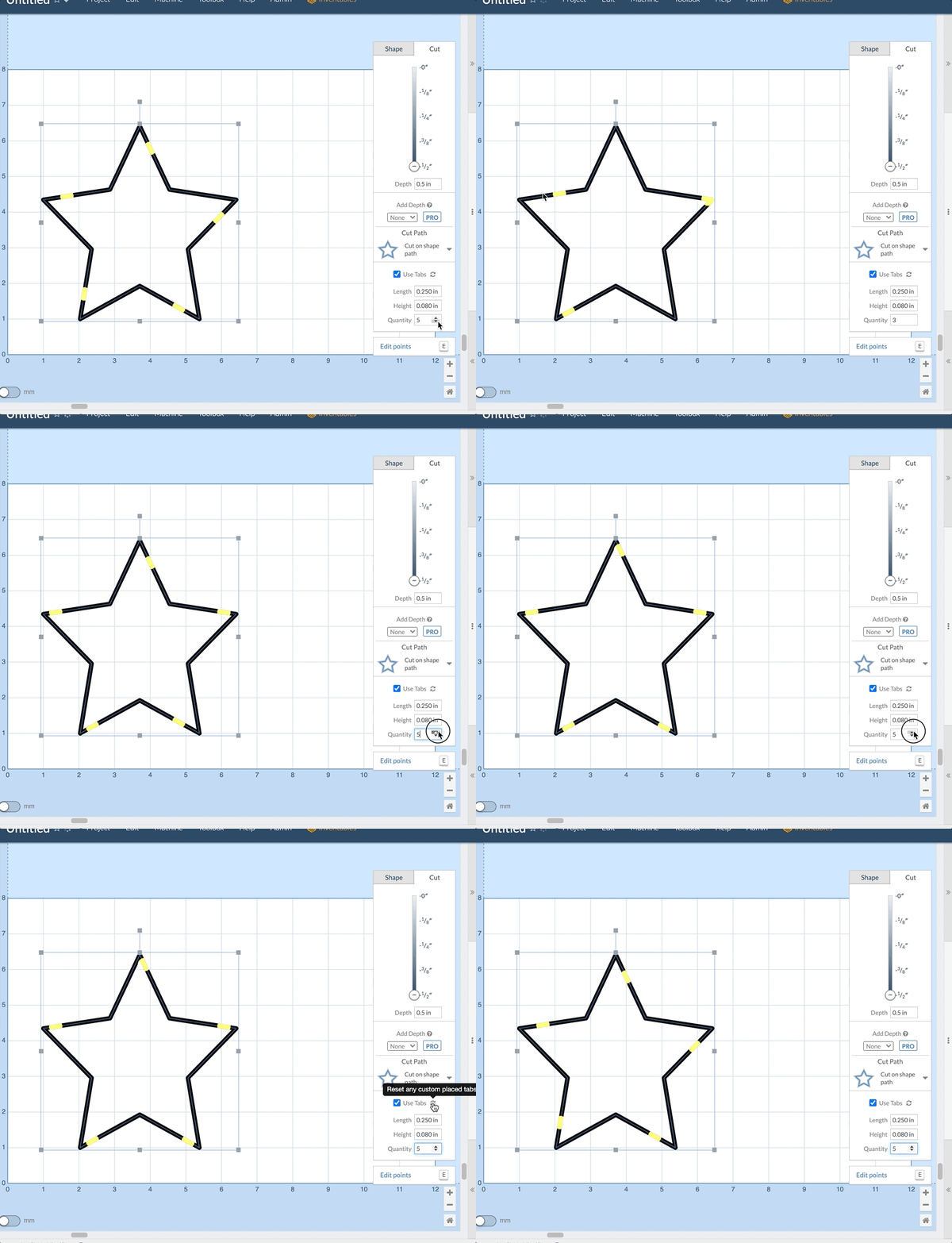
Introducing new smart tabs. When you change the number of tabs on a shape Easel will now attempt to keep as many of your edited tabs in place as possible. If you want to reset all tabs to their default locations simply click the refresh button next to the Use Tabs checkbox.
Read more →