Product updates

What's New in Easel

New tools, apps, and improvements from the Easel team.

December 2021

VIDEO

2021 Easel Updates: Year in Review

Ben here from the Easel team! 2021 has been a really big year for Inventables, especially for - Easel. Take a look at some of the updates you might've already seen this year, or one's you might not know about! You can read the long list below, or just check out the video instead. Most of these features are linked here in the Features and Tools Menu, so you can check them out directly. If you have feedback for us, please use the form at the bottom of this post.

Read more →
November 2021

cut_depth

Additional Cut Depth

Easel comes with a very useful feature where you can have some shapes be cut deeper than others. This is helpful if your wasteboard is not perfectly parallel to gantry and you want shapes on one side cut deeper than other. It can also be used to make sure certain cuts go through. Another great use case is when you didn't cut all the way through - instead of running the entire carve again you can duplicate the workpiece and add additional depth just to the shapes that didn't cut, deleting or covering up other ones.

Read more →

October 2021

project_templates

Project Templates

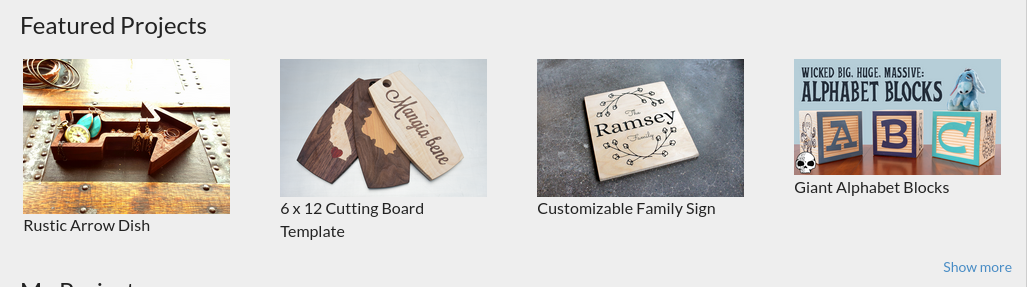
Ever feel like you are out of inspiration for you next project in Easel?

Read more →
3rd_party_medium

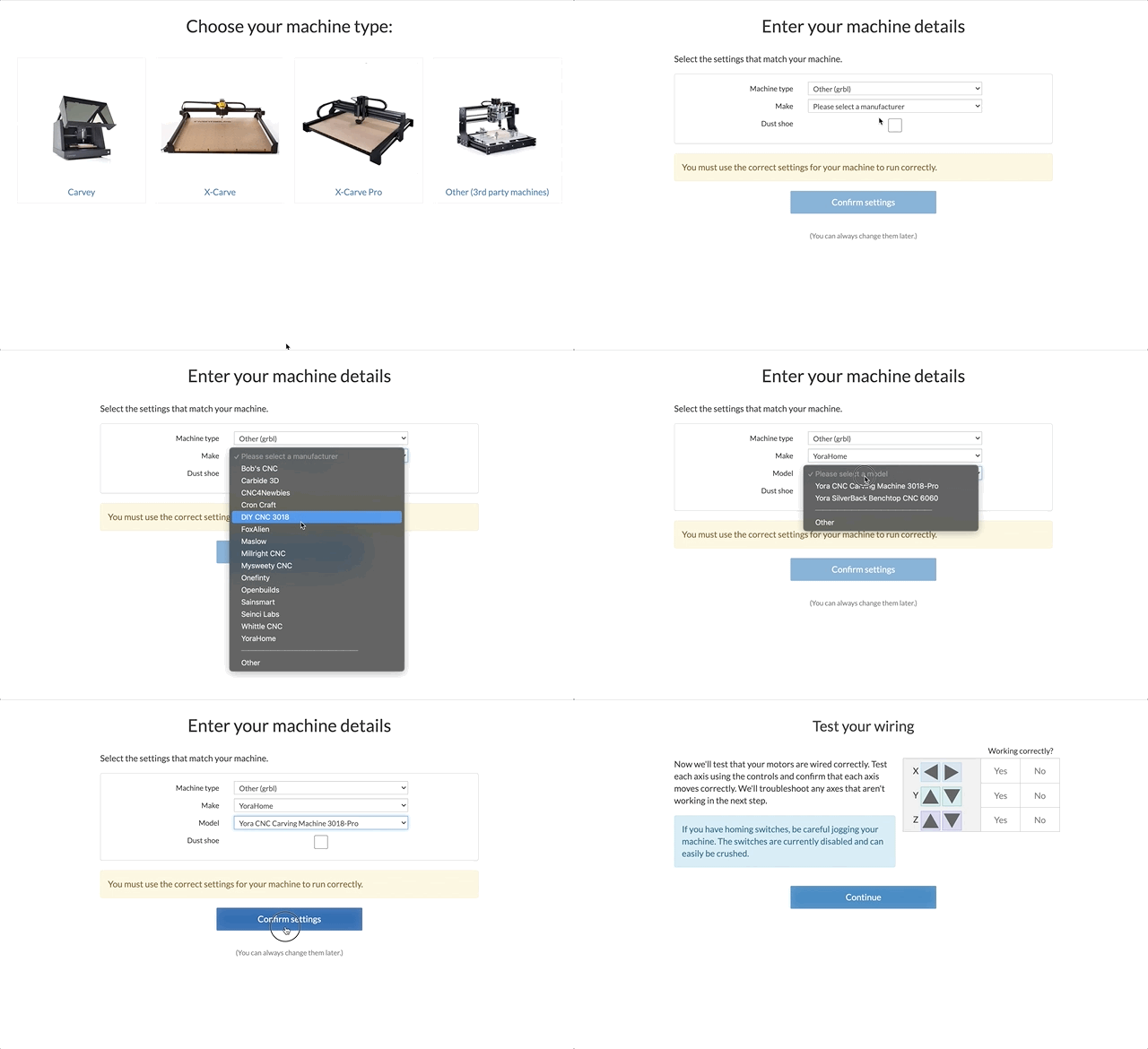
Improved 3rd party machine setup

Introducing a new streamlined process for adding 3rd party machines. You can now chose from an ever growing list of 3rd party makes and models. If your machine isn't listed please let us know in the feedback below.

Read more →

September 2021

animation of changing machine profiles

Machine Profiles

For those of us with more than one CNC and / or computer, setting up CNCs can eat a lot of time.

Read more →

Easier g-code downloading

The ability to download g-code has been moved from "Machine"->"General Settings" to the "Project" menu.

Read more →

August 2021

Add point demo

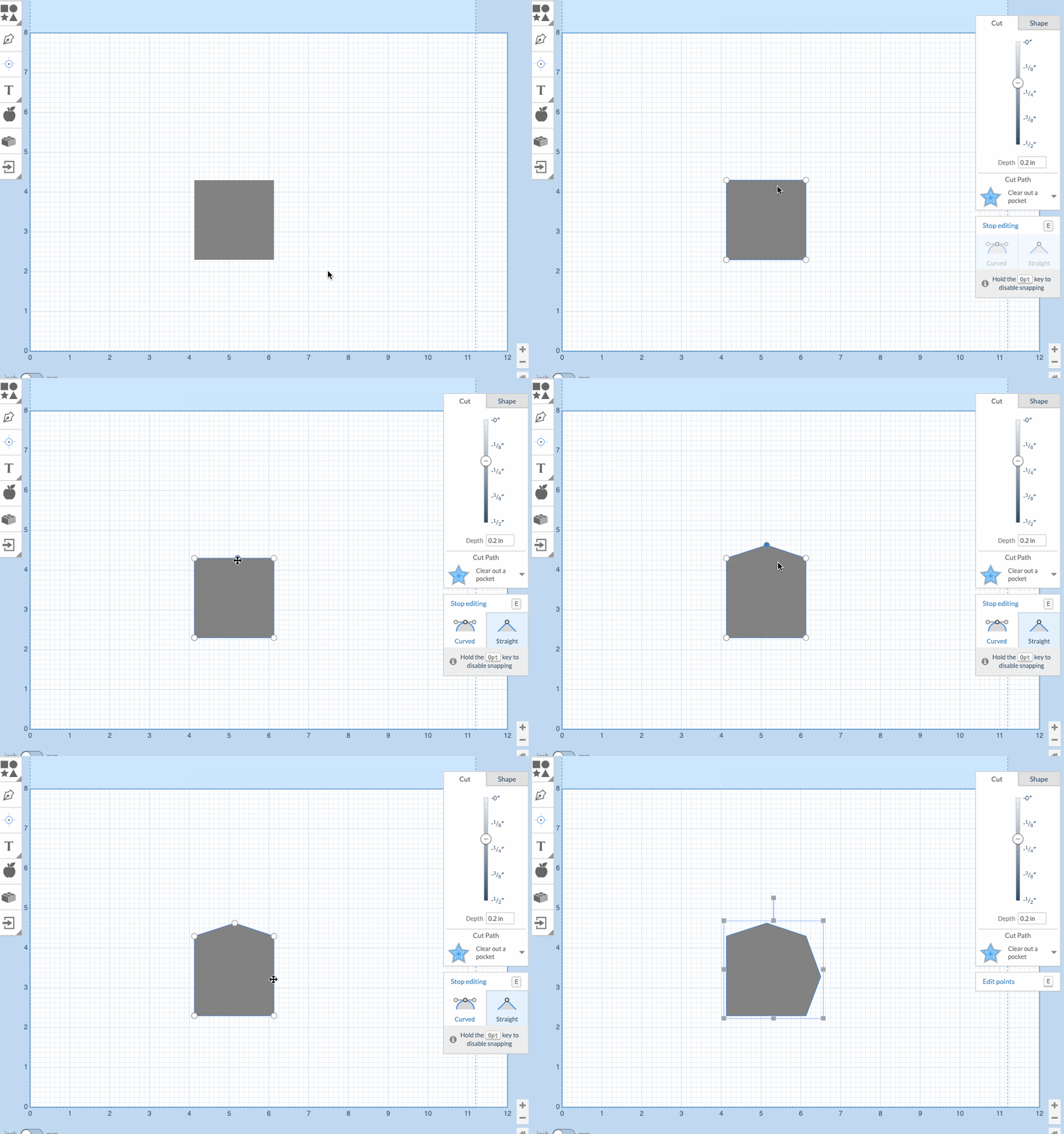
Adding points to a shape

Adjust and edit your designs in Easel with more options. Add a point to an existing shape without having to re-create it with the pen tool.

Read more →