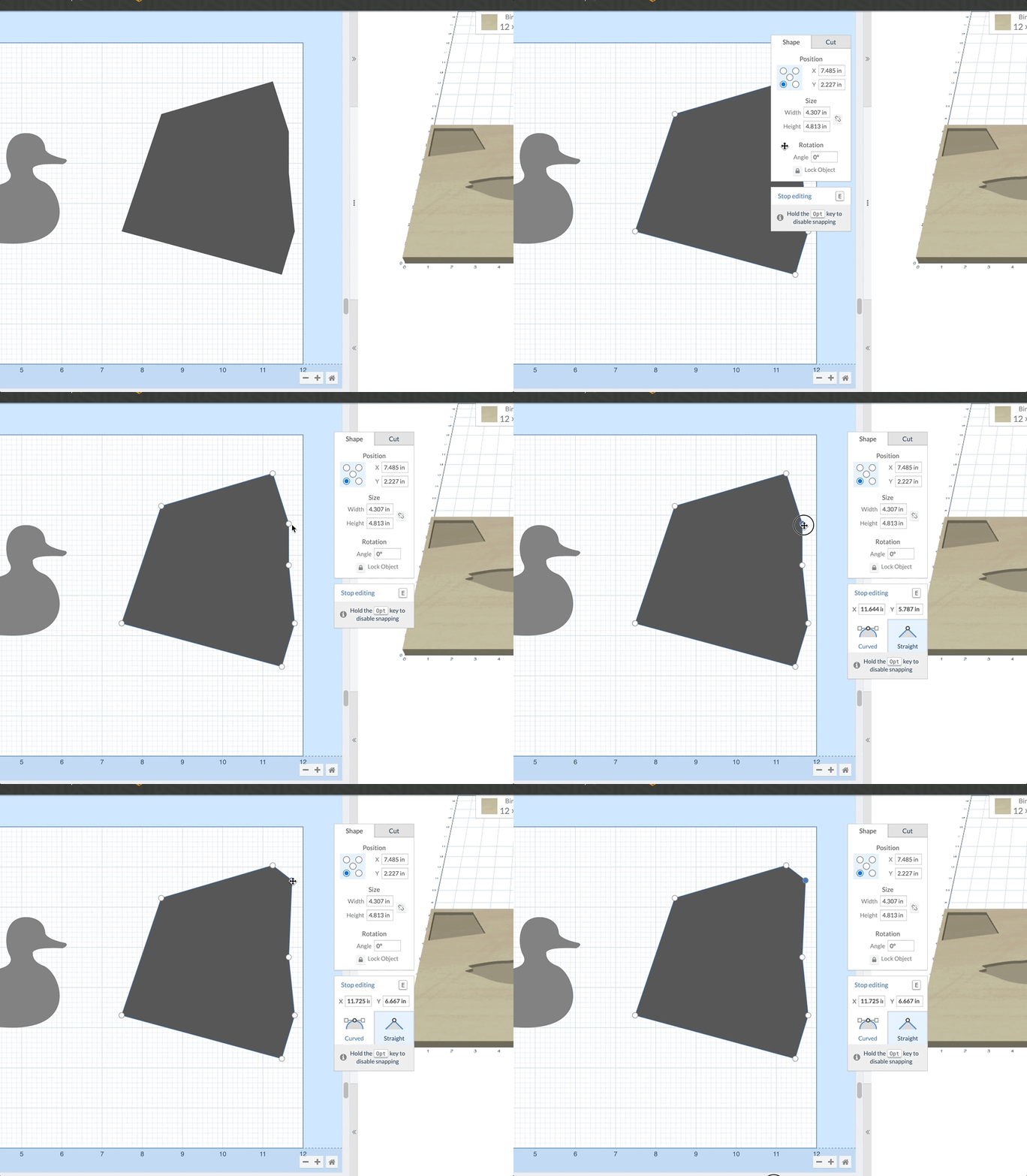
Introducing the ability to move the shape/cut panel. Now you can easily move the panel away from your work area and place it out of the way. This feature is available for all users immediately.
How it works
- Select a shape.
- Click on the background of the Shape/Cut panel and drag it any where you want.