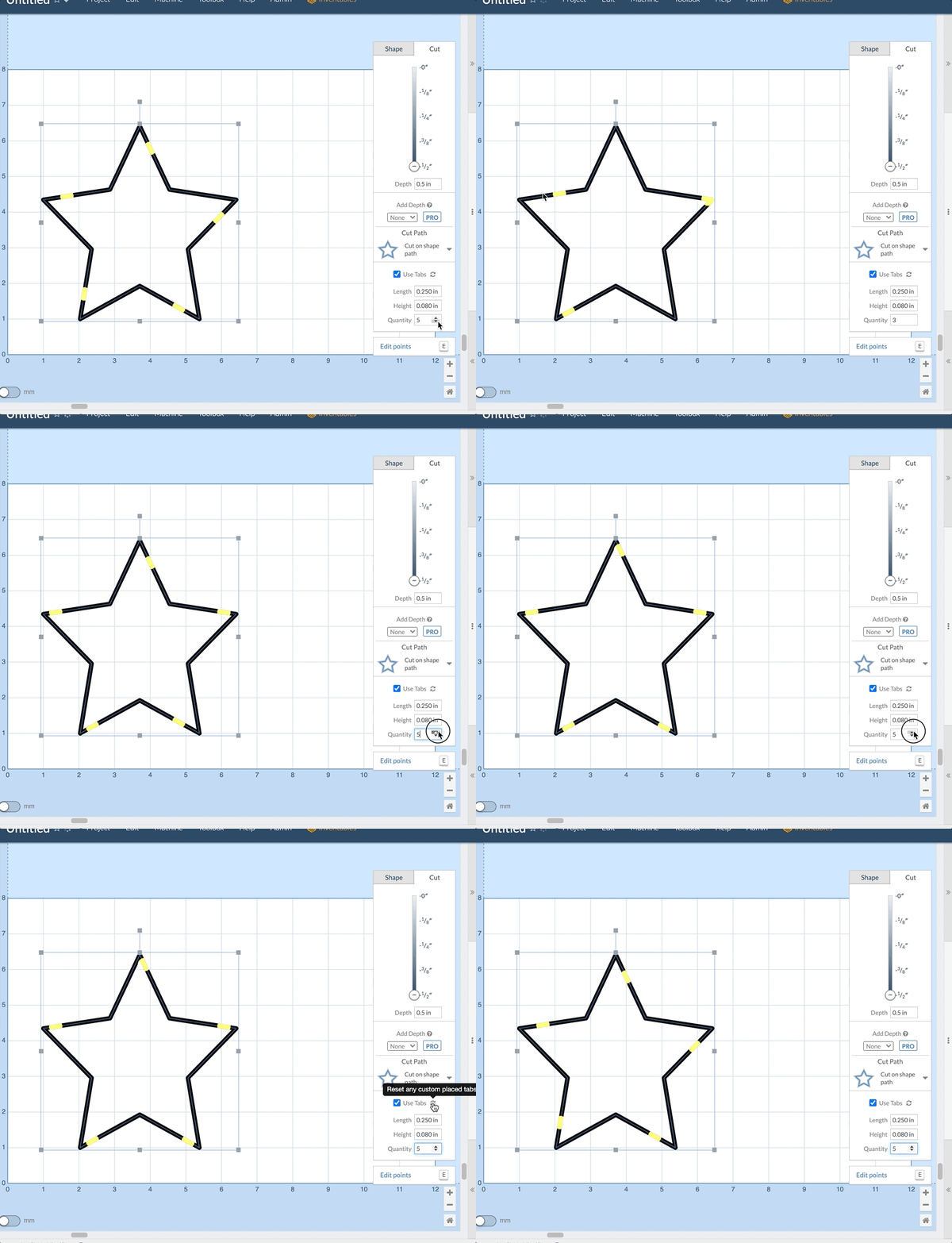
Introducing new smart tabs. When you change the number of tabs on a shape Easel will now attempt to keep as many of your edited tabs in place as possible. If you want to reset all tabs to their default locations simply click the refresh button next to the Use Tabs checkbox.