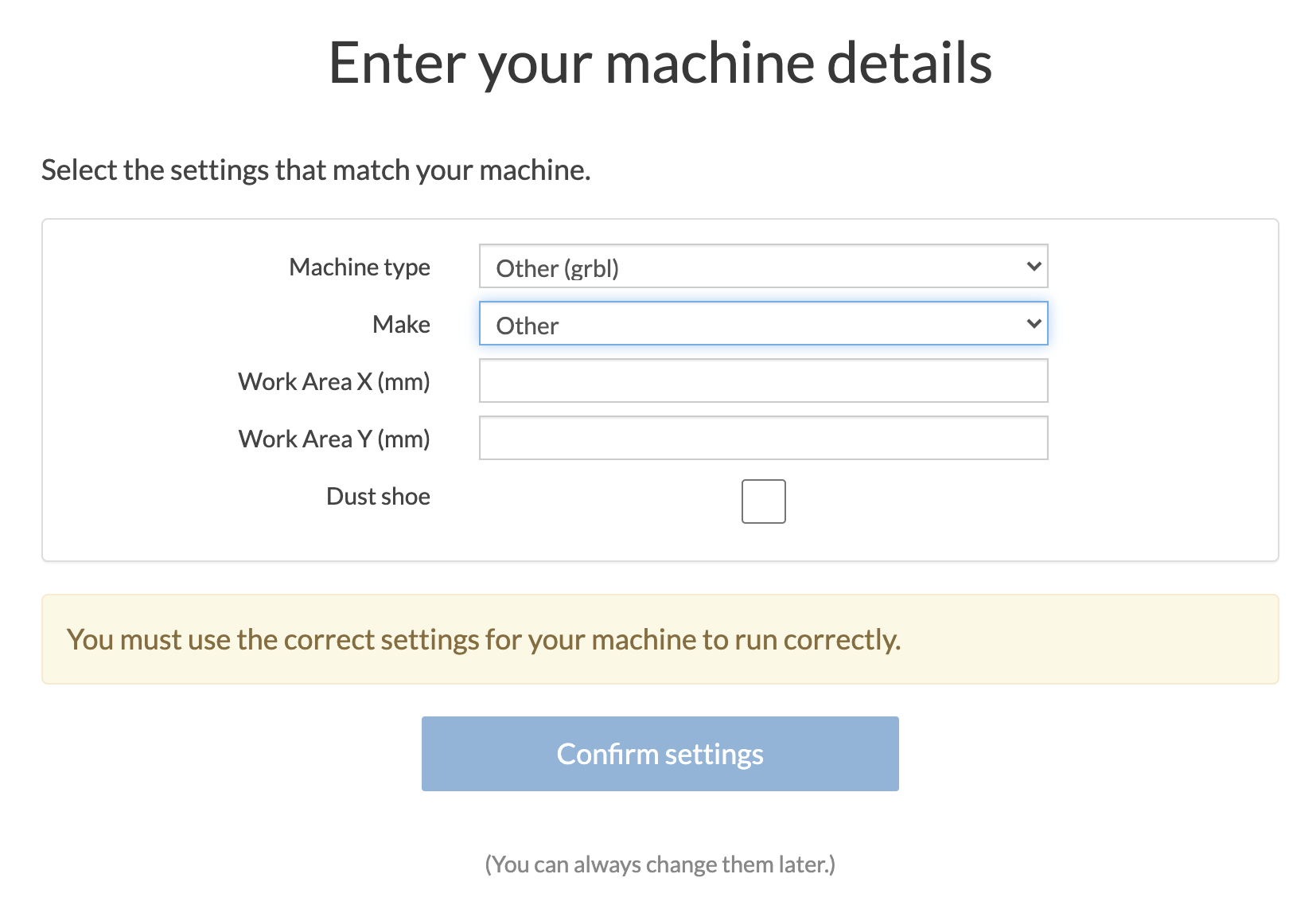
Introducing a new streamlined process for adding 3rd party machines. You can now chose from an ever growing list of 3rd party makes and models. If your machine isn't listed please let us know in the feedback below.
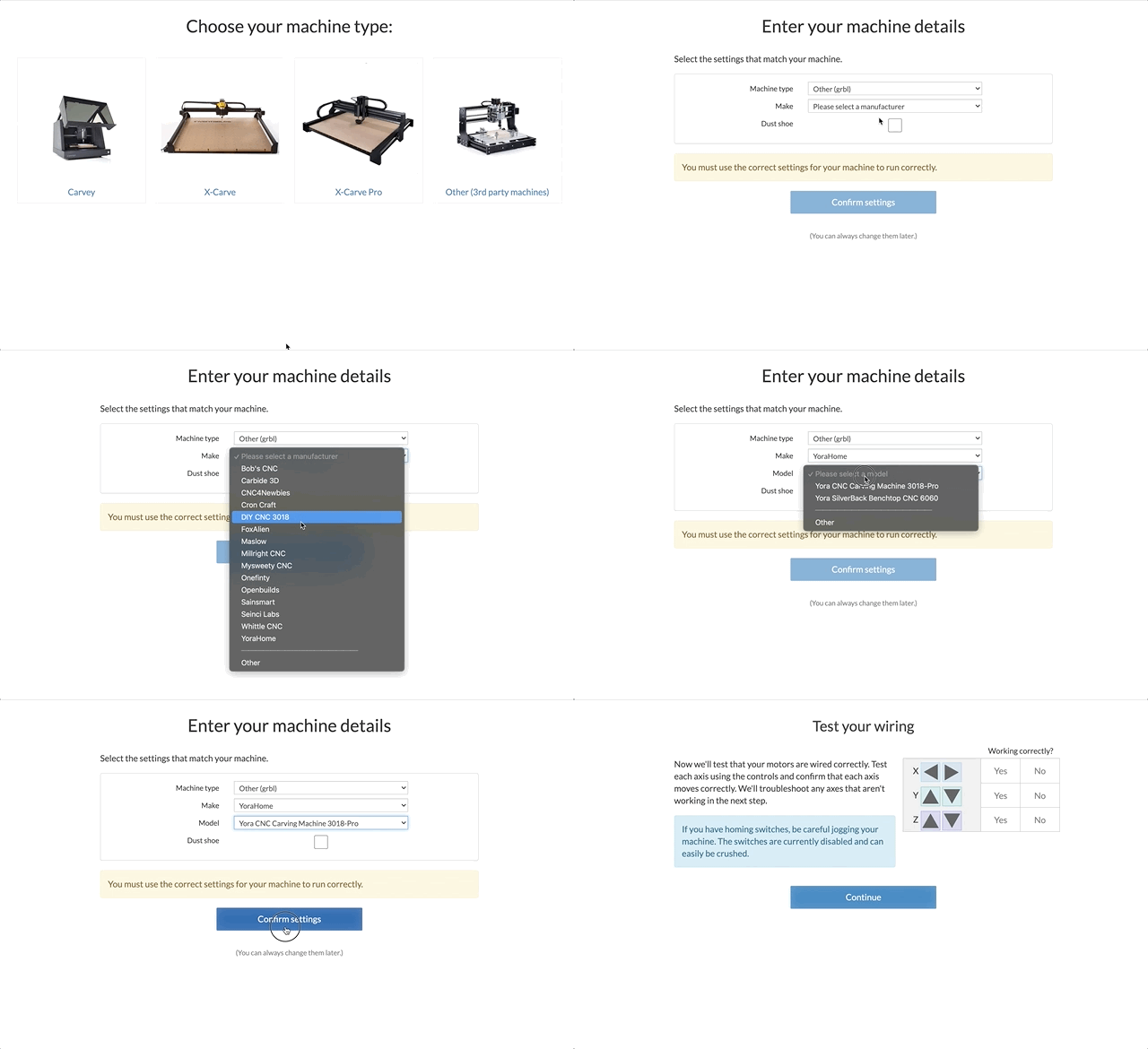
New machine setup workflow:
Step 1: Select "Other (3rd party machine)"
Step 2: Chose your machine's manufacturer.
Step 3: Chose your machine model, your machine's work area will automatically be set.
Step 4: Select "Confirm Settings"
Step 5: Test and configure any accessories.
Need to setup a machine that we don't currently list? Choose other and enter your machine's work area.