We have released a new toolbox to all users. This improves the interface and experience when managing bits, materials, and cut settings. All of the functionality of the previous toolbox is still there - and more has been added. Read on to learn more!
You can also visit the toolbox support article. which has a video overview.
With a project open, access the Toolbox from the navigation bar in Easel.

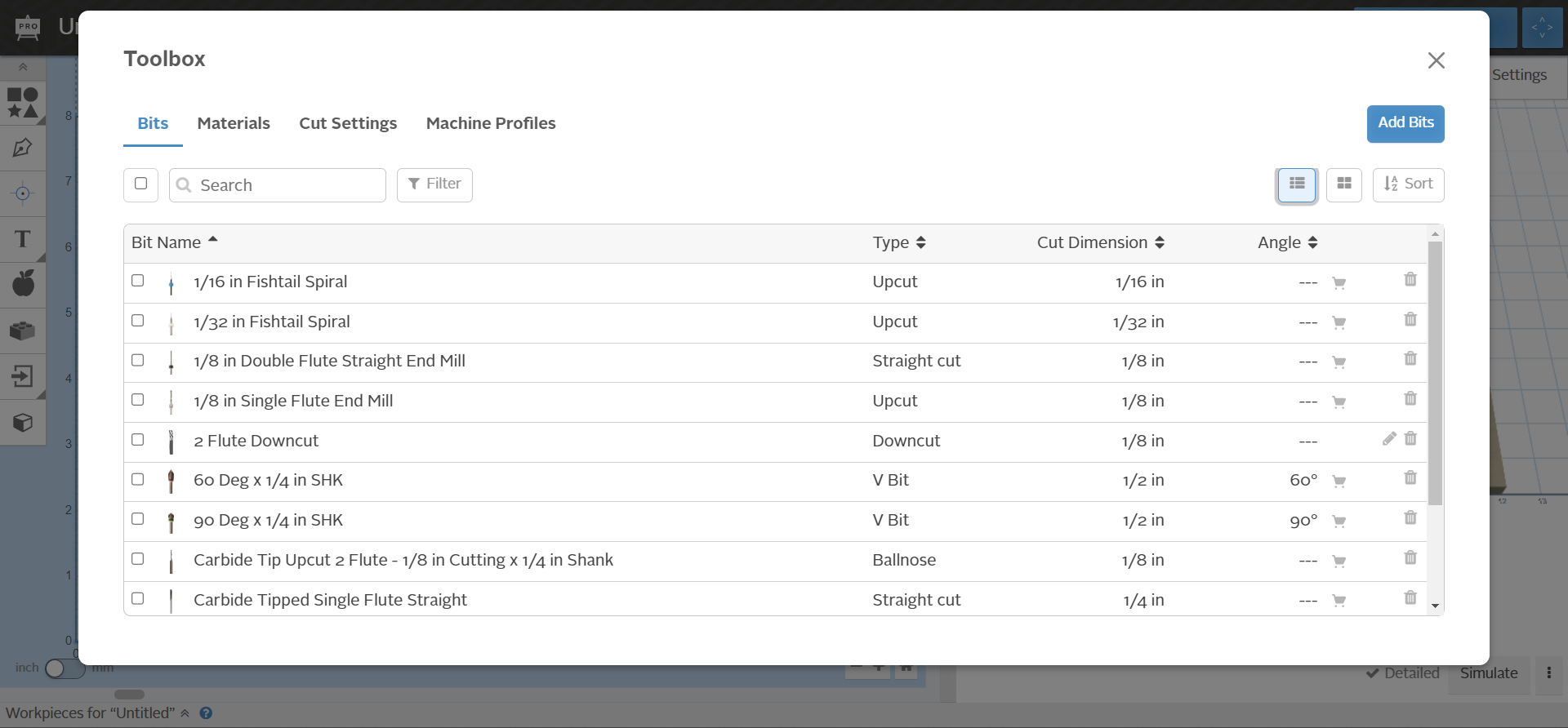
You will notice that the toolbox has a new format, and some new functionality. In the Bits and Materials tabs, users can add, edit, delete, filter, and sort the bits and materials. The bits and materials displayed in the toolbox here will include “custom” and “Inventables” bits and materials. Users will still have access to the Easel-specific materials as well, but those are are not editable or deletable.
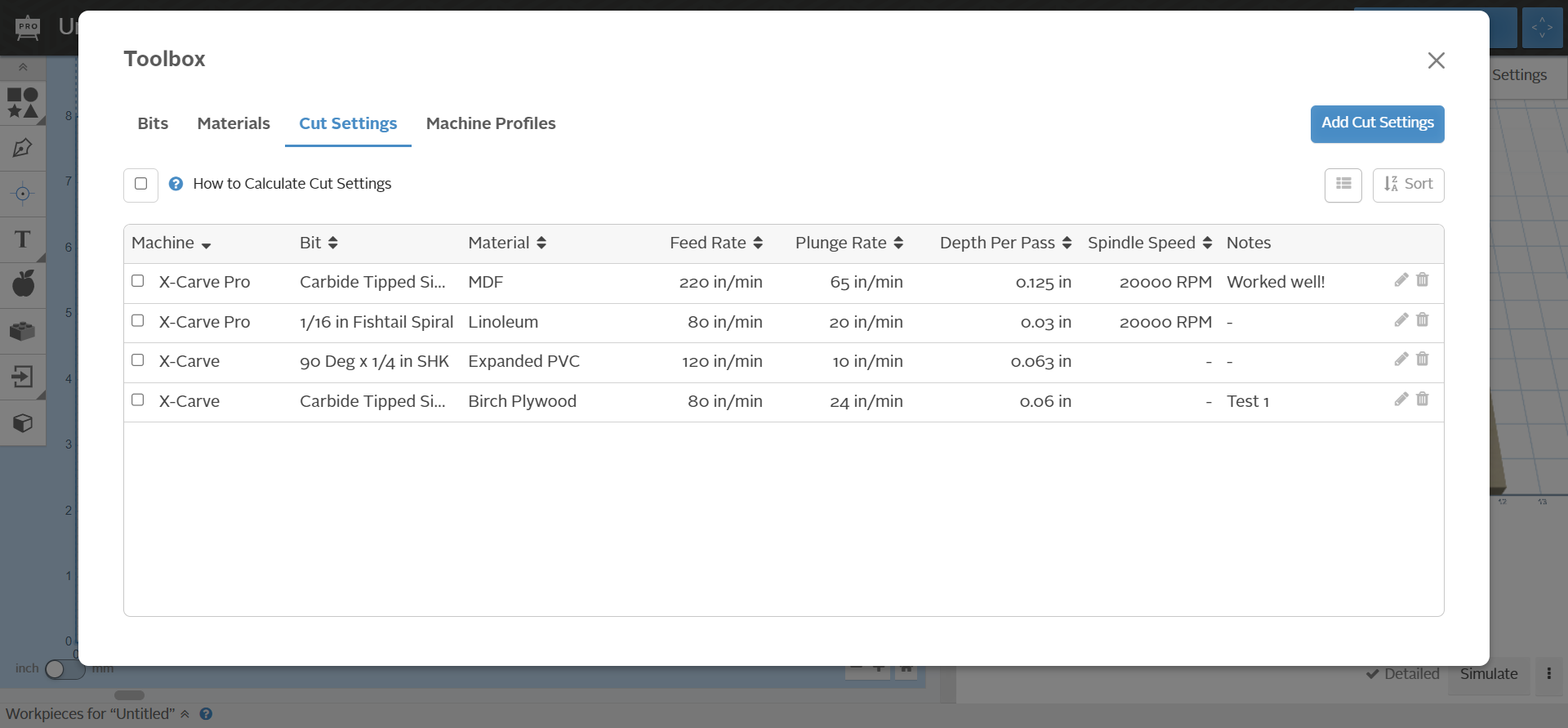
Saved cut settings can be viewed from the “Cut Settings” tab. Again, users are able to add, edit, delete, and sort their cut settings. We have included a link to our Cut Settings Guide on this page as well to make it easy to review your settings and calculate new settings.
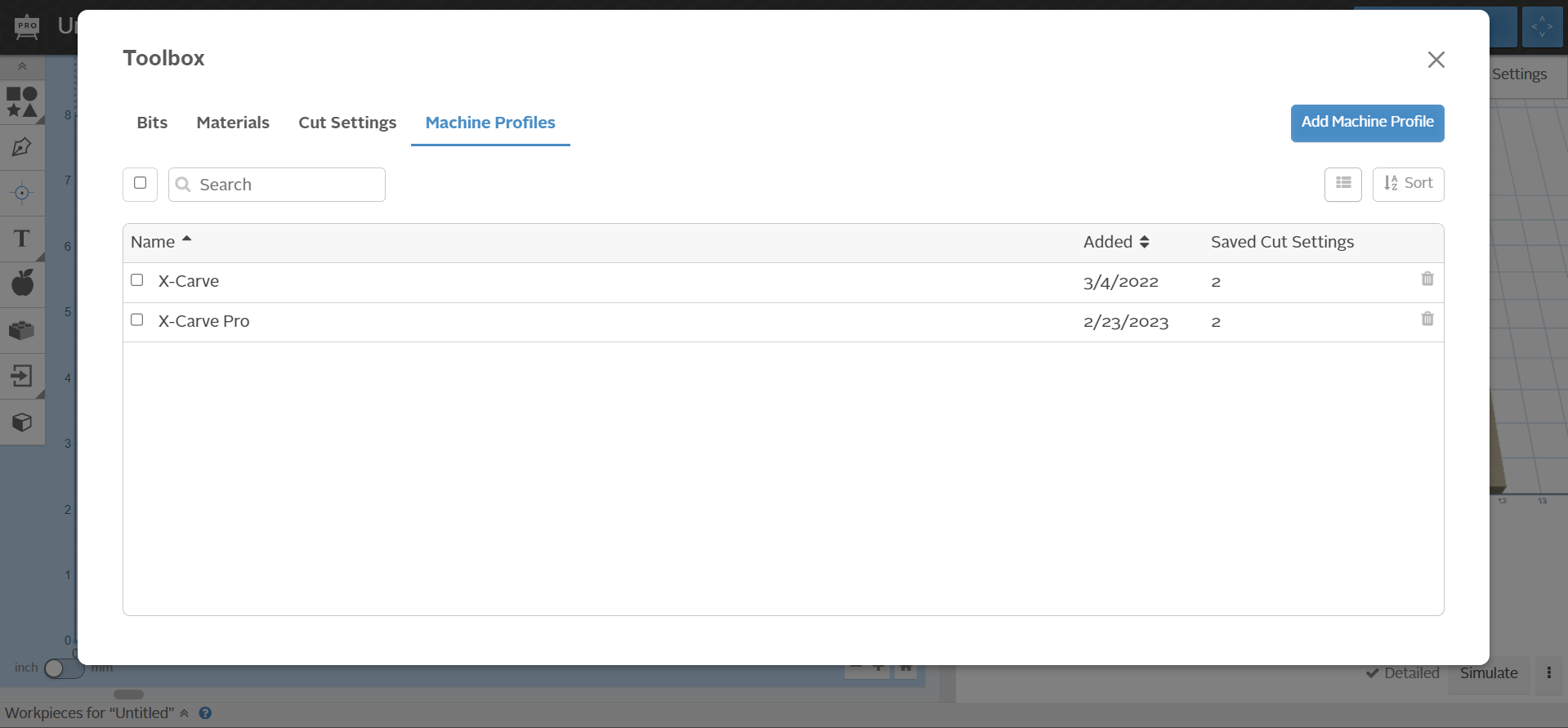
The toolbox can also be used to manage machine profiles. Here, users are able to add and delete machine profiles. Users can also sort the machine profiles to review when each profile was added and the number of cut settings associated with the profile.
Please share your feedback so we can continue improving Easel!