Planter Box

Instructions
Generate the plans
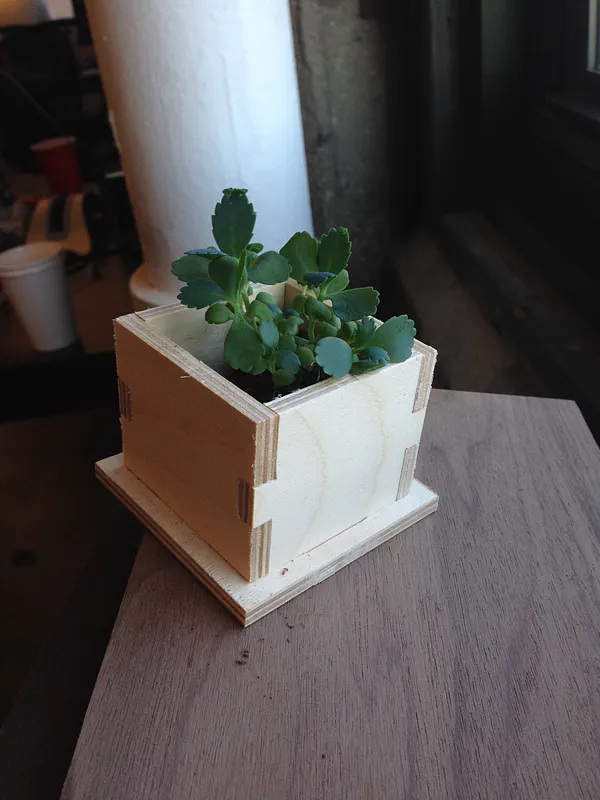
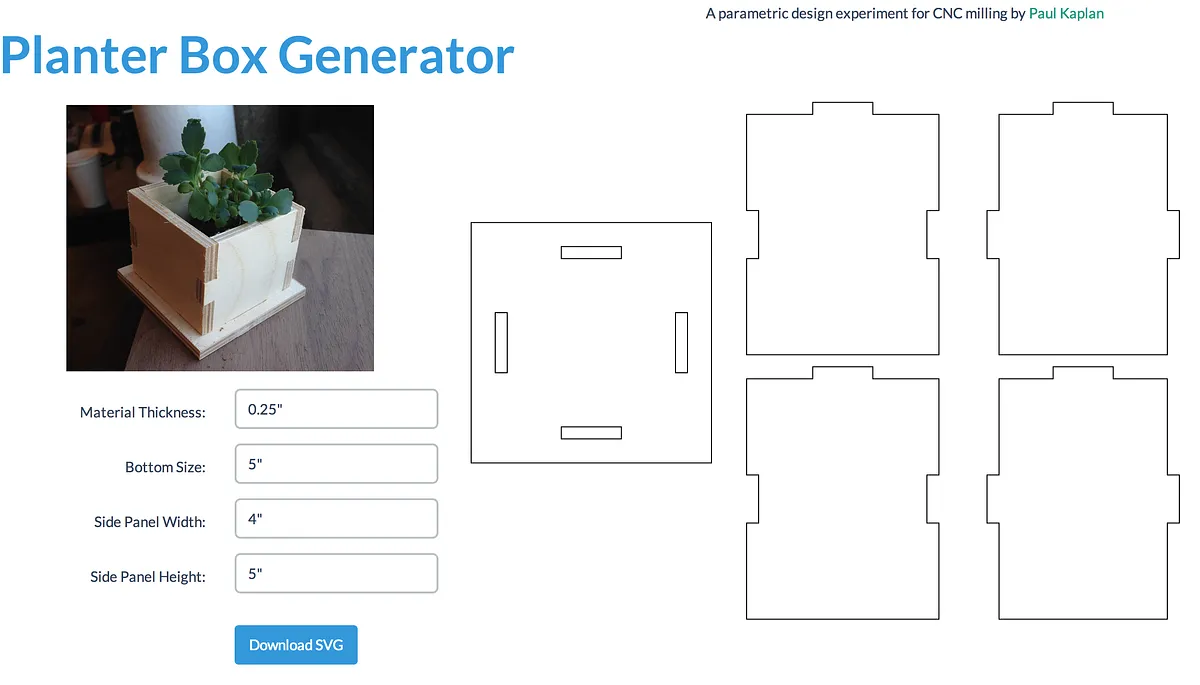
After designing this same basic planter a few times, first by hand, then with openSCAD, I made a web app that lets you input the parameters for making your own. It exports SVG files which can be cut with a laser cutter or, in my case, with a shapeoko CNC milling machine. "Try it out here":http://paulkaplan.me/designs/planter.html
Generate machine instructions for your CNC
If you are using a Shapeoko and have access to "Easel":http://www.easel.com/, you can import the SVG from the above step and simply select all paths and mark them as "Outside".
Make sure to set the material height to the exact height of the material you are using.
Send to your machine
Simply press "Start Cutting" if you are using Easel.
If you are using MakerCAM or other to generate paths, download the gcode and import it into a gcode sender program like Universal Gcode Sender. Then send it to your machine.
Assemble!
Just put the three sides together first, then plug them all into the base. Then just fill it with soil and plant!
Comments
The link to generate the box did not work for me.
Peter Jakab · March 17, 2015
Hey sorry peter, I took that project offline. I'll try to put it back up somewhere!
Paul Kaplan · March 17, 2015
HI Paul, did you happen to put this back up anywhere? Thanks!
Laurilynng · March 22, 2021
Hi Paul, is your file generator available ? Thank you
Graham Jones · October 03, 2024