Christmas Tree Sleigh
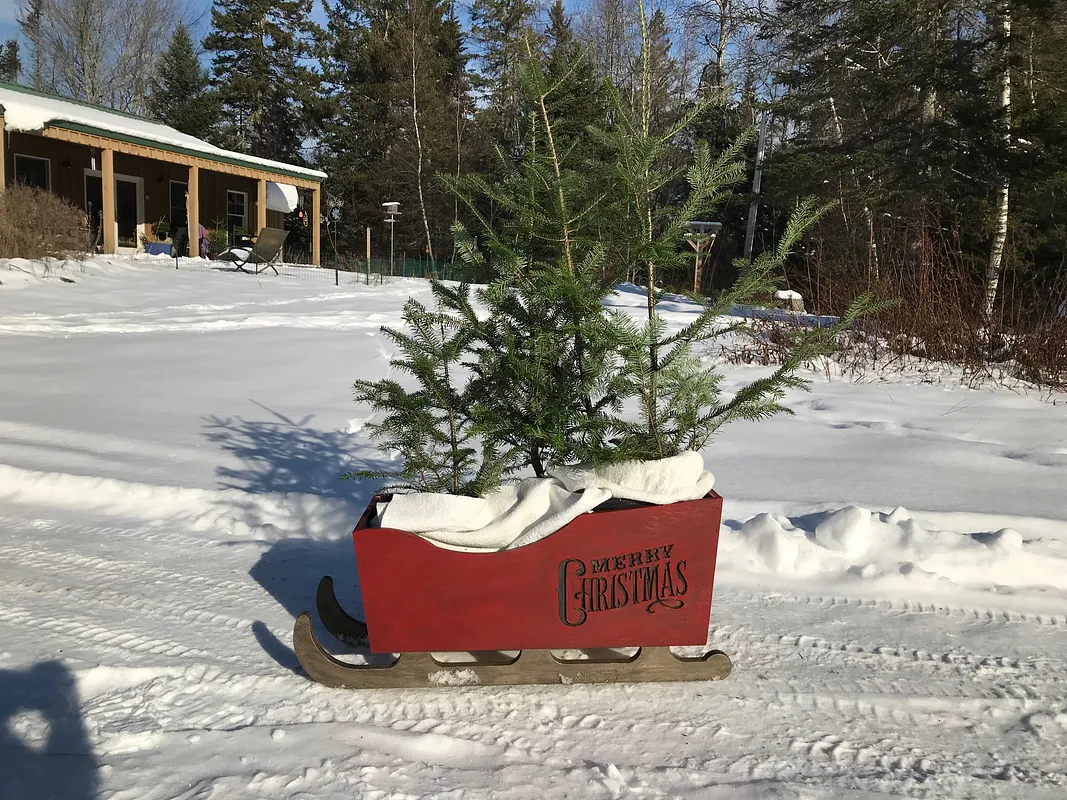

Instructions
1
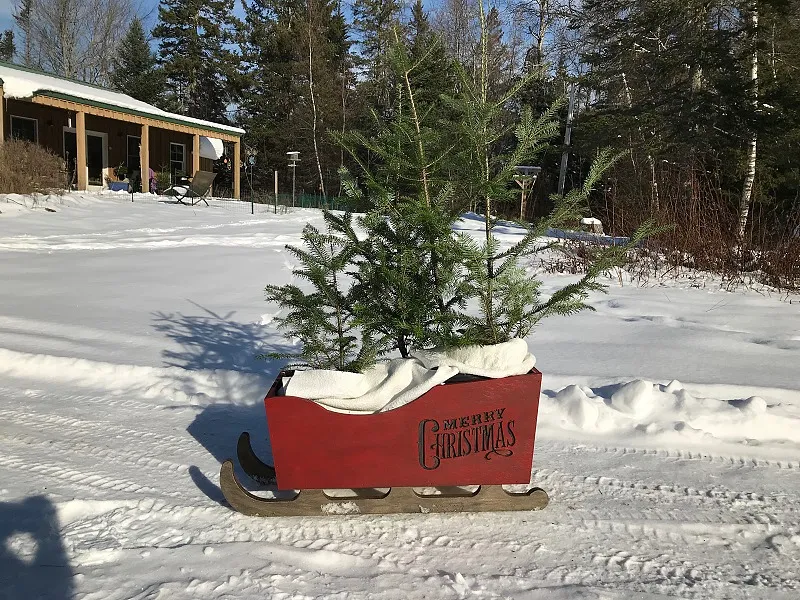
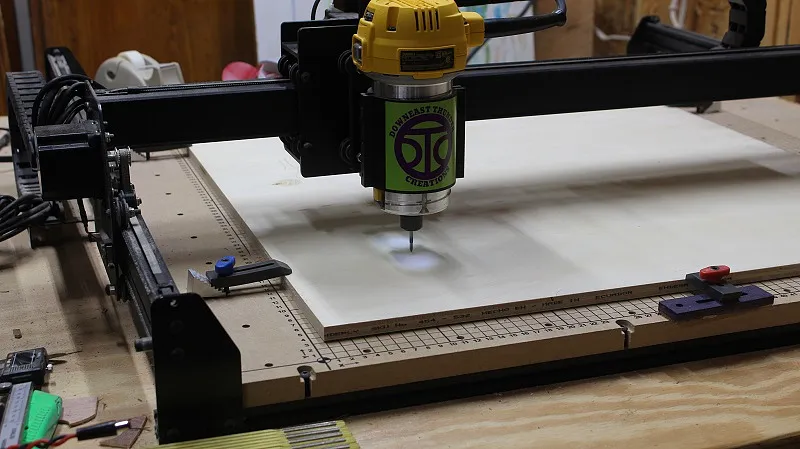
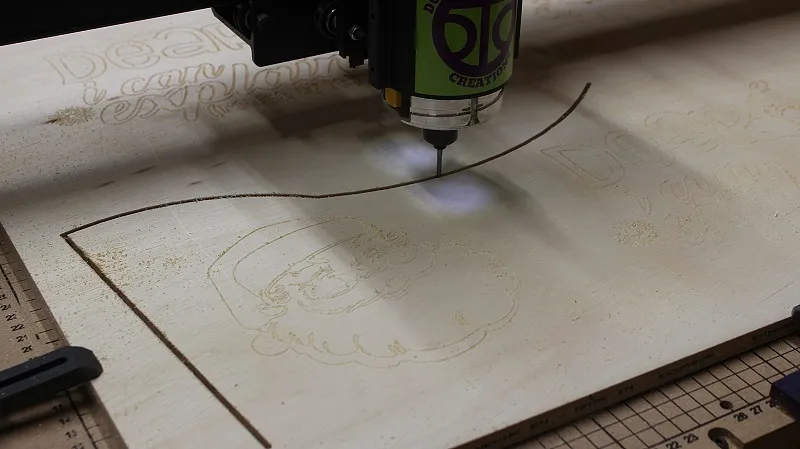
Begin by carving any images desired
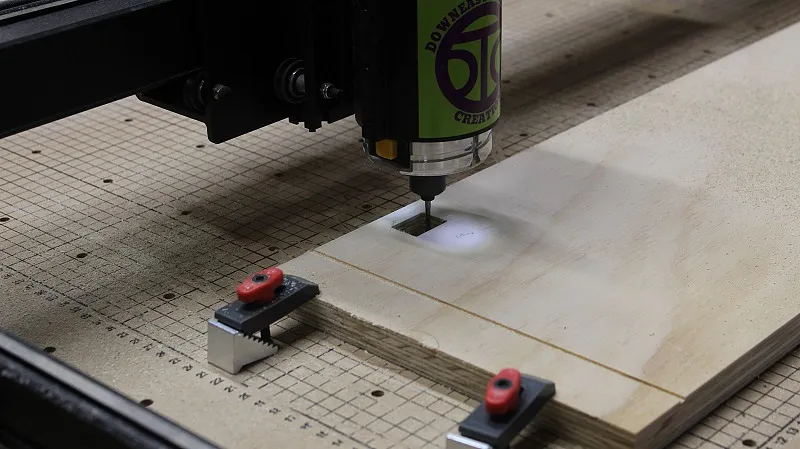
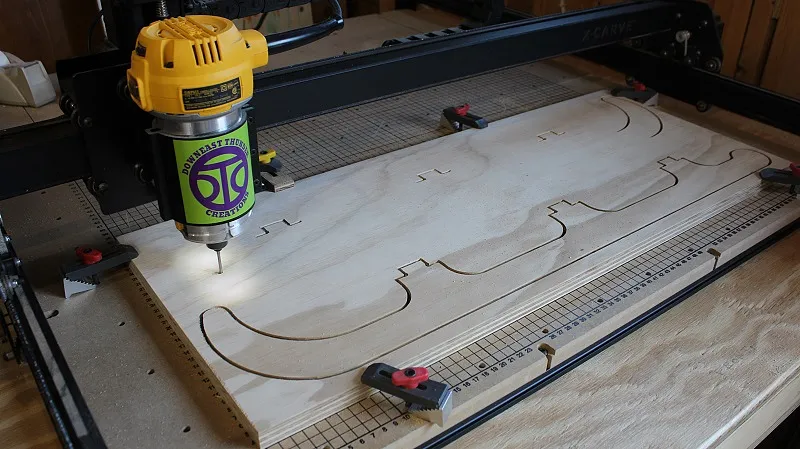
Load plywood into X-Carve and let 'er rip! You can find all dimensions, bevels, and plywood thicknesses in the free downloadable plans (pdf) and here is the link to the download page: https://www.downeastthunder.com/2018/11/diy-christmas-tree-sleigh-free-plans-2018-xmas-proj-3/
2
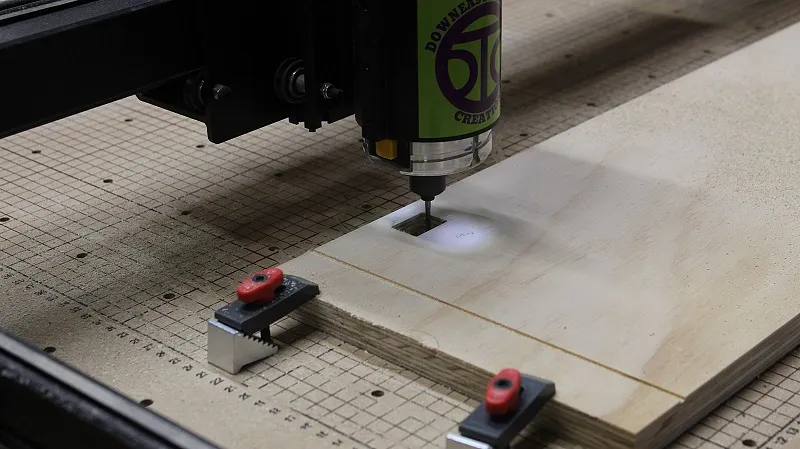
Cut out parts
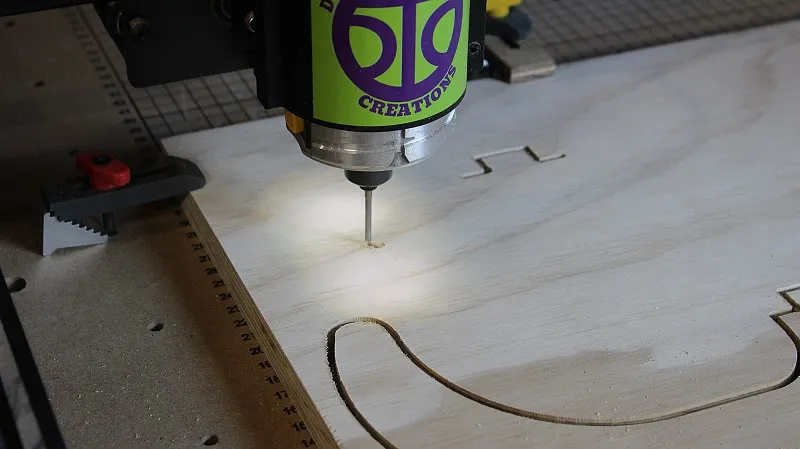
After engraving/carving images, cut the parts out (may have to change to different bits). Then assemble the sleigh. Please note the assembly can be viewed by watching the video.
Comments
Thanks for posting. I like the your "Merry Christmas" carving in your imager but your downloaded project has a different side panel. What font is the "Merry Christmas"?
Kevin Seefeldt · December 02, 2020
Kevin, the "Merry Christmas" you have inquired about was an "image" or graphic that was client supplied. It was not from a collection of fonts and I don't have access to it or have permission to share it.
Paul J. Bennett · December 03, 2020