
Instructions
1
Cut ornament
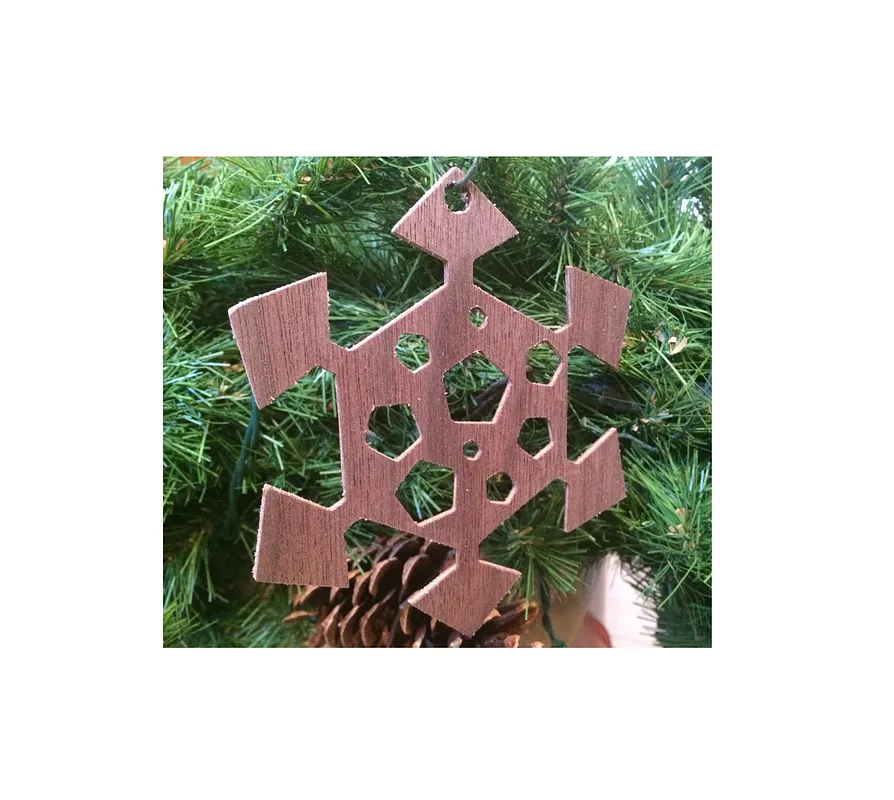
Click the “Open in Easel” button near the top of the page to get ready to cut the snowflake on your Shapeoko. My wood veneer was 0.1" thick and I used a 1/16" bit, so these are the default settings. Click “Carve”, then watch the holiday magic happen.
2
Bling out your Christmas tree
Loop a piece of string or cord through the hole in the top of the ornament, then hang it from your tree.
Comments
Do you have a digital file for this you could post? I don't yet have any type of CNC from Inventables and I could probably adapt it to the lasers I have access to at my local Tech Shop. Thank you very much.
David Haykus · November 13, 2016
Hey David! I just posted an svg of the design. Hopefully that should work on a laser cutter. Cheers!
Alex Berger · November 15, 2016
Log in to post a comment to the designer