We use cookies to keep you signed in, to process payments securely, and to understand how Easel is used, including session recordings. We don’t use advertising cookies. Easel Classroom student accounts, and the pages students use to sign in or join a class, are never included in analytics. Learn more
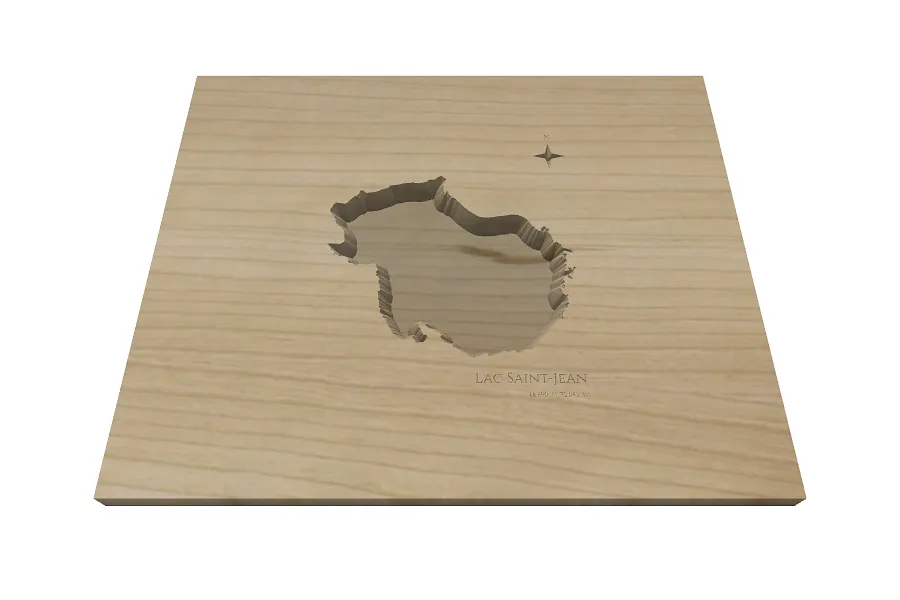
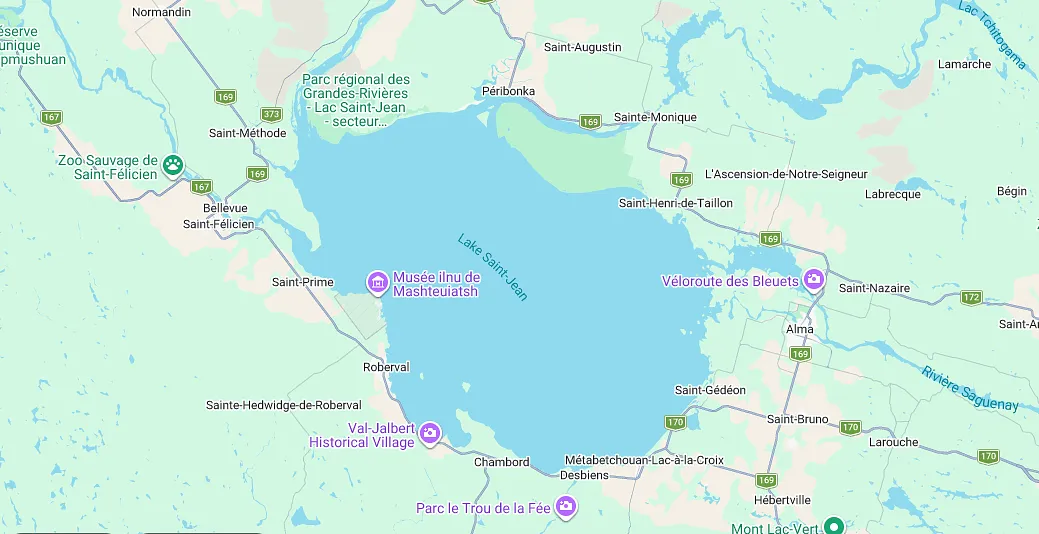
I'm having a problem with the lake map going over to my project screen. I can find my lake but there isn't any visible box to click on except the X. I feel the bottom of my screen is not showing.
HI @David Naske - thanks for bringing this up to our attention. The issue you were experiencing has been fixed. Reload Easel and you should be able to scroll down to see the Import button in the Lake app.

Comments
I'm having a problem with the lake map going over to my project screen. I can find my lake but there isn't any visible box to click on except the X. I feel the bottom of my screen is not showing.
David NaskePro · July 30, 2026
HI @David Naske - thanks for bringing this up to our attention. The issue you were experiencing has been fixed. Reload Easel and you should be able to scroll down to see the Import button in the Lake app.
Kacper MarciszPro · July 30, 2026
Where is your lake
SusanPro · July 30, 2026
Log in to post a comment to the designer