Easel's Shape panel now lets you enter a name for the selected shape or group. Names are overlaid on their shapes in the design editor, making it easy to identify parts in assemblies or otherwise label or annotate particular design elements.
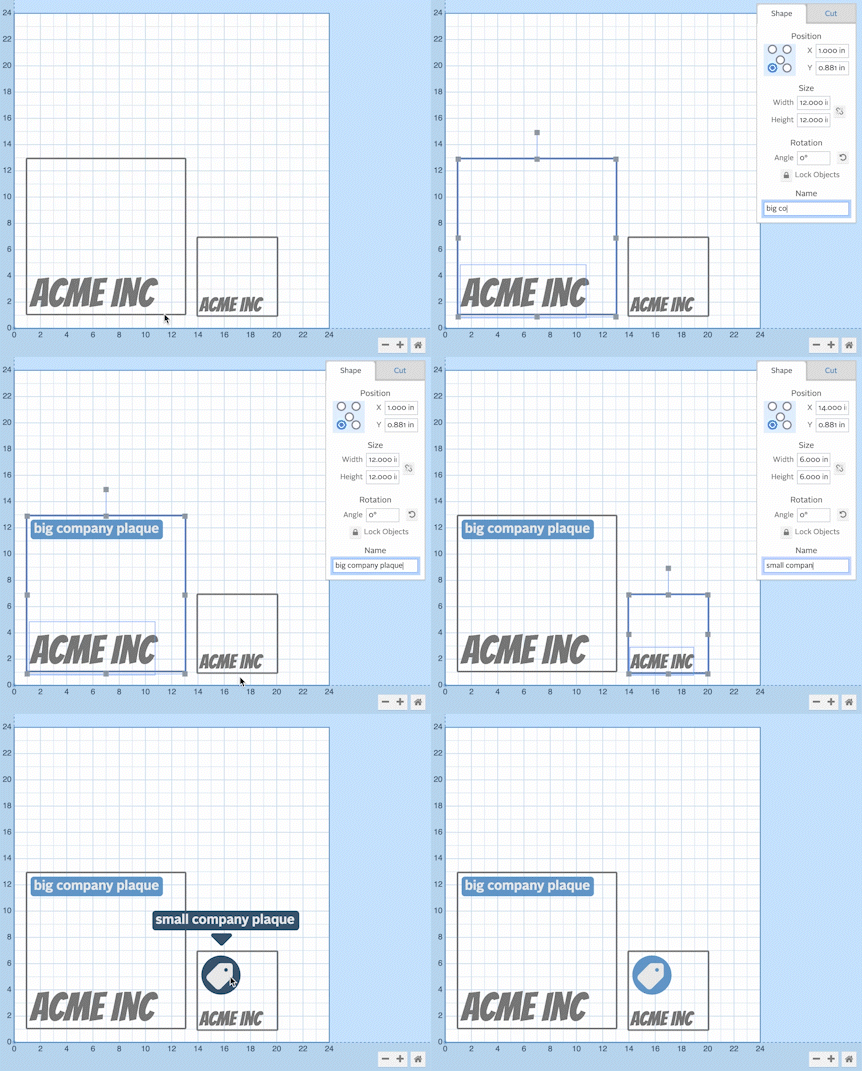
To add a name to a shape or group of shapes, select it in the 2D editor. At the bottom of the Shape editor, users will find a new input to name the selected shape or group. Shape names can be edited and deleted once added.