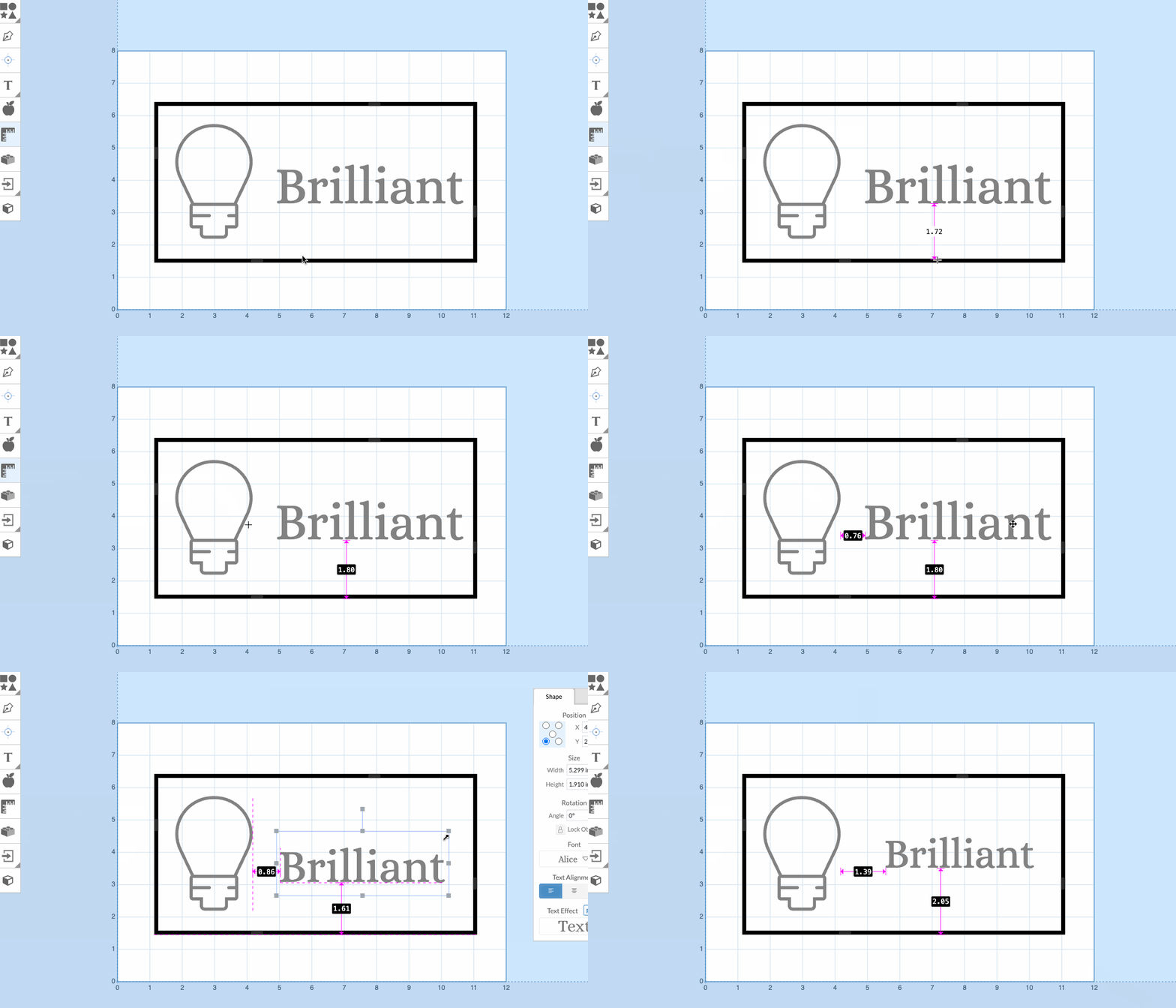
We've updated the measurement tool based on your feedback!
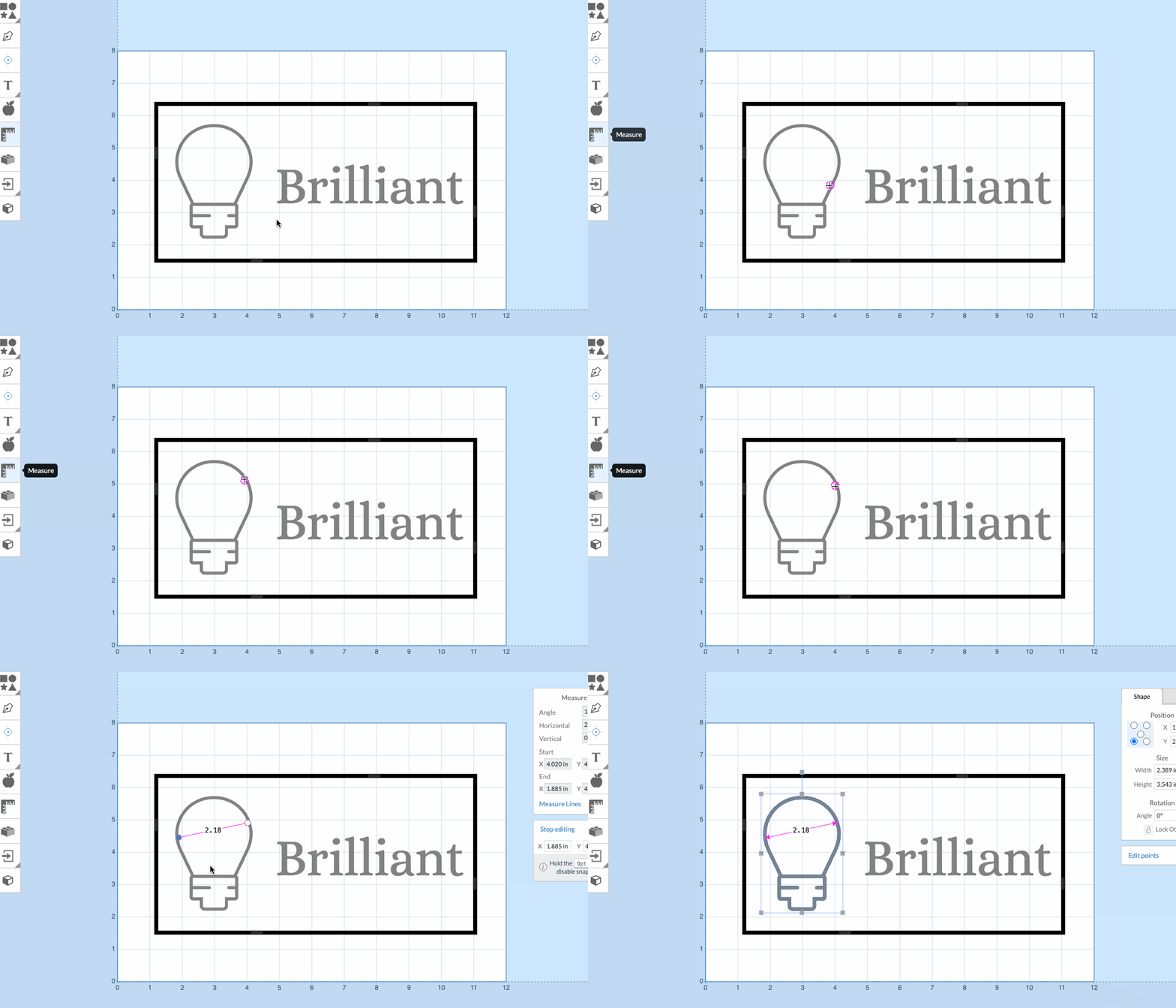
Easier Path Tracing
You can now trace along the path of a volume when placing measurement points more easily.
A circle indicator will appear when your point is close to the path.
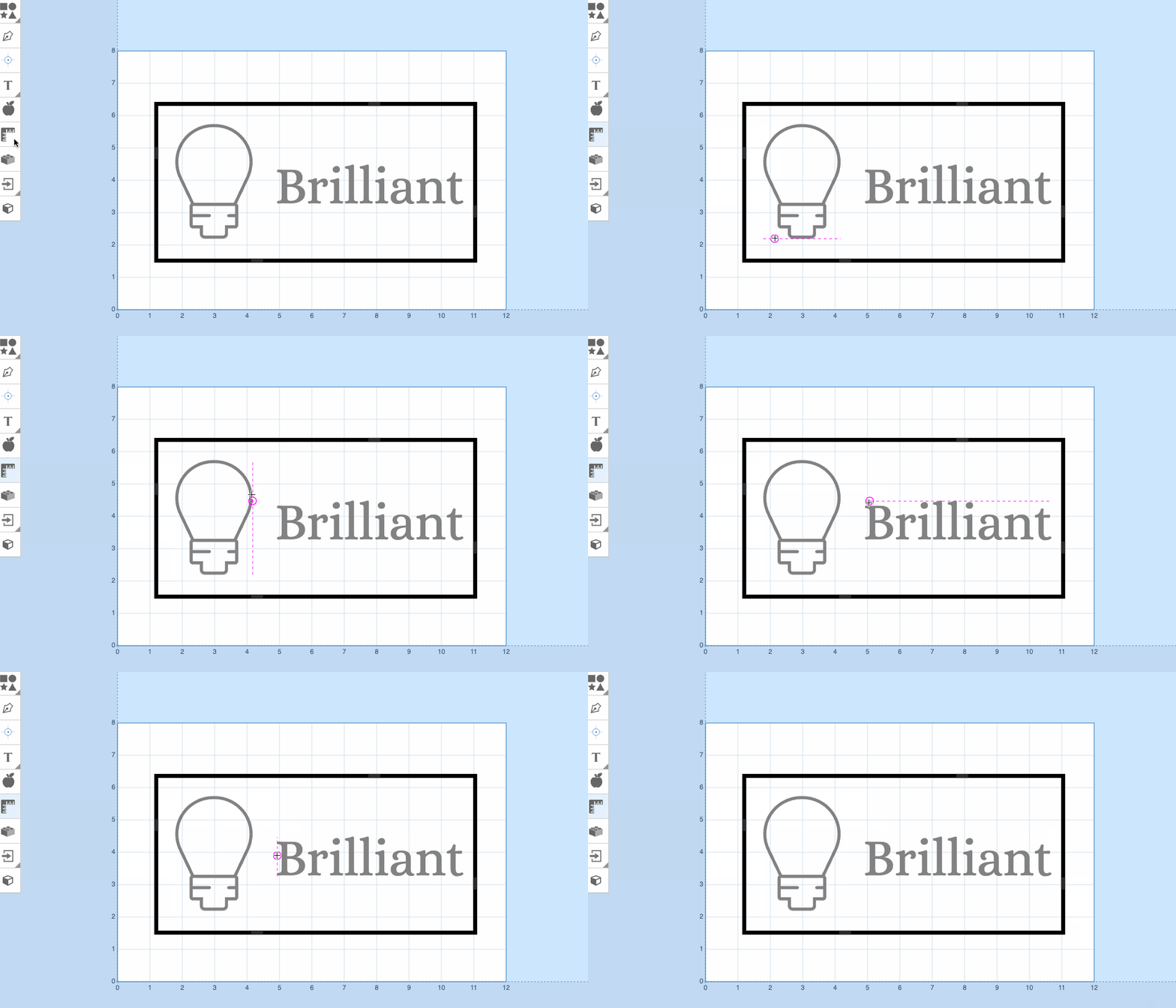
Boundary Edge Detection
You can also trace along the boundary edges of volumes.
A dotted line will appear when you are on the edge of a volume's boundary.
Linked Measurement Lines
Lastly, we've added linked measurement lines.
For horizontal or vertical lines between two volume edges, you can set up one measurement line that updates dynamically.
To use: 1. Place the first measurement point along the boundary edge of one volume. 2. Hold Shift. 3. Place the second point on the boundary edge of another volume.
These measurements cannot be manually edited but will update dynamically as you reposition or update your design.