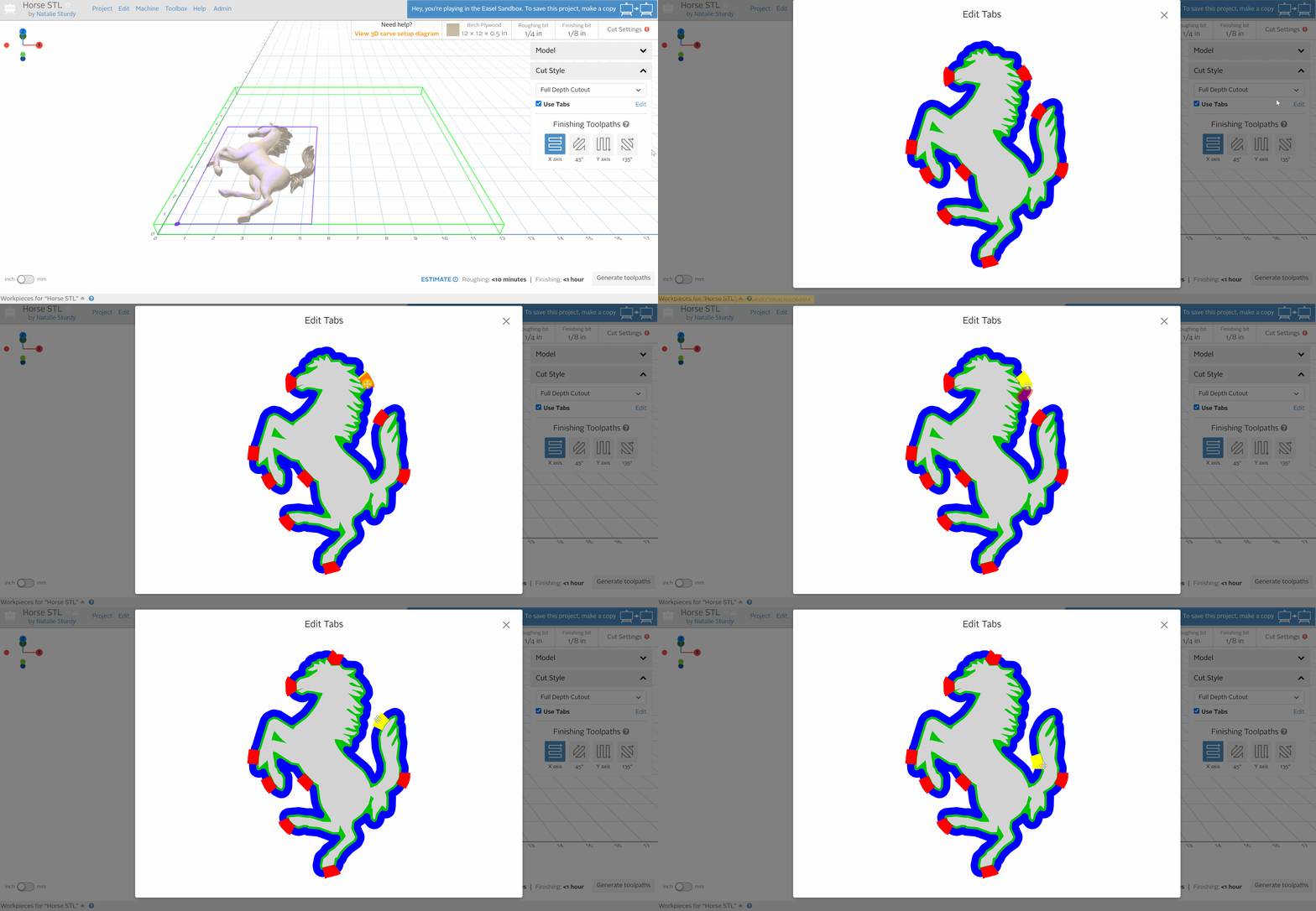
Easel Pro users are now able to edit the tab placement for their 3D Carves! When utilizing a full-depth cutout as their cut style, users can select the edit button next to “Use Tabs” to adjust the positioning of their tabs. This allows users to keep tabs away from hard to reach areas like corners or delicate areas of the relief. The tab quantity and dimensions for 3D projects will continue to be calculated by Easel.
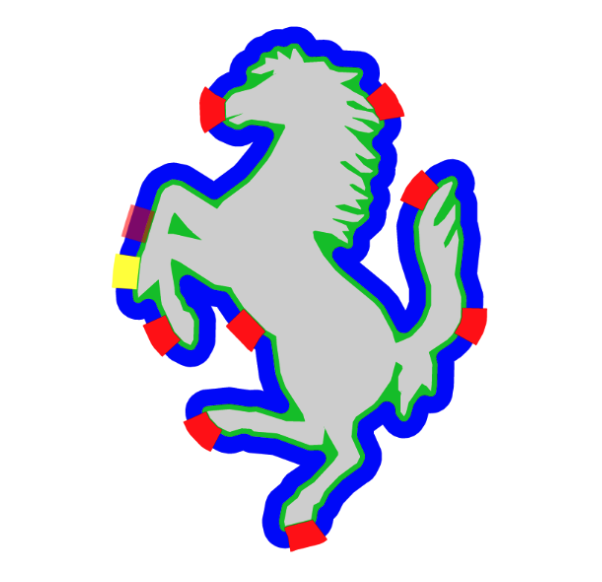
This animated GIF shows how to edit tabs for 3D projects
Here are some support articles to help you learn more about tabs:
Please leave us feedback about tabs so we can keep improving Easel!