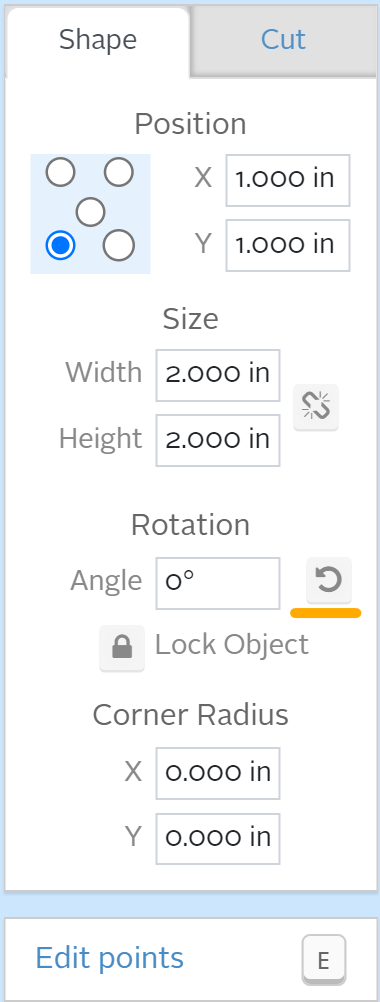
A quick rotate feature has been implemented for all Easel users. With a shape (or shapes) selected in the design view of Easel, the Shape window of the Cut/Shape modal now includes a button under “Rotation” that will rotate the selected shape(s) counter-clockwise with each press. No need to type in your degree measurements for simple 90-degree rotations!
Here's a support article to help you learn more about shape position and size: Shape Position and Size
Please leave us feedback so we can continue simplifying workflows in Easel