Baby Crib

Instructions
get some 1/2 inch MDF
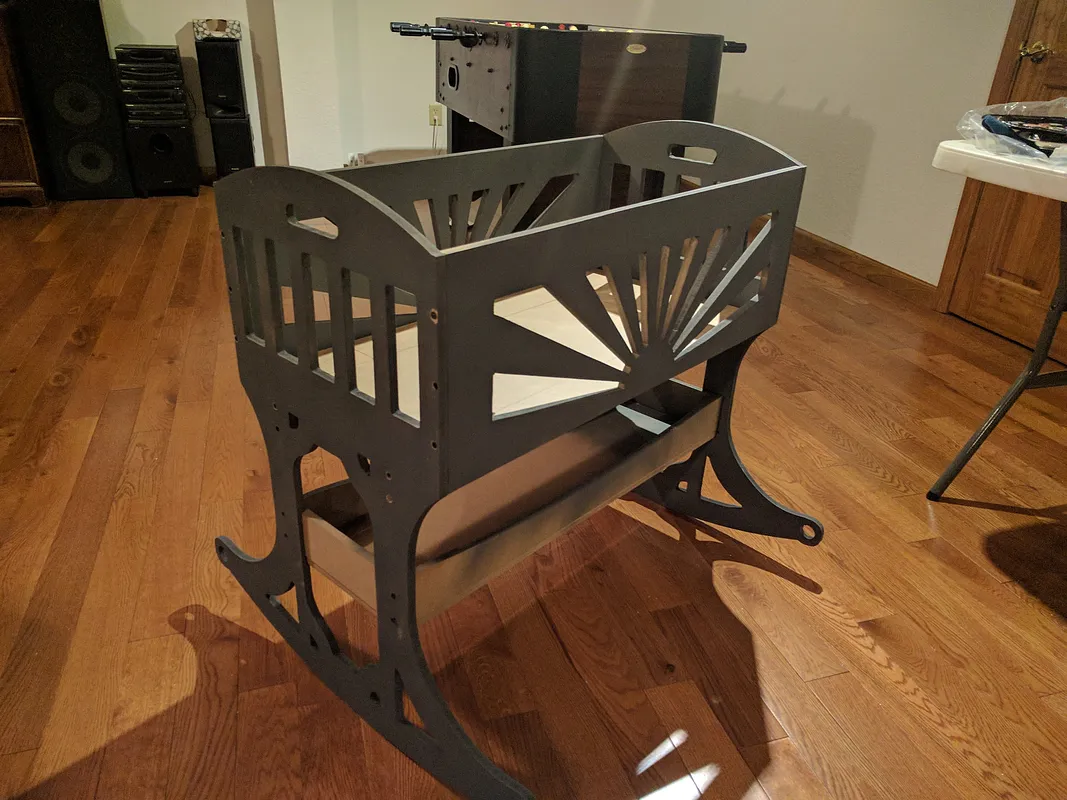
Get some 1/2 inch MDF from your local supplier. I had mine cut at the store into 32 inch length boards. When I got home I marked them and cut them into 32 by 32 boards to fit into the X-Carve 1000mm X 1000mm. Clamp the MDF board securely to the waste board and set machine to work zero. I used a touch plate to determine Z-zero.
select design files.
Select design file and prepare for cutting. you will need two of the files cut for the ends, these also have a small 10.25 inch square for the bottom self. some files I used two bits, one for rough cut to remove the bulk of material and another for detail finish cut. Links to other Easel files for this project. "link":http://easel.inventables.com/projects/vUoNS9aEWIDSgMCuWz4mvg for the sides and bed supports.
Crib shelves side and bottom. "link":http://easel.inventables.com/projects/uJfW3uSp6PSnQ3EdUHpsOA
And finally the crib bed. "link":http://easel.inventables.com/projects/oaDxDT-Zr7eXUJ26URE9Ug
screw to gether
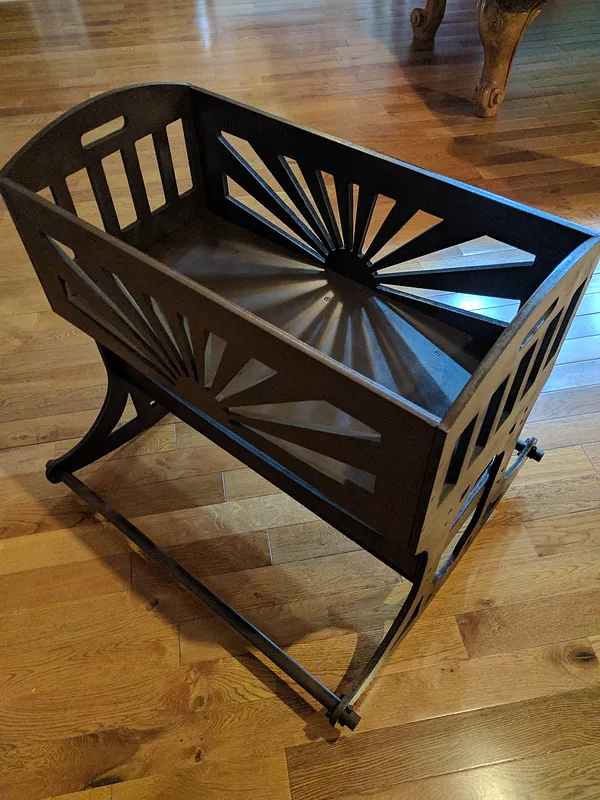
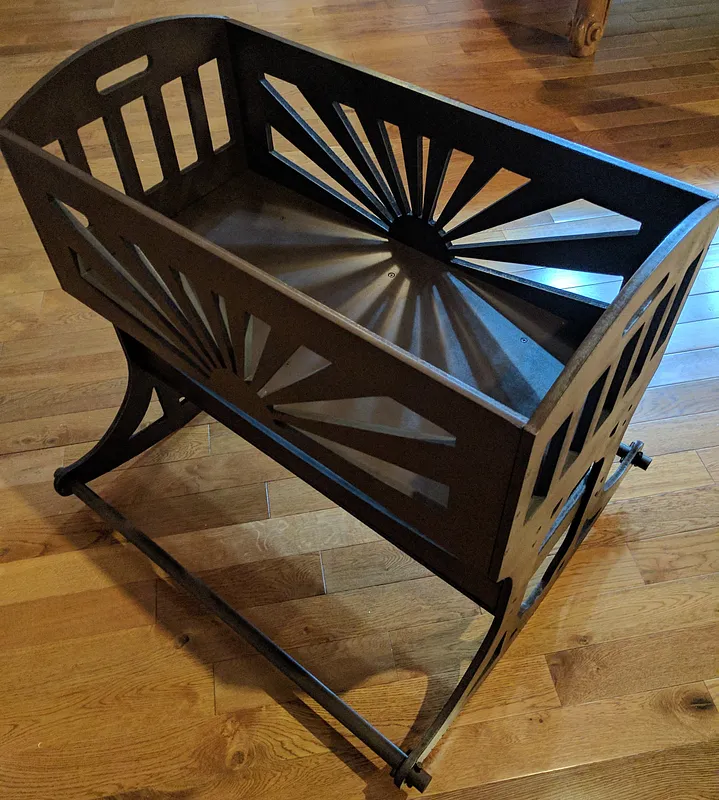
Use some good wood screws to secure the pieces together. I used some #6 by 1-1/4 fine thread drywall screws. I drilled pilot holes and counter sunk where the head of the screws would be.
Use a 1 inch wooden dowel rod to stabilize the bottom ends (where the round holes are).
Smaller Version for Doll
Made this file scaled down for baby doll so sister will not feel left out.
"link":http://easel.inventables.com/projects/mlVJ2d-qYsMSoBLhLbSY2w
this is half sized and on 1/4 inch plywood have it set-up for 1/8 bit.
Comments