Power up your OpenBuilds CNC with Easel
OpenBuilds machines stay fully supported in Easel. Design, generate toolpaths, and keep carving with your existing machine.
Easel Free Trial →
Compatible Machines
OpenBuilds CNC Routers
OpenBuilds closed its doors in 2025. These machines stay fully supported in Easel for existing owners.
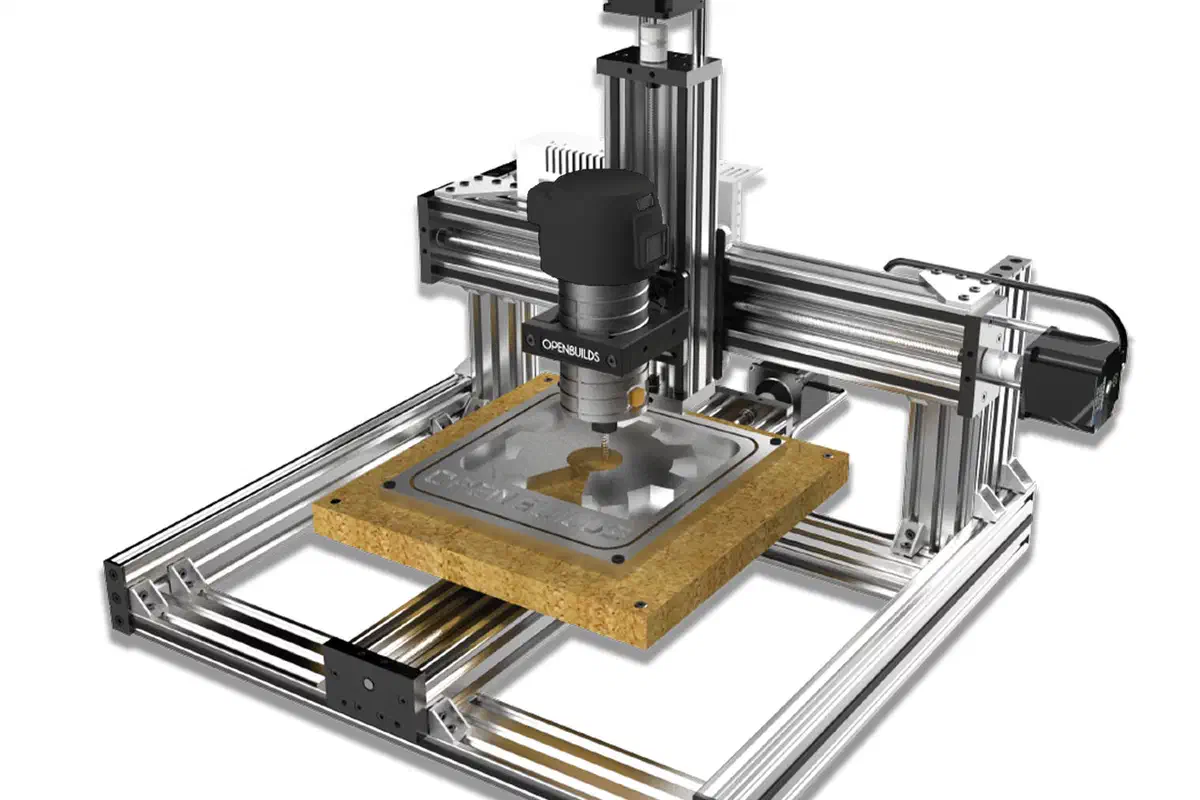
C-Beam Machine
Compact lead-screw CNC, bring your own router
300 x 280 x 31.75 mm BlackBox Motion Control System
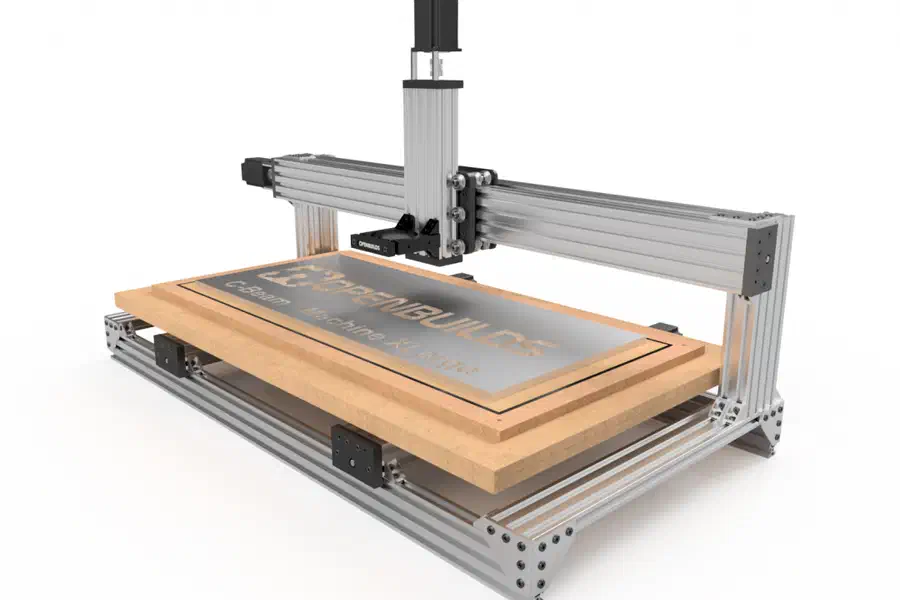
C-Beam Machine XLarge
Large-format mechanical bundle, motors and controller not included
750 x 330 mm
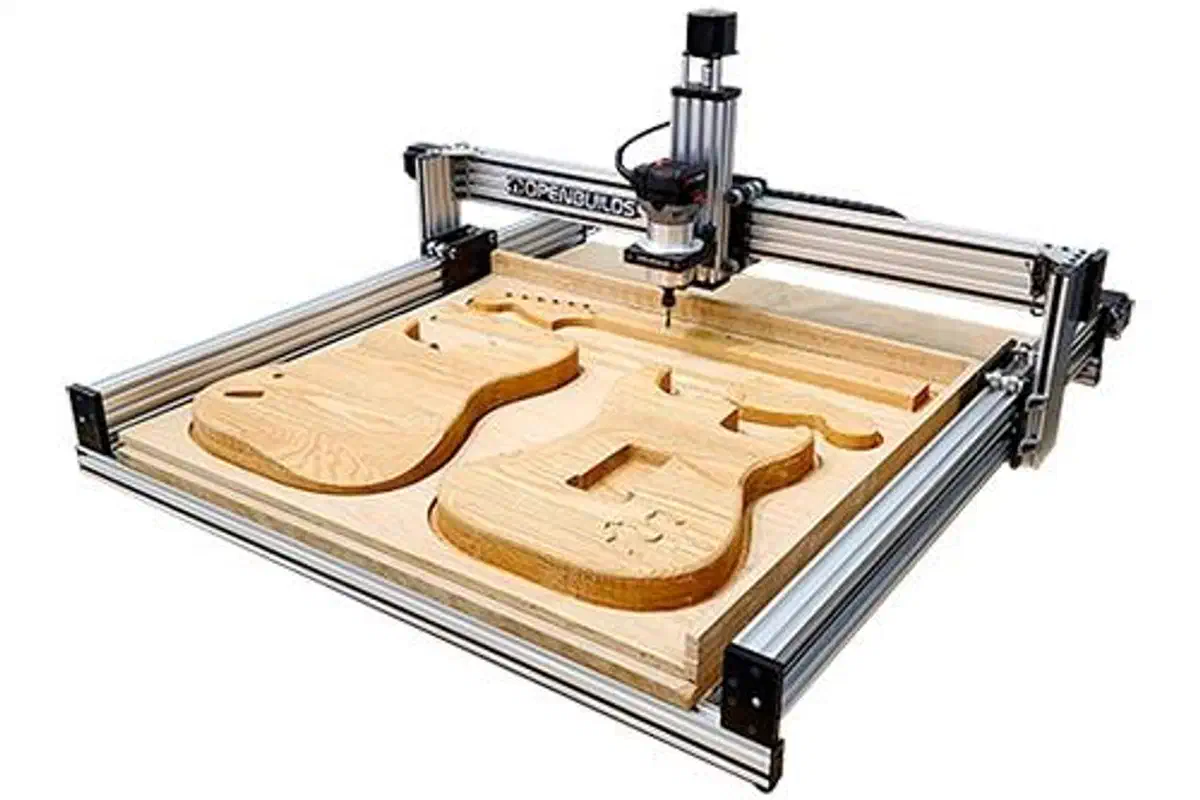
LEAD CNC Machine 1010 (40 x 40 in)
730 x 810 mm lead-screw CNC with a BlackBox X32 controller
730 x 810 x 100 mm BlackBox Motion Control System
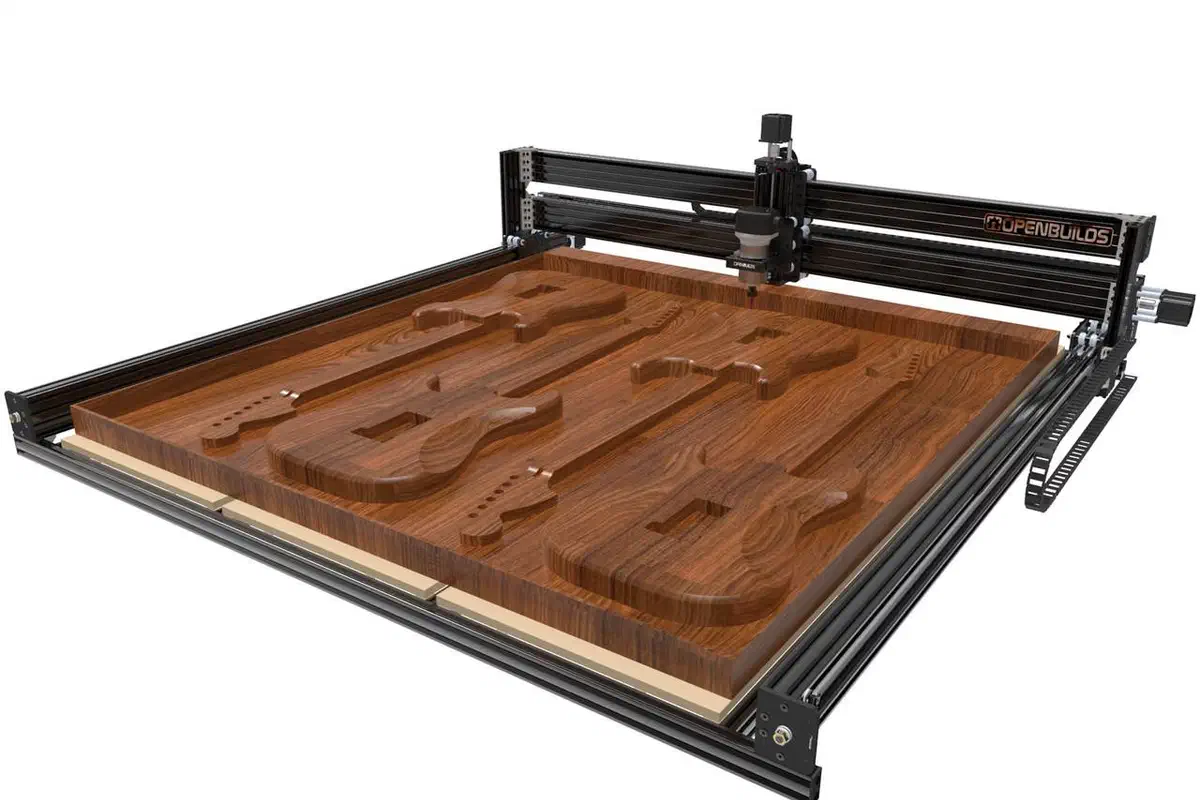
LEAD CNC Machine 1515 (60 x 60 in)
1170 x 1250 mm lead-screw CNC with a BlackBox X32 controller
1170 x 1250 x 90 mm BlackBox Motion Control System
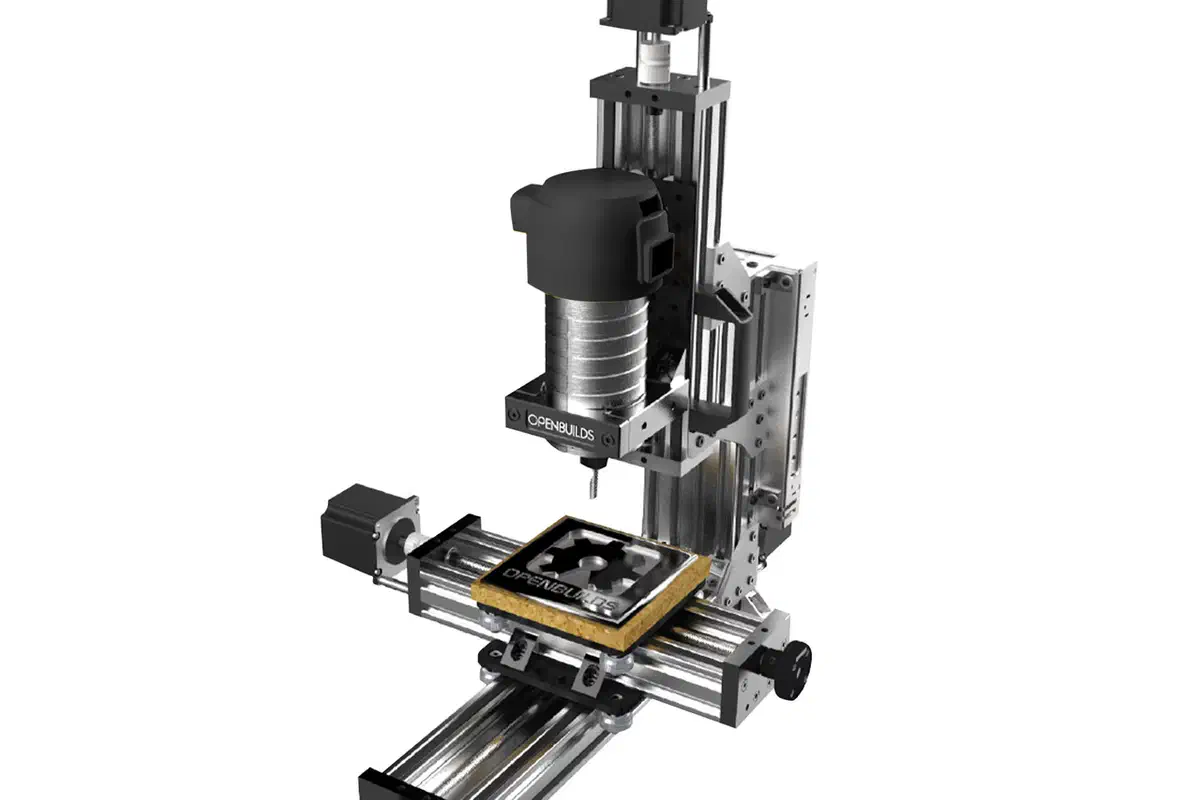
MiniMill
Small-format lead-screw CNC, bring your own router
120 x 180 x 80 mm BlackBox Motion Control System
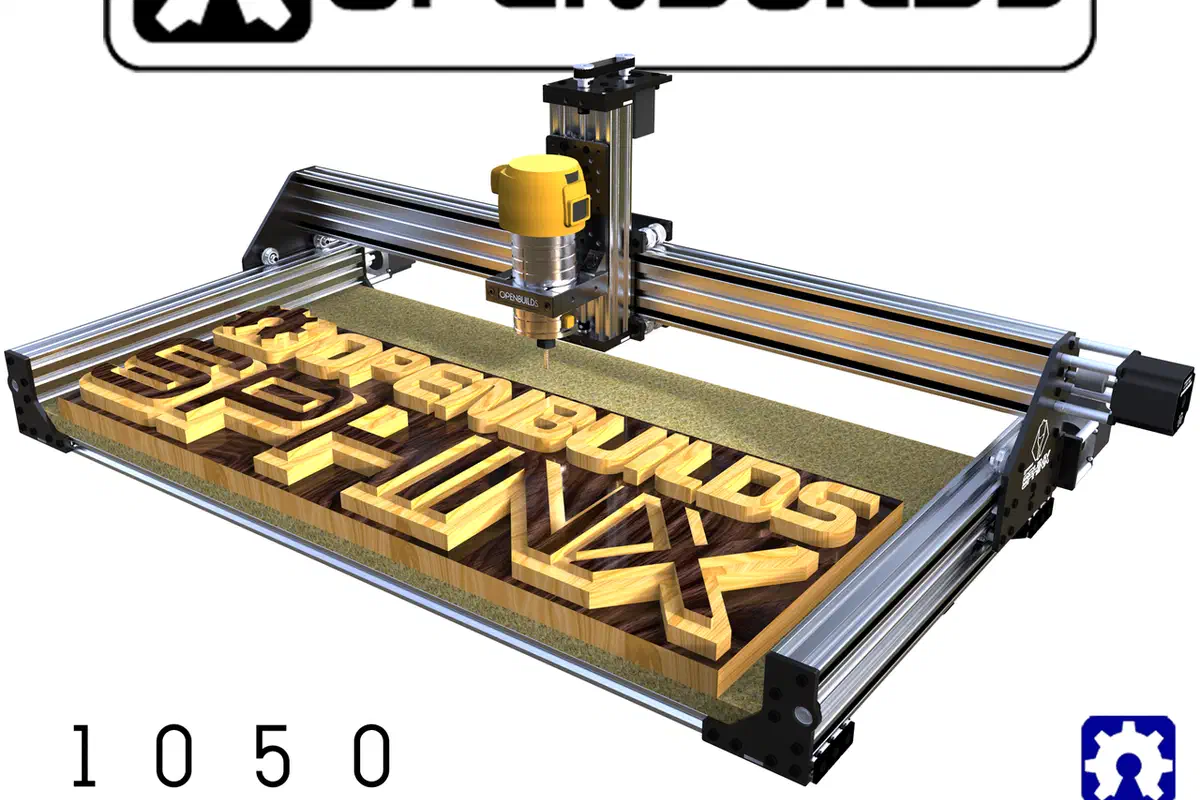
Sphinx 1050 (20 x 40 in)
Belt-and-lead-screw CNC bundle, motors and controller sold as add-ons
883.5 x 325 x 85 mm BlackBox Motion Control System
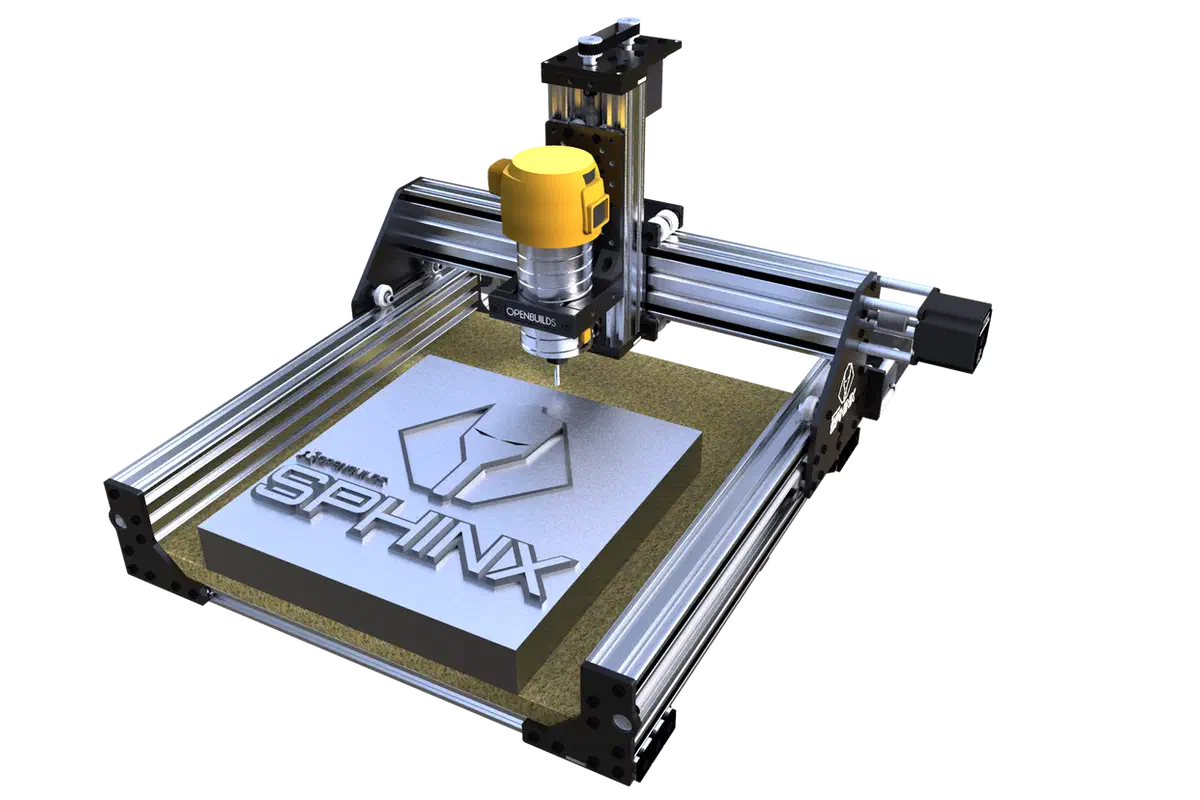
Sphinx 55 (20 x 20 in)
Compact lead-screw CNC bundle, motors and controller sold as add-ons
333 x 325 x 85 mm BlackBox Motion Control System
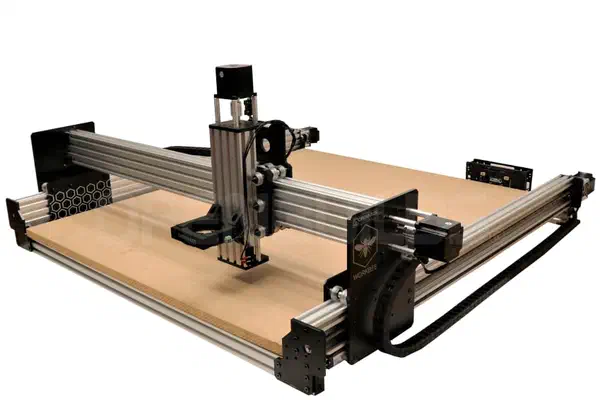
WorkBee 1010 (40 x 40 in)
Lead-screw CNC bundle based on the open-source WorkBee design
824 x 780 x 122 mm BlackBox Motion Control System
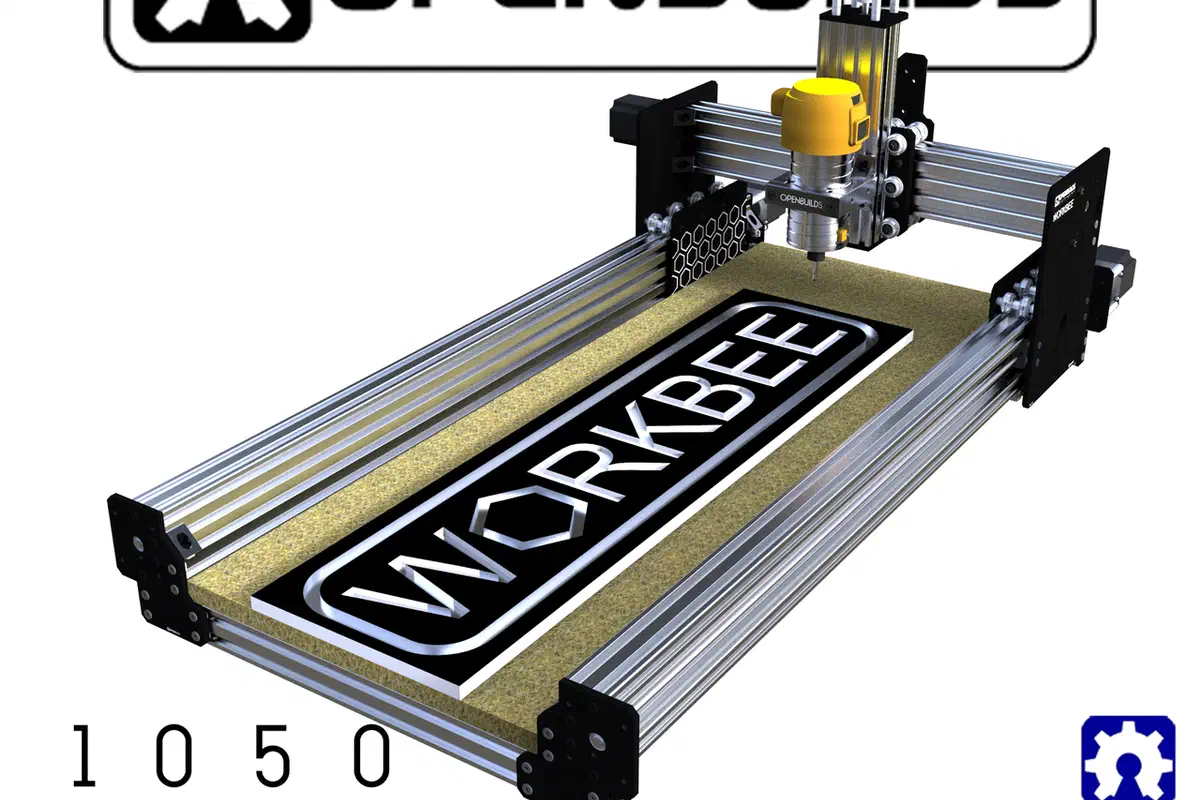
WorkBee 1050 (40 x 20 in)
Narrow-format lead-screw CNC bundle based on the open-source WorkBee design
325 x 760 x 122 mm BlackBox Motion Control System
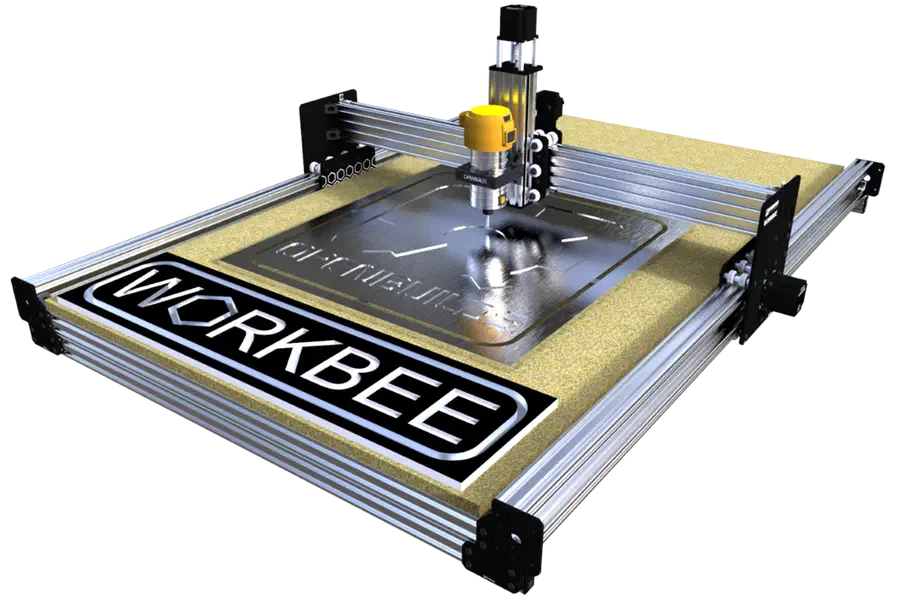
WorkBee 1510 (60 x 40 in)
Belt-driven large-format CNC bundle based on the open-source WorkBee design
824 x 1280 x 76 mm BlackBox Motion Control System
How It Works
From idea to finished piece in three steps
 1
1Design Your Project
Use templates, draw shapes, add text, or import your own files. Easel's tools make design accessible to everyone.
 2
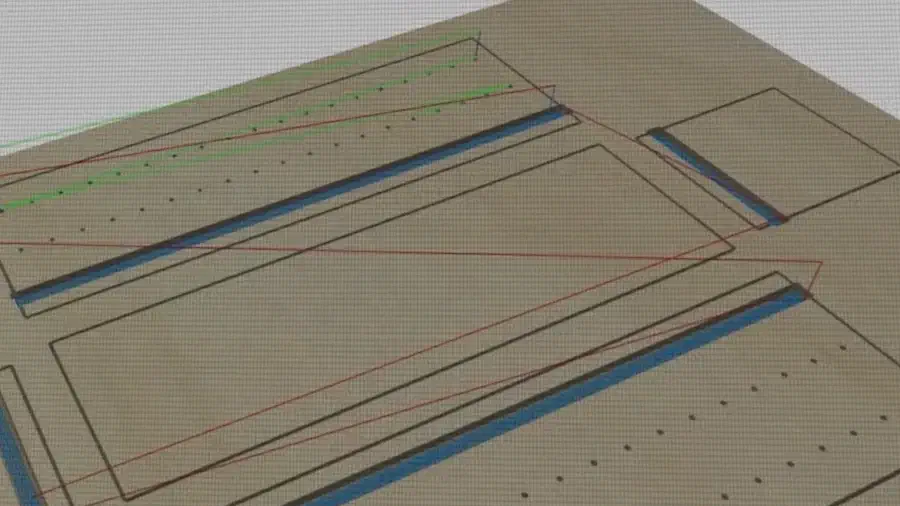
2Generate Toolpaths
Set your material, choose your bit, and Easel calculates optimal feeds, speeds, and cutting depths automatically.
 3
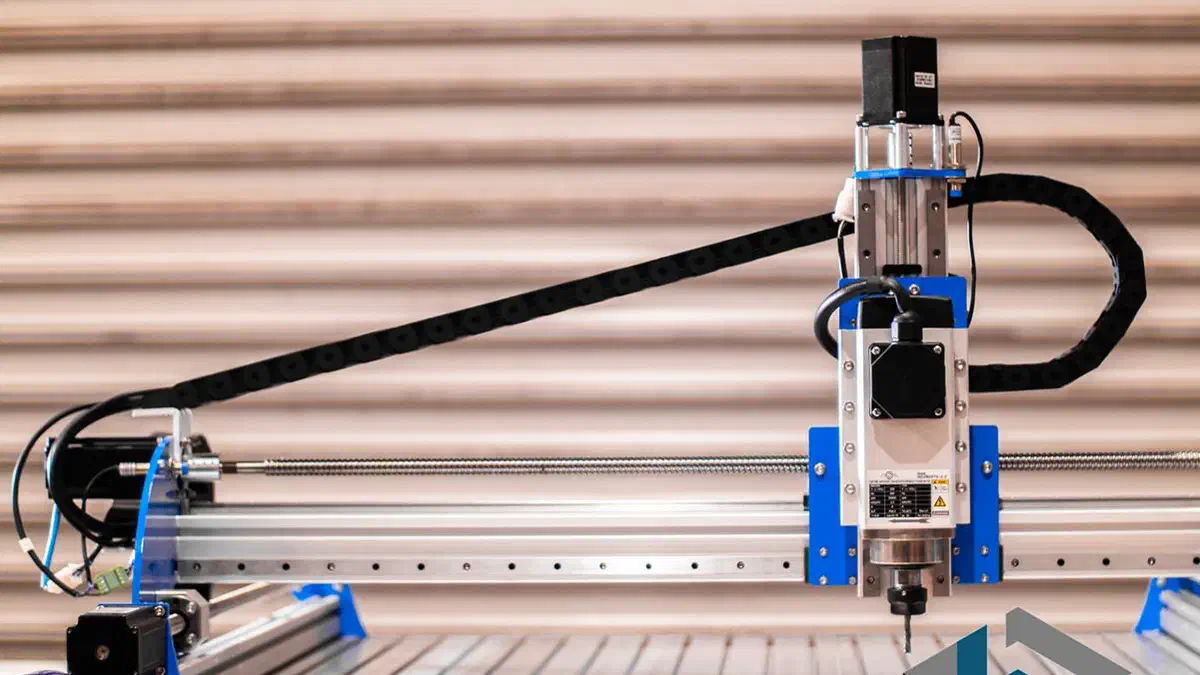
3Carve
How your machine connects depends on its controller. GRBL and FluidNC machines carve live from Easel over USB or a Chromium browser; others, including grblHAL, ESP32-GRBL, and non-GRBL controllers, export G-code to run on the machine's own software. Each machine below shows exactly how it connects.