Power up your Maslow CNC with Easel
Design projects and generate toolpaths for your Maslow CNC in the browser with Easel. Each machine page shows exactly how it connects.
Easel Free Trial →
Compatible Machines
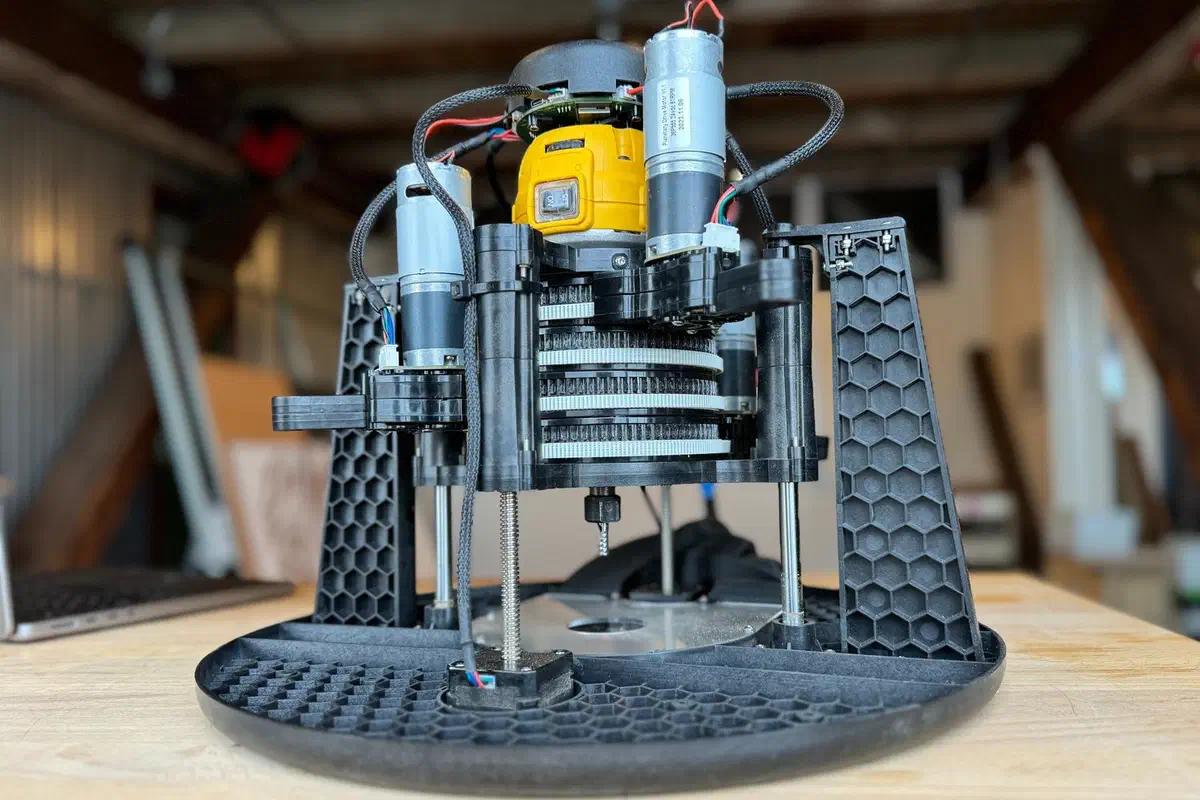
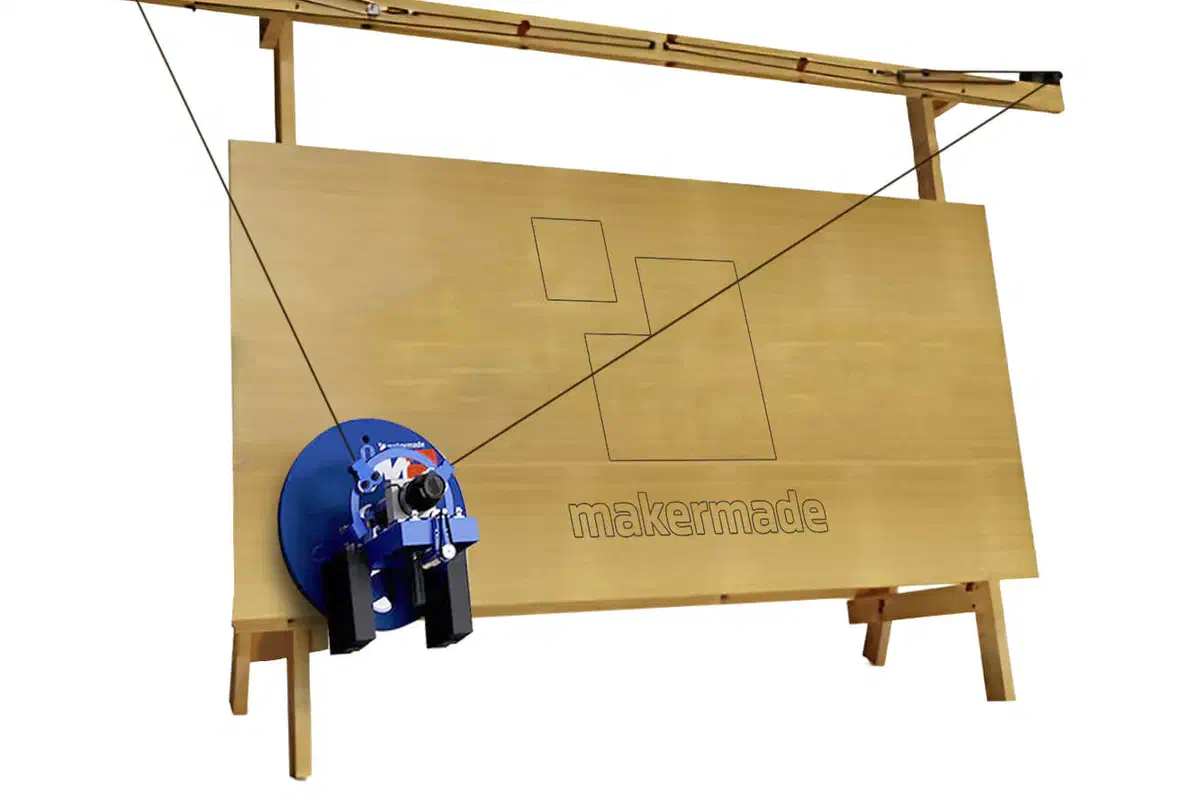
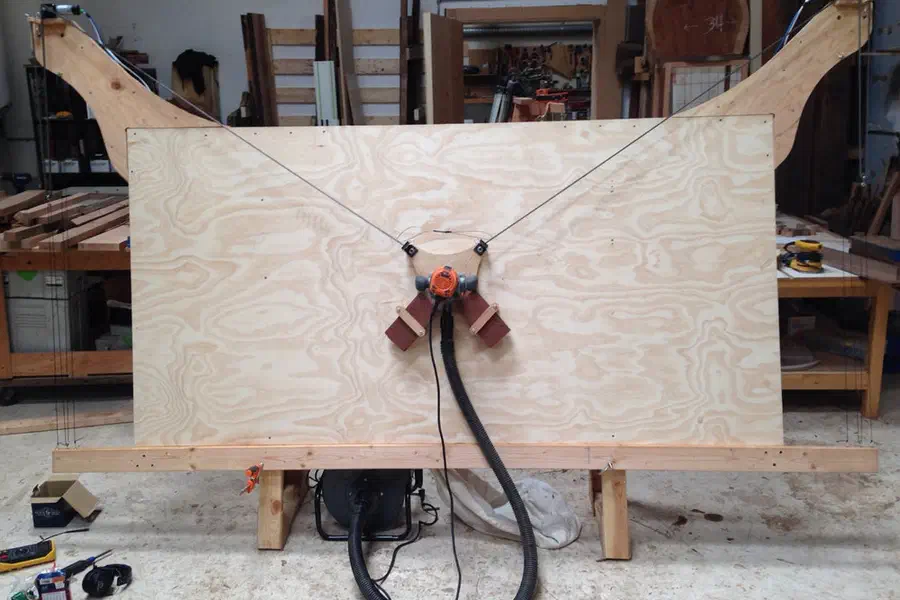
Maslow CNC Routers
Select a machine to see detailed specs, setup guides, and how it connects to Easel.
How It Works
From idea to finished piece in three steps
 1
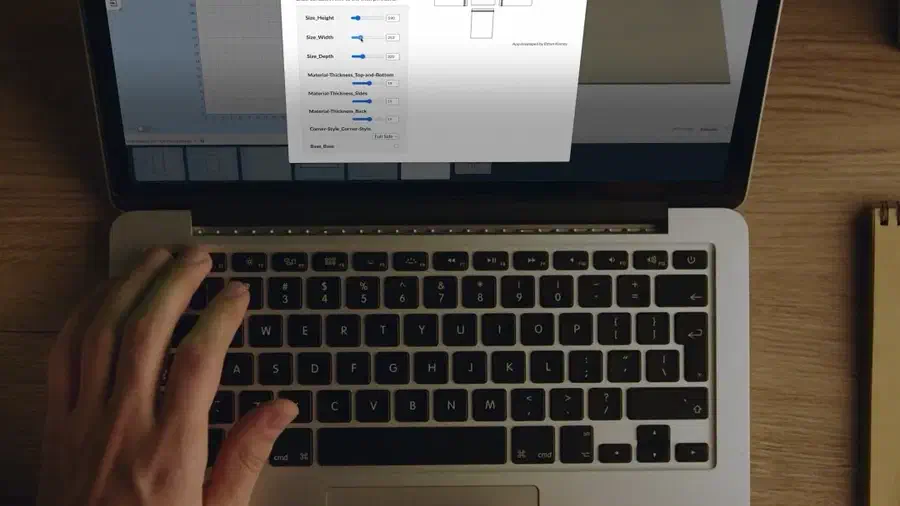
1Design Your Project
Use templates, draw shapes, add text, or import your own files. Easel's tools make design accessible to everyone.
 2
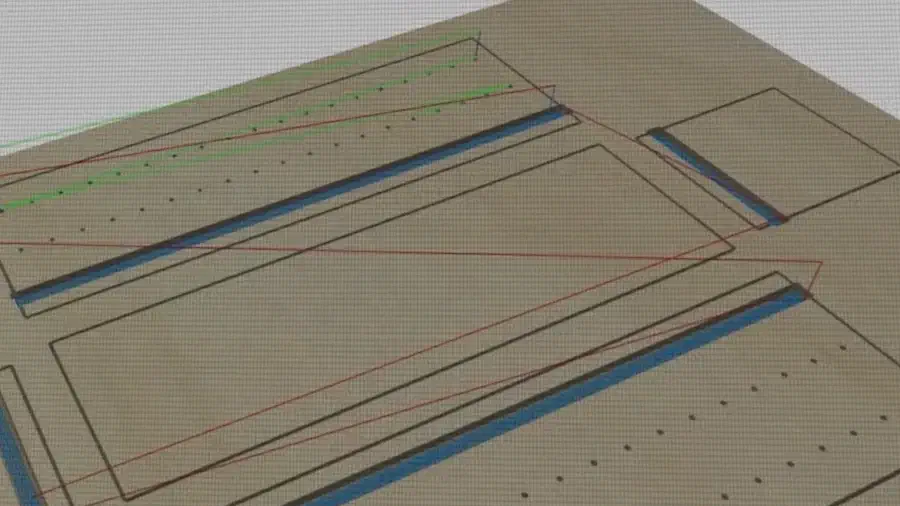
2Generate Toolpaths
Set your material, choose your bit, and Easel calculates optimal feeds, speeds, and cutting depths automatically.
 3
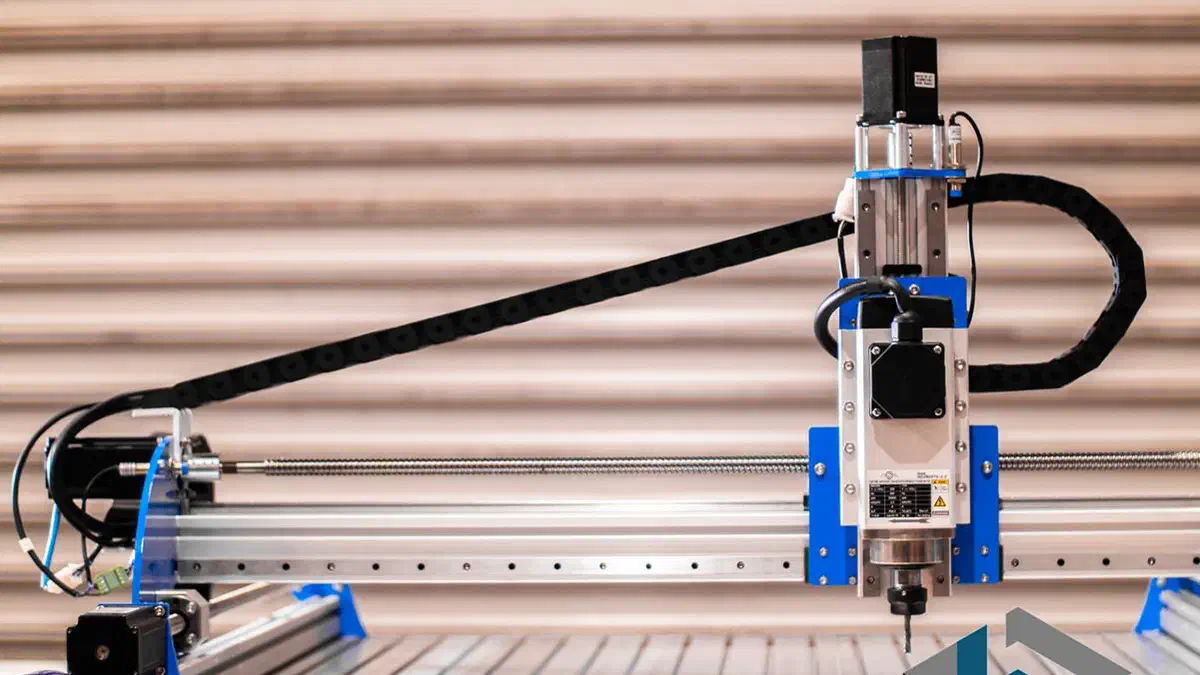
3Carve
How your machine connects depends on its controller. GRBL and FluidNC machines carve live from Easel over USB or a Chromium browser; others, including grblHAL, ESP32-GRBL, and non-GRBL controllers, export G-code to run on the machine's own software. Each machine below shows exactly how it connects.