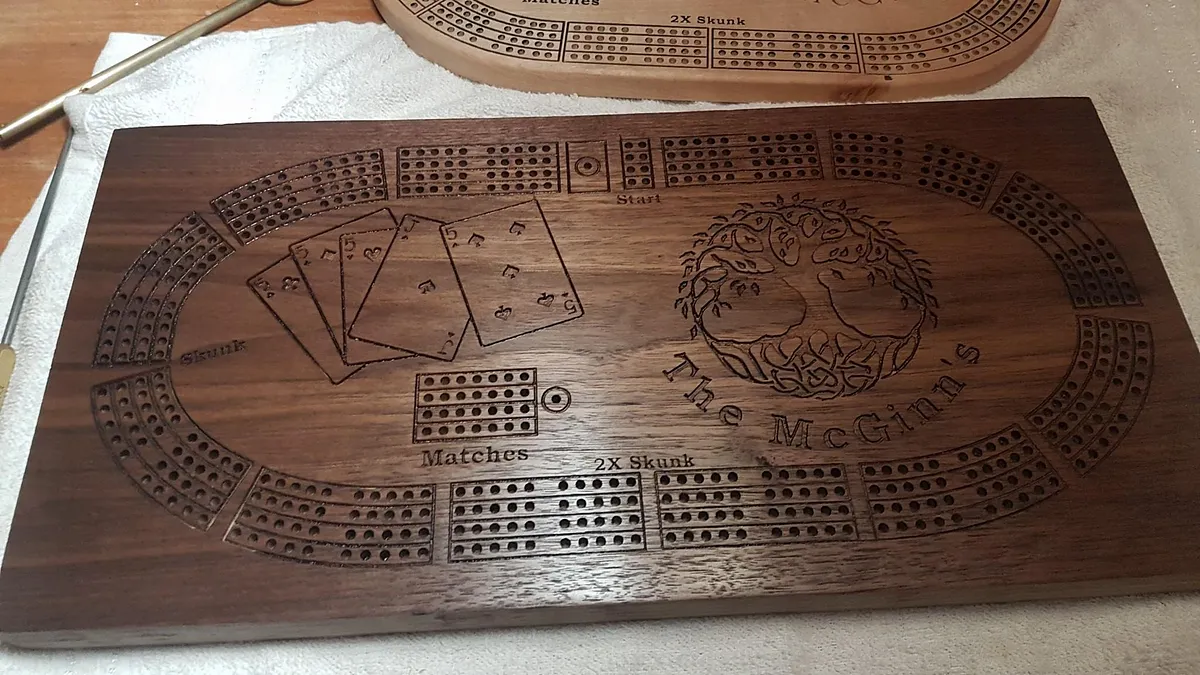
McGinn's Cribbage Board
A detailed, popular board with stock guidance, hole-clearing steps, and a full build workflow.
A project you can make your own
Design a board for game night, a thoughtful gift, or your own workshop. Start with a real project another maker shared, then change the wood, the name, or the shape before you carve it.
Why start with a board
The Easel gallery already has cribbage boards that makers have shared, carved, and copied. That means you can spend your time choosing the right layout and personalizing it instead of drawing every track from scratch.
Change the size, material, name, logo, or decorative details in a copy of a project. Keep the instructions close by while you prepare stock, choose bits, and plan the finishing work.
Real projects from the Easel gallery
These are published Easel projects with a preview or copy workflow. Open a project to inspect the design, then make your own version in Easel.
A detailed, popular board with stock guidance, hole-clearing steps, and a full build workflow.
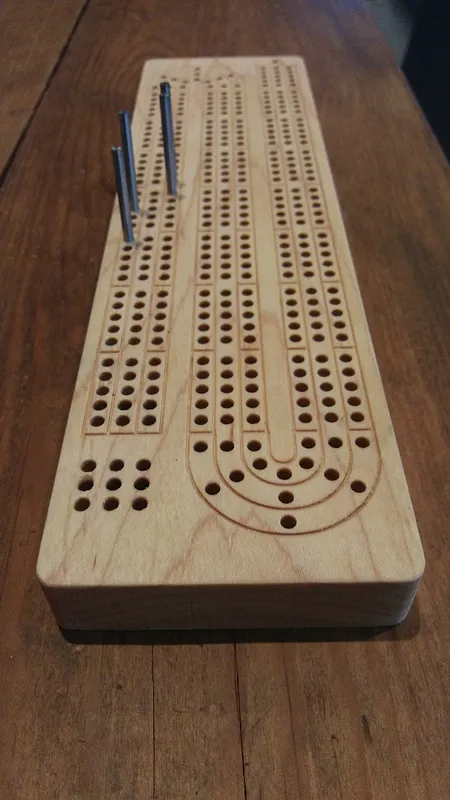
A compact hard-maple design with clear machine, material, bit, and finishing notes.
A straightforward starting point when you want to add a family mark, club logo, or other image.
Build your board in Easel
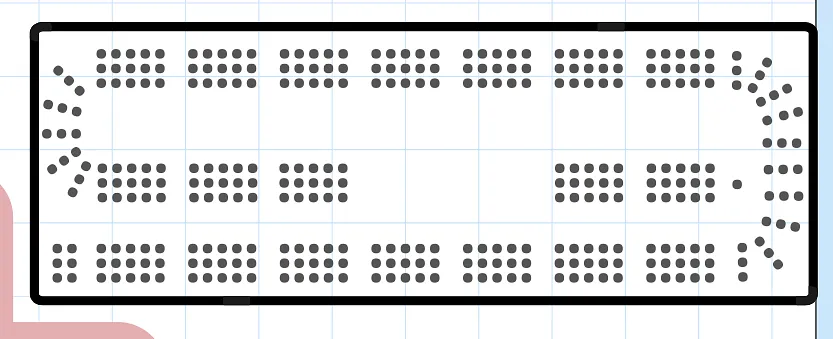
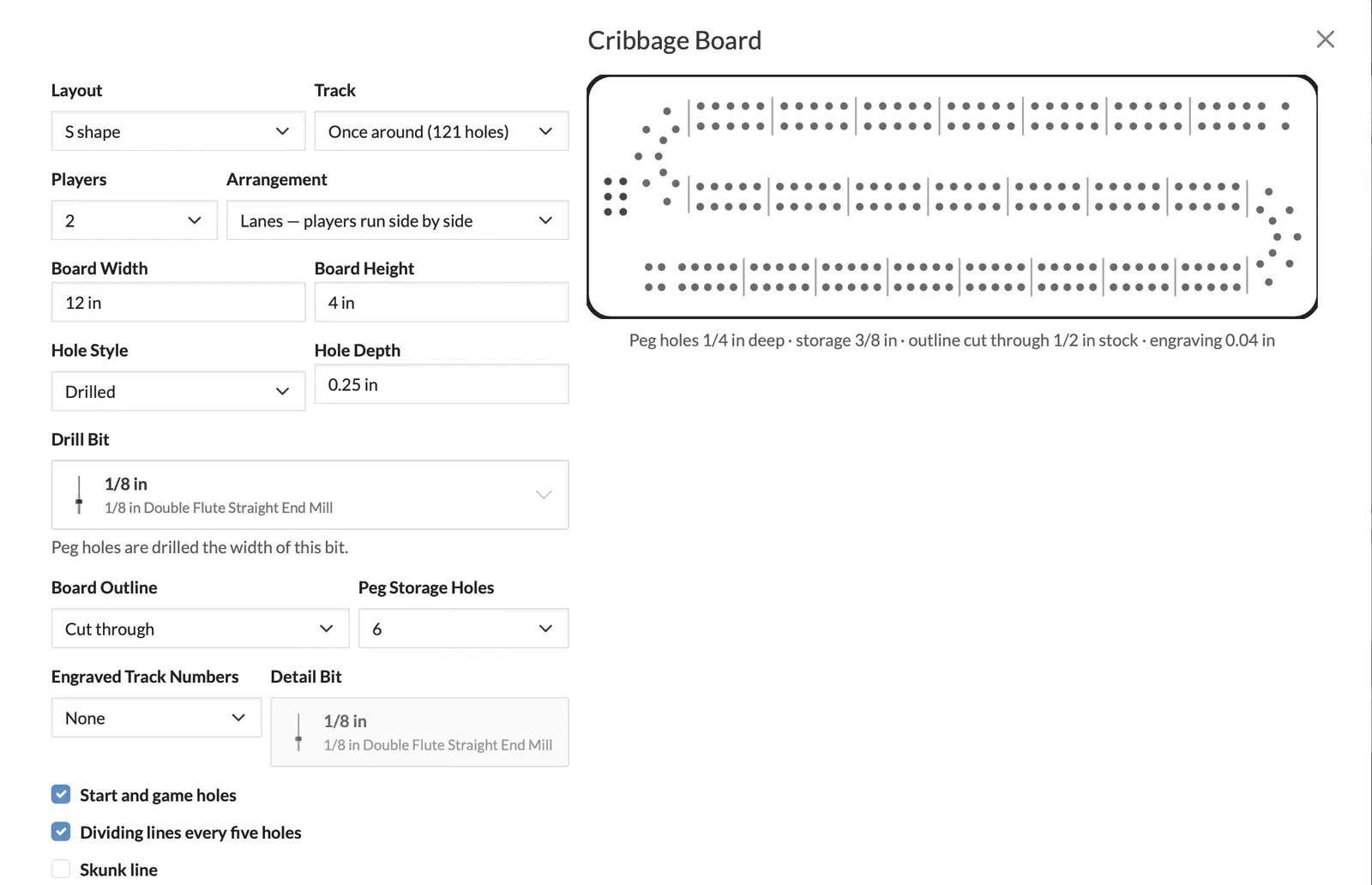
With a free Easel Basic account, you can use the Cribbage Board app to make your own custom design. Choose the board shape, number of players, track arrangement, finished size, hole depth, bit, peg storage, and other details while the preview updates beside your choices.
When the layout looks right, click the generate button and the app builds the design in Easel so you can make any other customizations like adding your own artwork or lettering, and cut it out on your CNC.
Before you cut
Decide whether your board is for two, three, or more players before changing the track. That choice affects the spacing and the room available for names or logos.
Set the material size in the project before cutting. A board that looks right on screen still needs enough stock for the outside profile, clamps, and a safe margin.
Some cribbage designs use a drill bit or imported g-code for the holes. Check the project's instructions and your machine's capabilities before starting; Easel does not support drilling operations directly in every workflow.
Use scrap material to check the bit, peg fit, and hole depth before committing a favorite piece of hardwood. Then sand and finish the board for years of game nights.
Start with a real community design, customize the details, and create a free Easel account when you are ready to make it yours.
Start making for free →