Make your own cribbage board

Explore compact boards, family-name engravings and tracks shaped around a favorite place. Choose a shared design or draw your own peg-hole layout in Easel.

Explore the boards

Start from a blank workpiece

Make the scoring track with the Cribbage Board app

Open Apps, choose Cribbage Board, and set the layout, track length and number of players. This example uses an S-shaped, once-around track for three players on a 10½-by-4-inch board. The app adds the scoring holes, start and game holes, six peg-storage holes, dividing lines and a cut-through outline when you click Generate. Hole style, depth and board dimensions are adjustable. Check the design against your stock, pegs and machine before carving.

An empty Easel workpiece, the Apps menu and actual Cribbage Board controls, followed by the generated S-shaped three-player scoring track and native 3D preview.
Staged screenshot animation captured in the real Easel Cribbage Board app. The generated board is shown in the editor and its 3D preview.

Personalize the track, change the shape or store the pegs

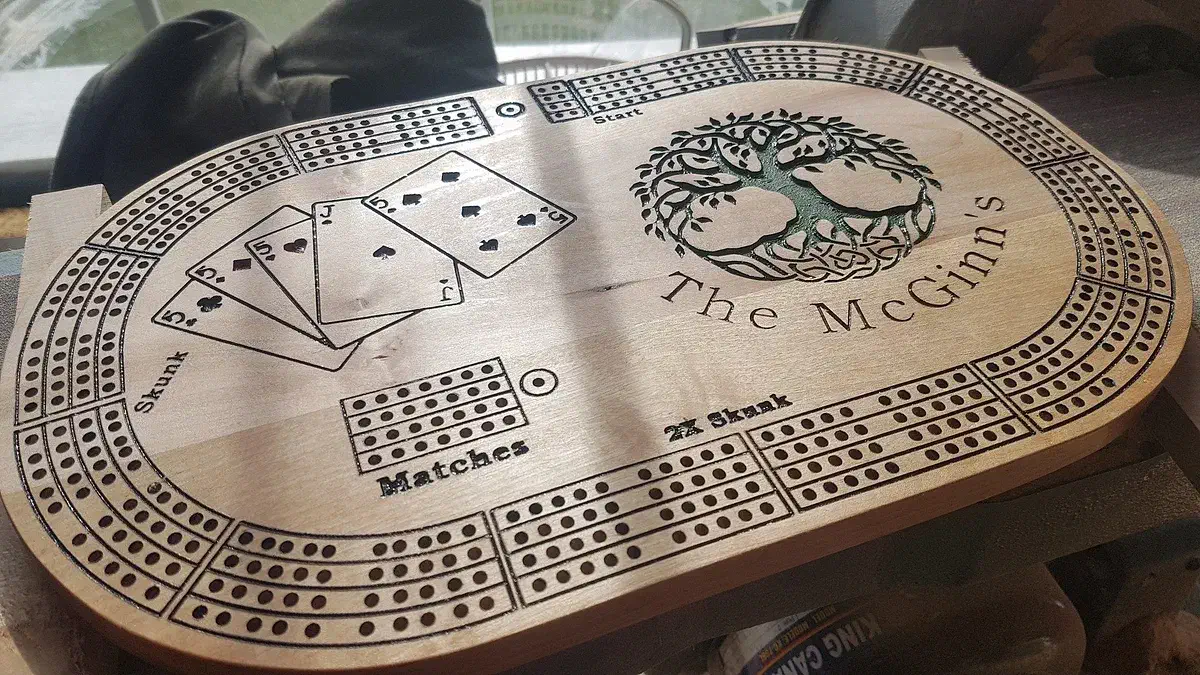
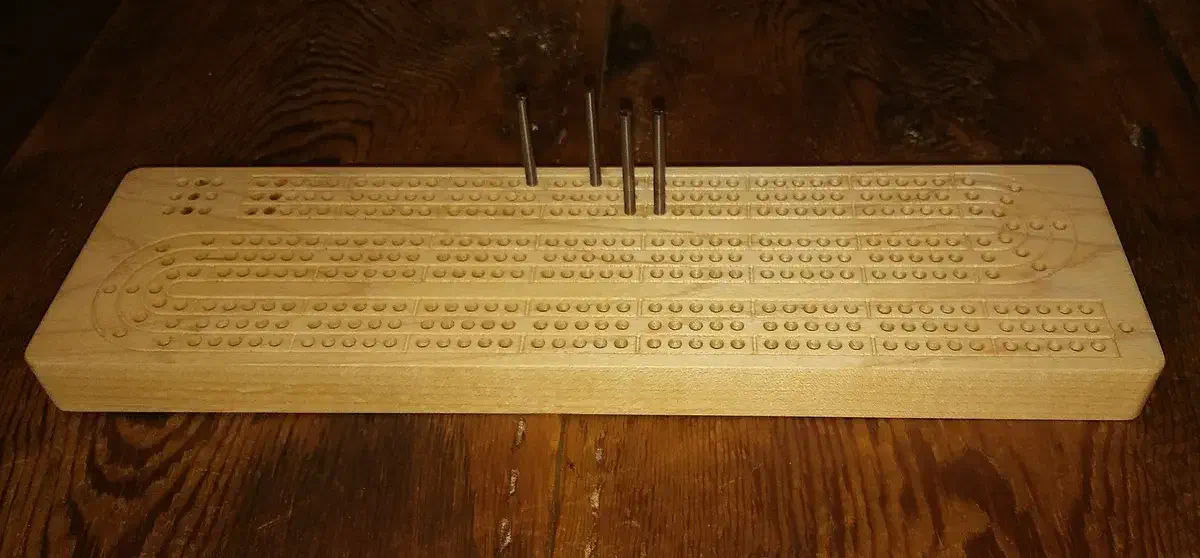
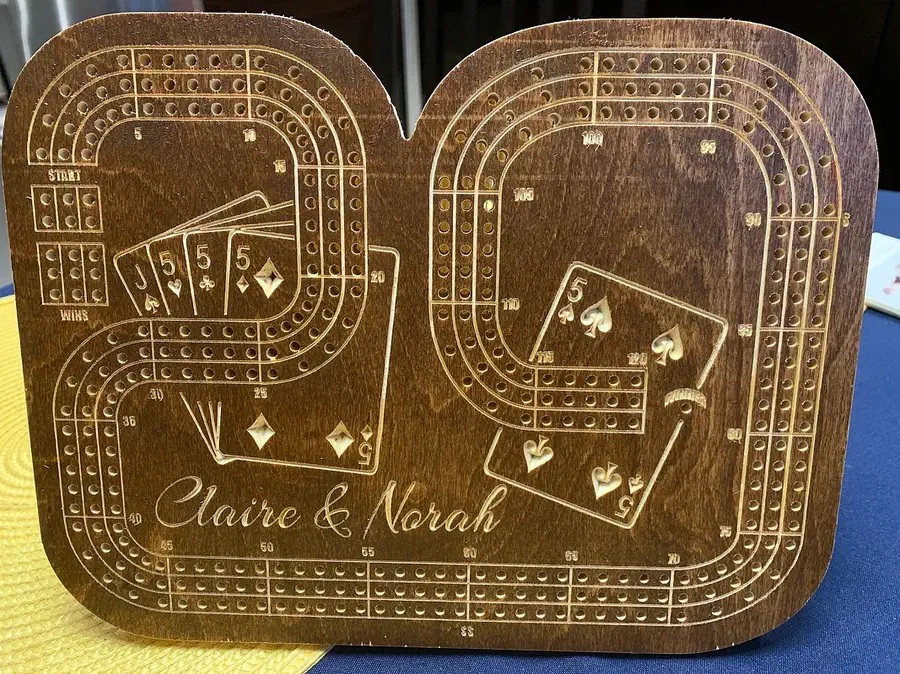
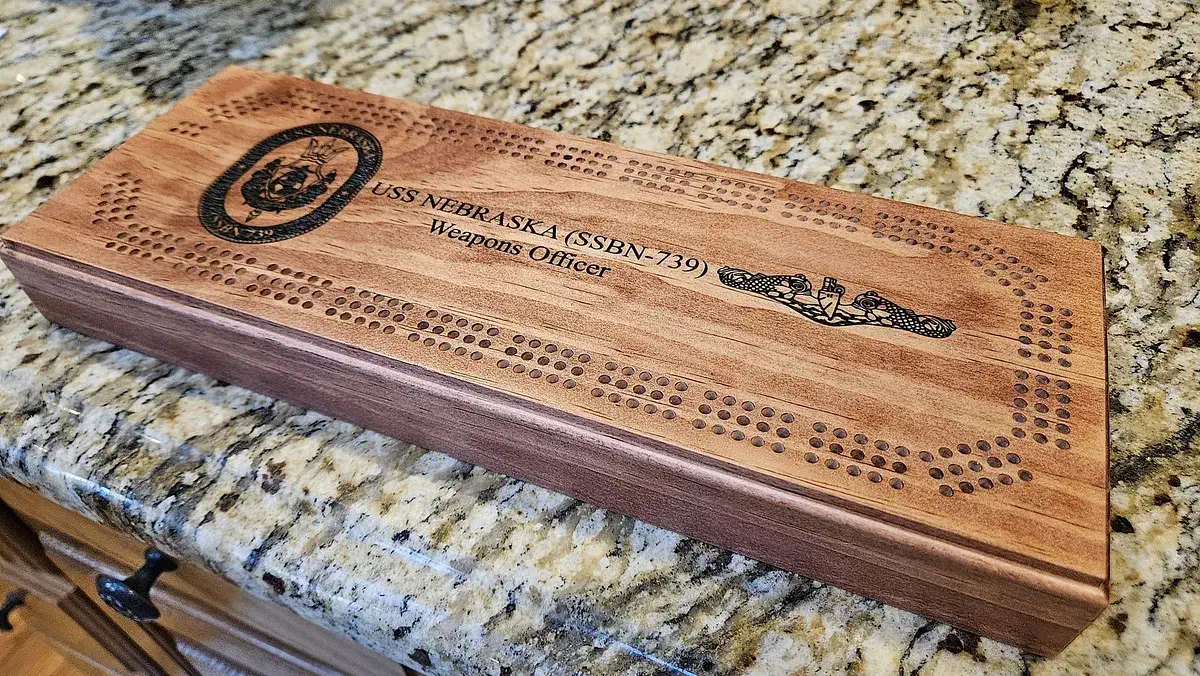
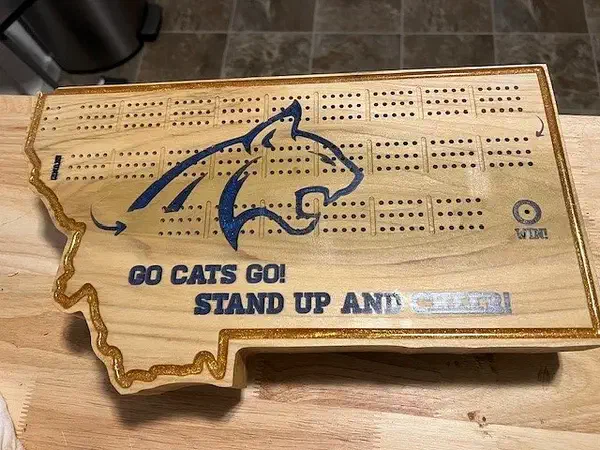
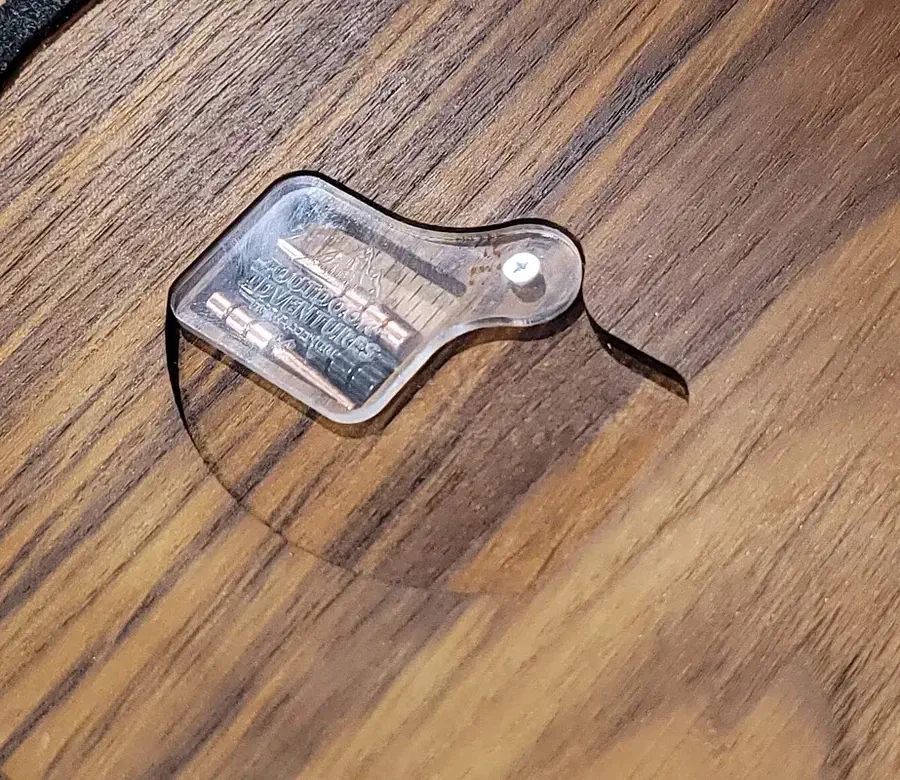
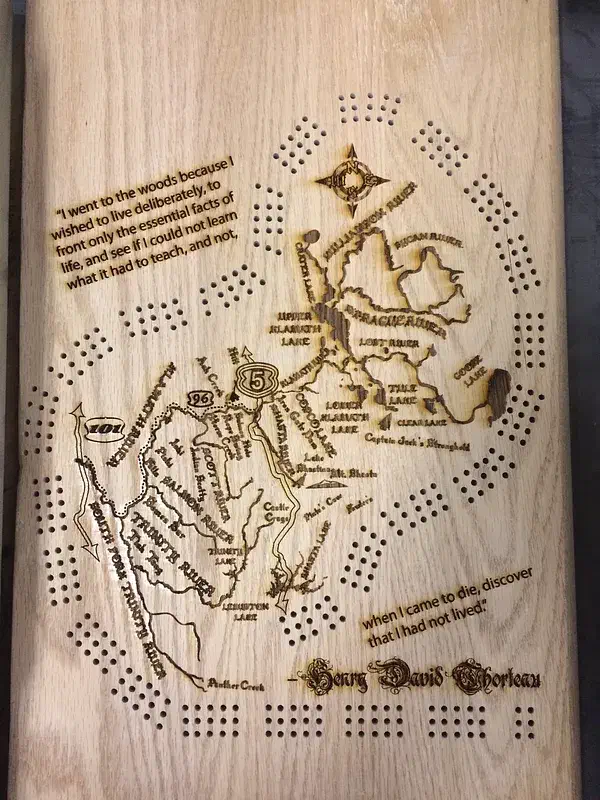
These carved examples show different scoring layouts and ways to keep the pieces together. Six are boards; two are storage add-ons for the back of a board. Each description explains which parts the shared design supplies.

See more cribbage boards →

From project instructions and maker comments

Position the artwork, mark the lanes and smooth the storage pocket

Read the project comments without an account. Log in to post a question in the project discussion; replies are not guaranteed.

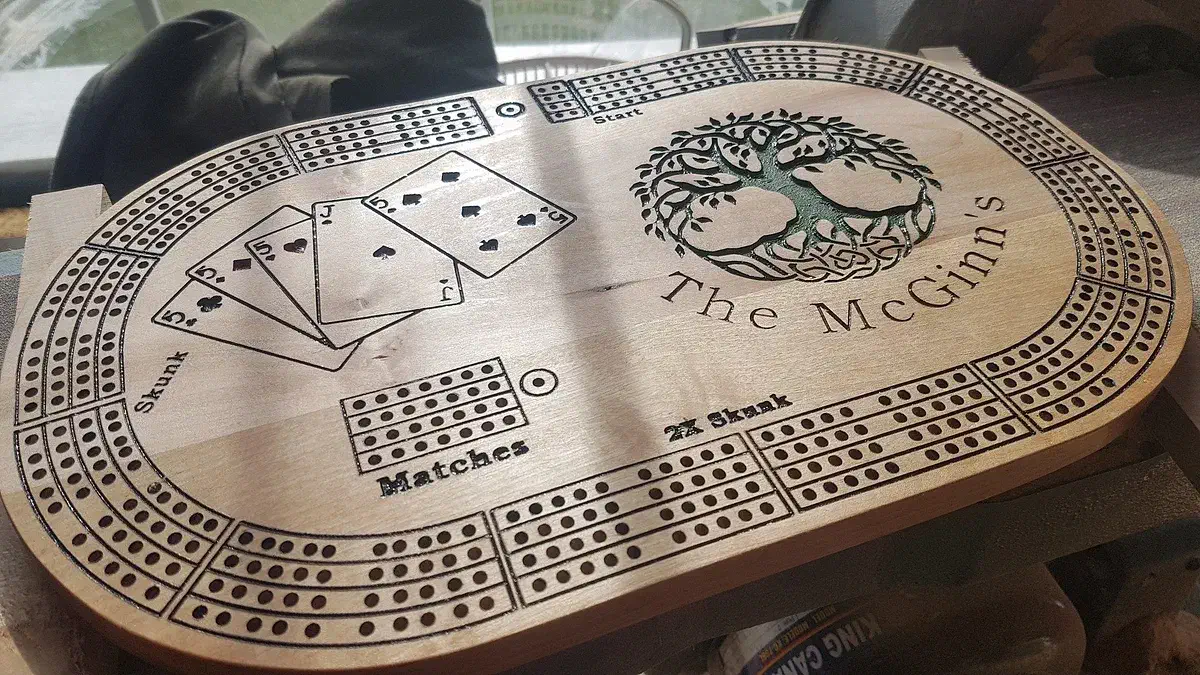
Keep a guide for the next family name

Jason McGinn recommends duplicating the Custom Area Template before positioning new artwork. Once the artwork is placed, delete the guide objects or set their depth to zero. Keeping the untouched guide gives you the same positioning reference for another personalized board.

Project notes by Jason McGinn: read the source.

From McGinn's Cribbage Board by Jason McGinn.

Ask a question

Use track lines to make groups of five easier to follow

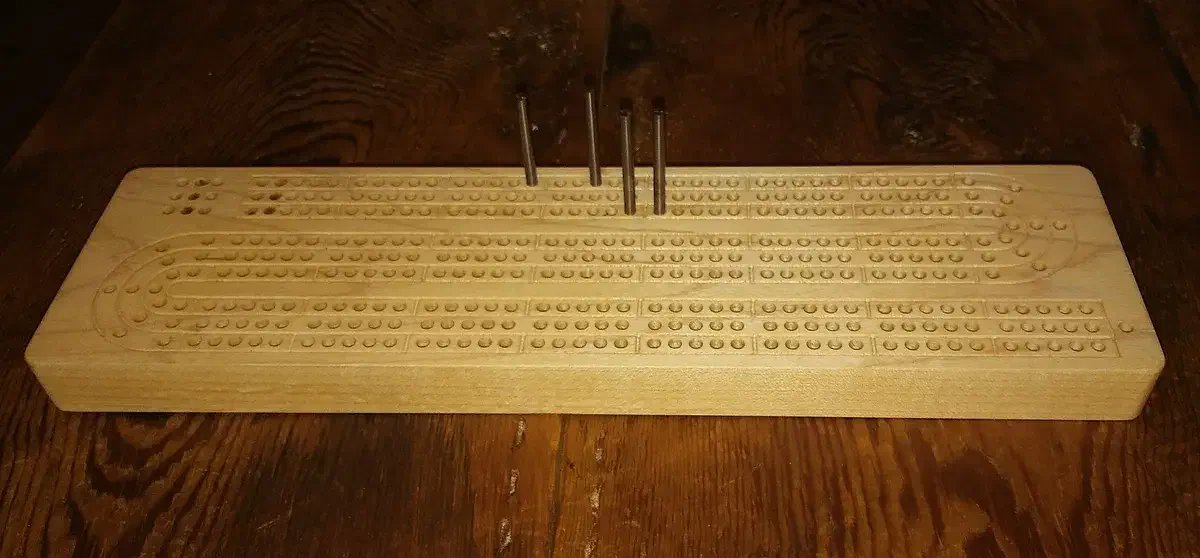
Jon Anderson explains that engraved lines help players count fives and stay in their lane. He also makes those lines optional when he wants the maple grain to show. Decide whether you want that visual guide before carving the track workpiece; the peg holes still carry the score.

Project notes by Jon Anderson: read the source.

From Compact Cribbage Board by Jon Anderson.

Ask a question

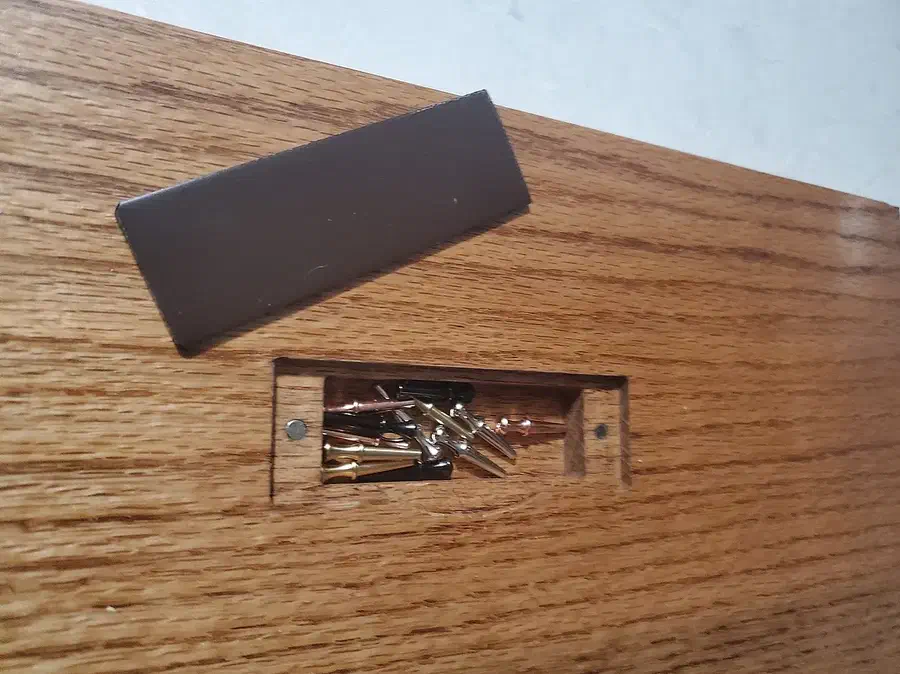
Cut the bottom of a peg pocket with the grain

Richard Wittry suggests a raster pocket cut running with the wood grain for a smoother pocket floor. This matters on the storage side, where small ridges can catch the pegs. Choose that pocket direction for your wood and check the result on a sample before carving the board.

Comment by Richard Wittry: read the source.

From Cribbage Board Peg Storage by Richard Wittry.

Ask a question

Plan the track and a place for the pegs

Leave room for the scoring lanes before adding a name or picture. If you want storage underneath, match its pocket to the pegs and cover while keeping enough wood beneath the scoring holes.