Keep router bits and tools beside your CNC

Make a wooden board for the bits, clamps and measuring tools you reach for most. Explore finished trays and organizers, then copy a shared design and fit the pockets to your tools.

Explore the tool holders

Start from a blank workpiece

Lay out bit holes and tool pockets in Easel

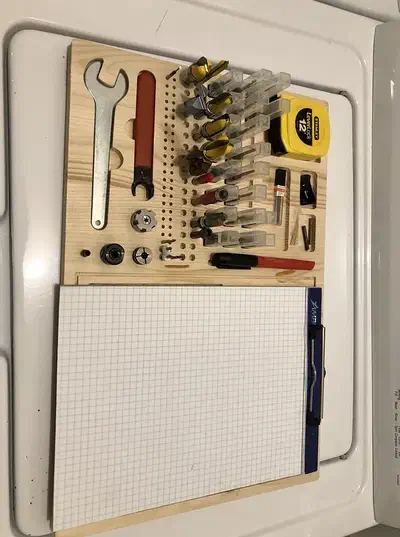
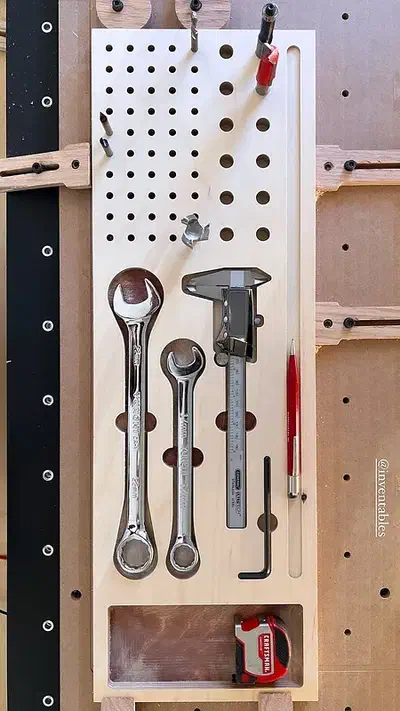
Arrange a row of small bit holes, three larger holes and pockets for a wrench and loose parts, then add BITS lettering and turn the 3D preview to inspect the layout.

Recorded in the Easel editor, playing at 8× real speed.

Store upright bits, sort clamps or keep a notebook nearby

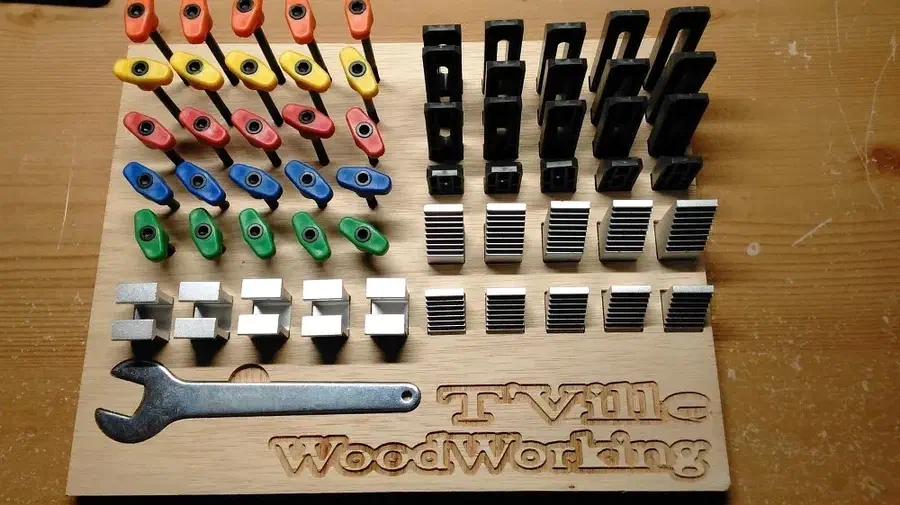
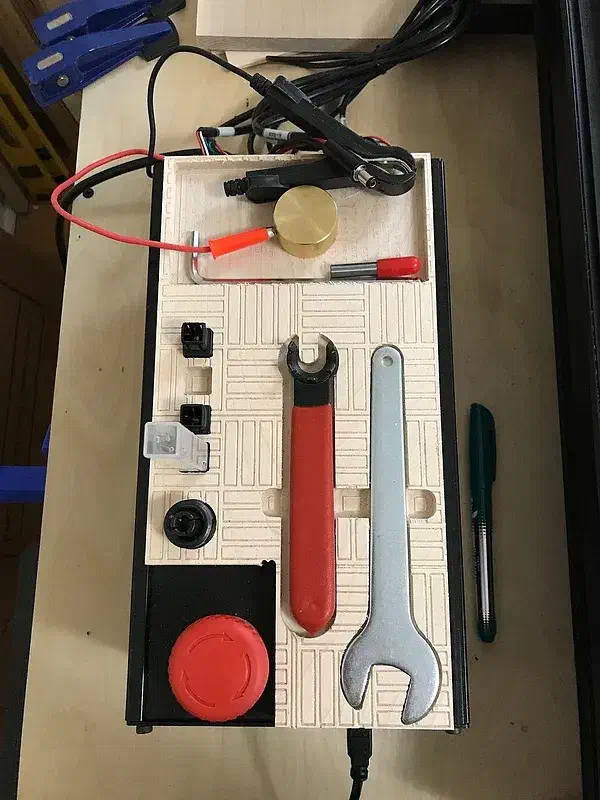
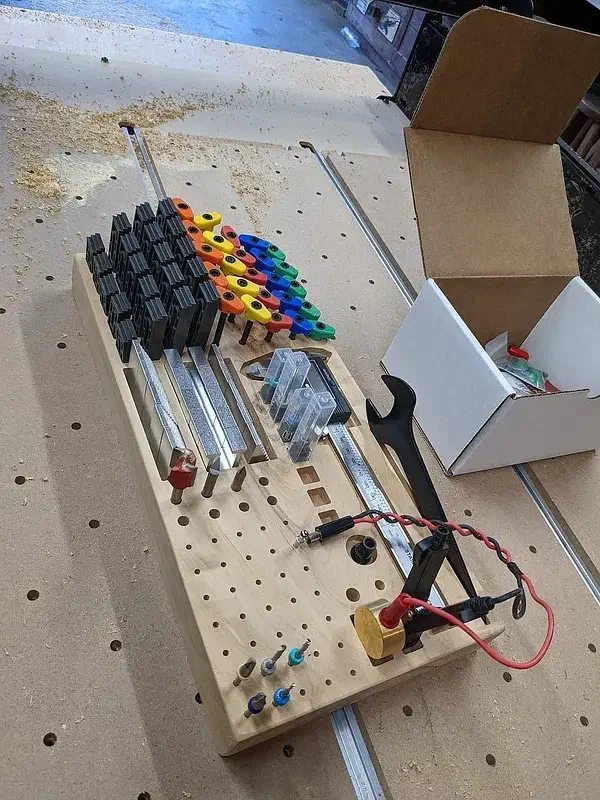
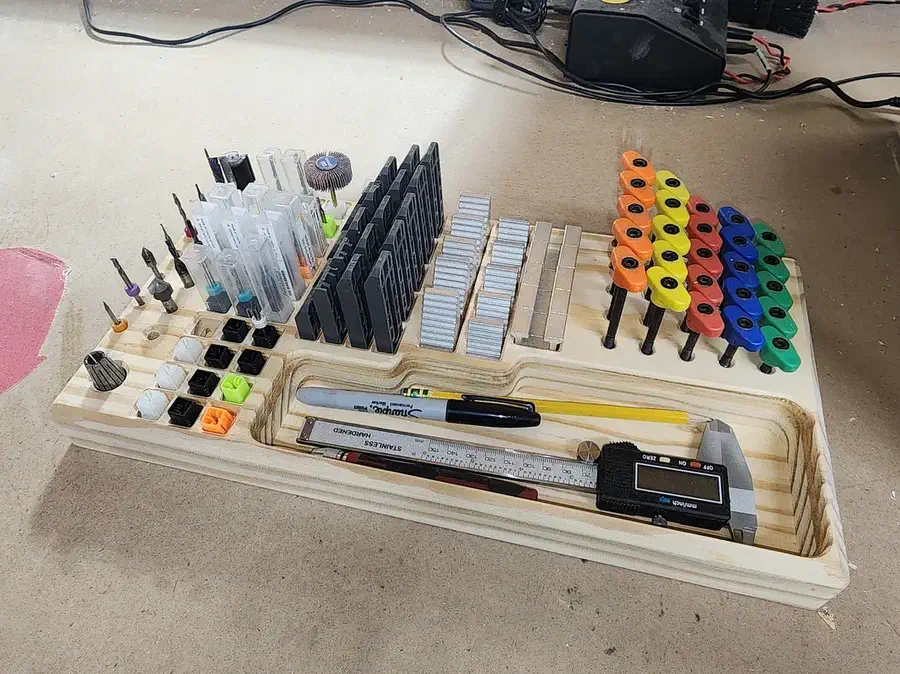
Choose a compact tray for the tools you use during a carve or a larger board for your whole set. These makers share the designs behind their finished organizers.

See more tool holder search results →

Check the hole fit and keep machine limits separate

Log in to post a question in the project comments. Replies are up to the community.

A storage hole does not tell you which bits your router can use

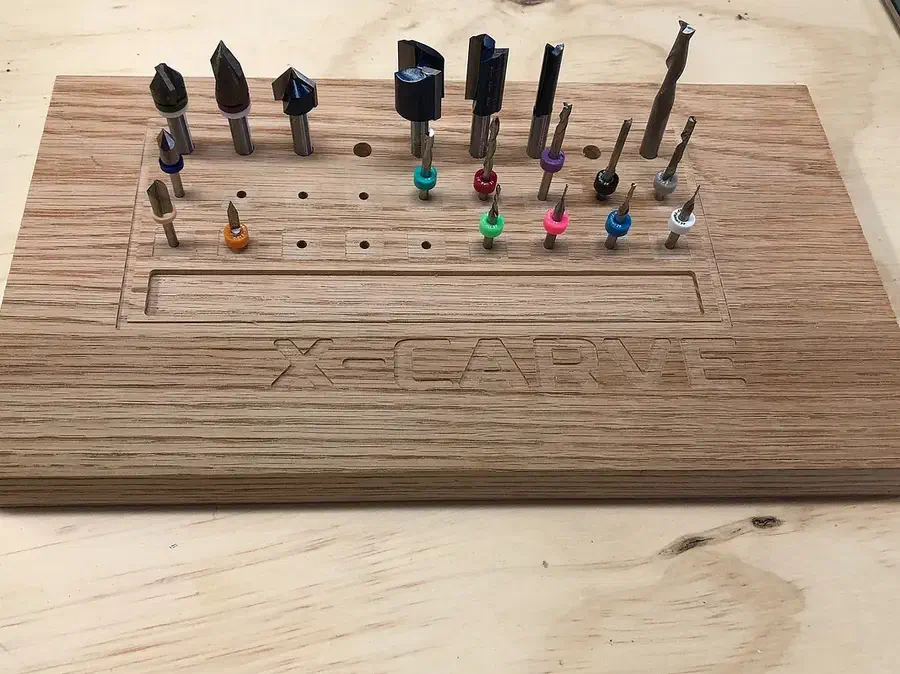
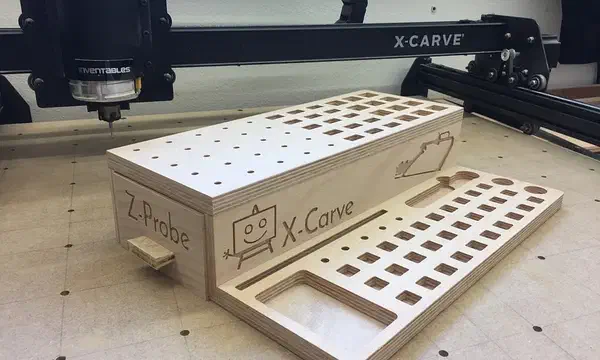
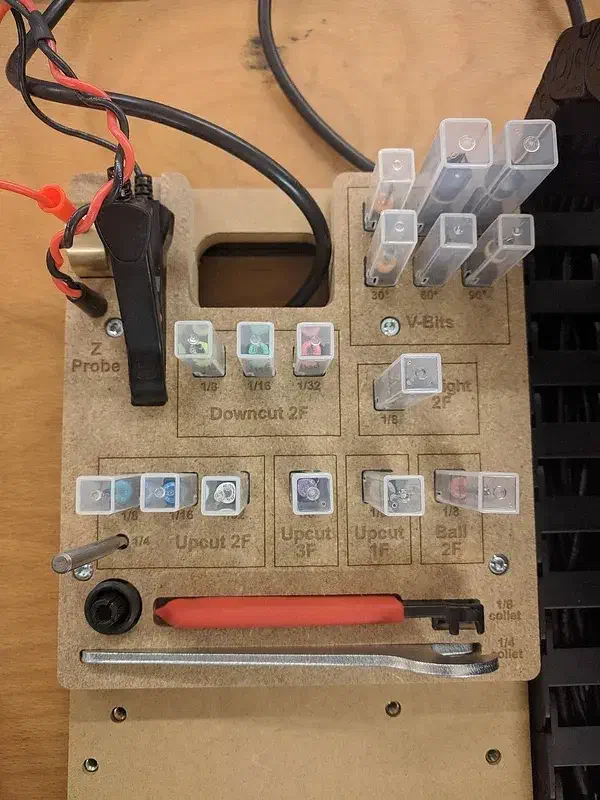
Nick Boes explains that the half-inch bits in his tray belong to his separate router table. A holder can organize tools for several machines without making those tools interchangeable. Size each storage hole for the bit you own, and keep the router’s own collet limits separate from your storage layout.

From X-Carve Pro Tool holder by Nick Boes.

Ask a question

Test a driver-bit hole before repeating the whole grid

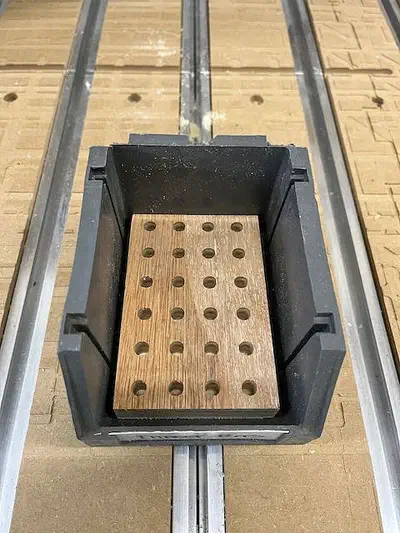
Allan Schwartz settled on 0.29-inch holes after testing common driver bits. He also trimmed the insert to fit his plastic bin. Treat the hole fit and the outside fit as two separate choices: try a single hole with your bits, then size the board for your own bin.

From Driver Bit Holder by Allan Schwartz.

Ask a question

Make a holder that fits your tools

Copy a shared design and arrange the pockets around the tools you use.