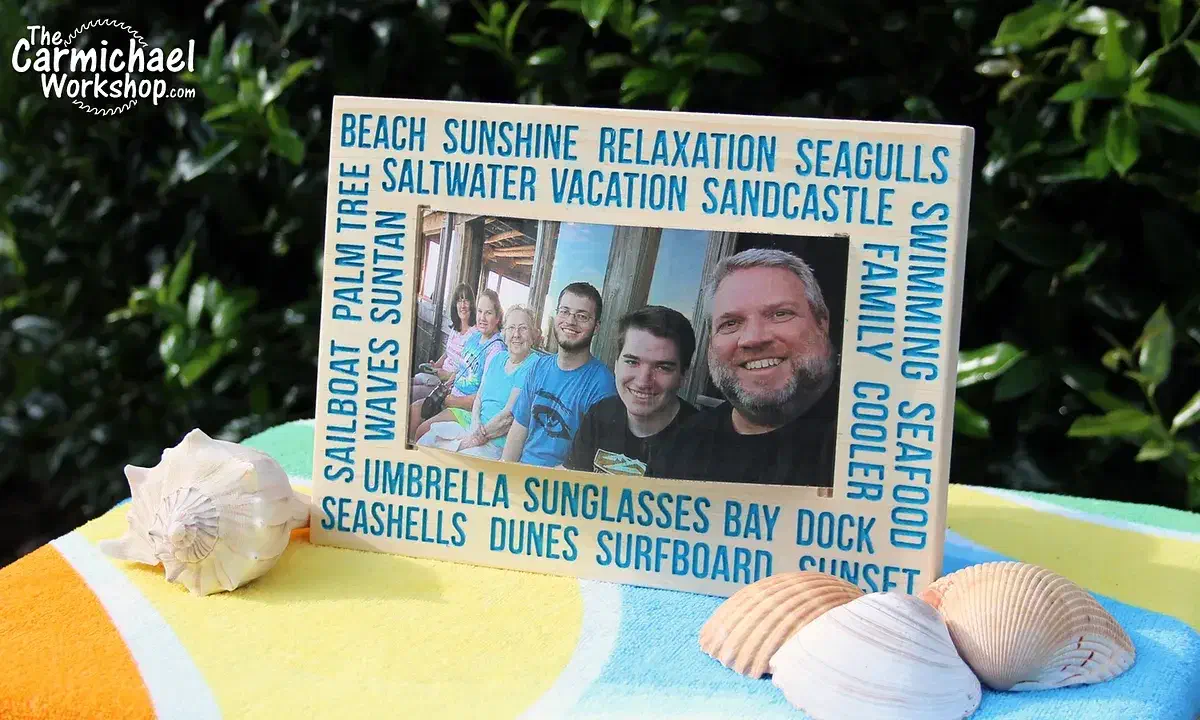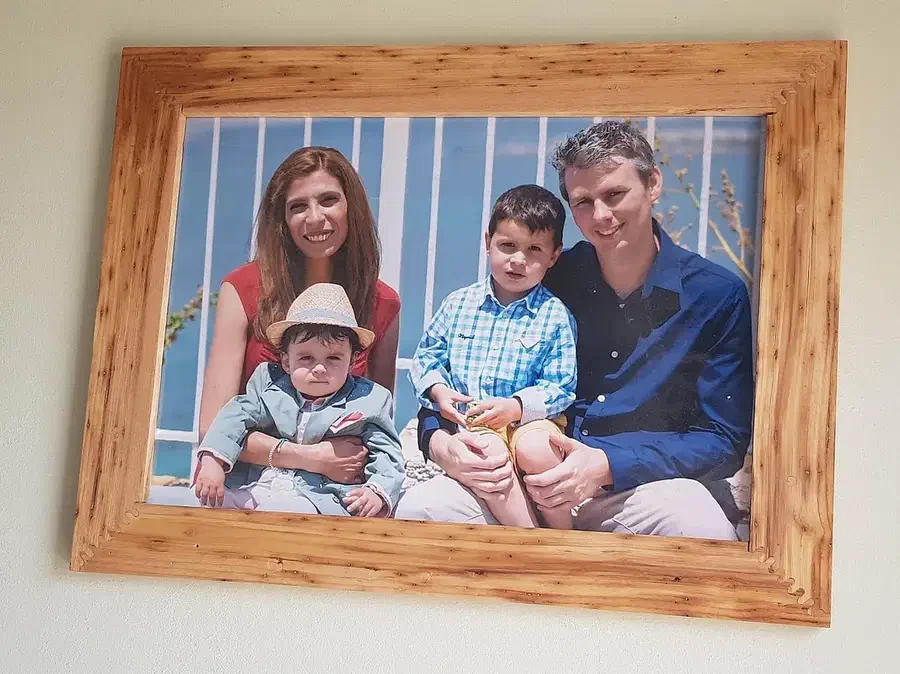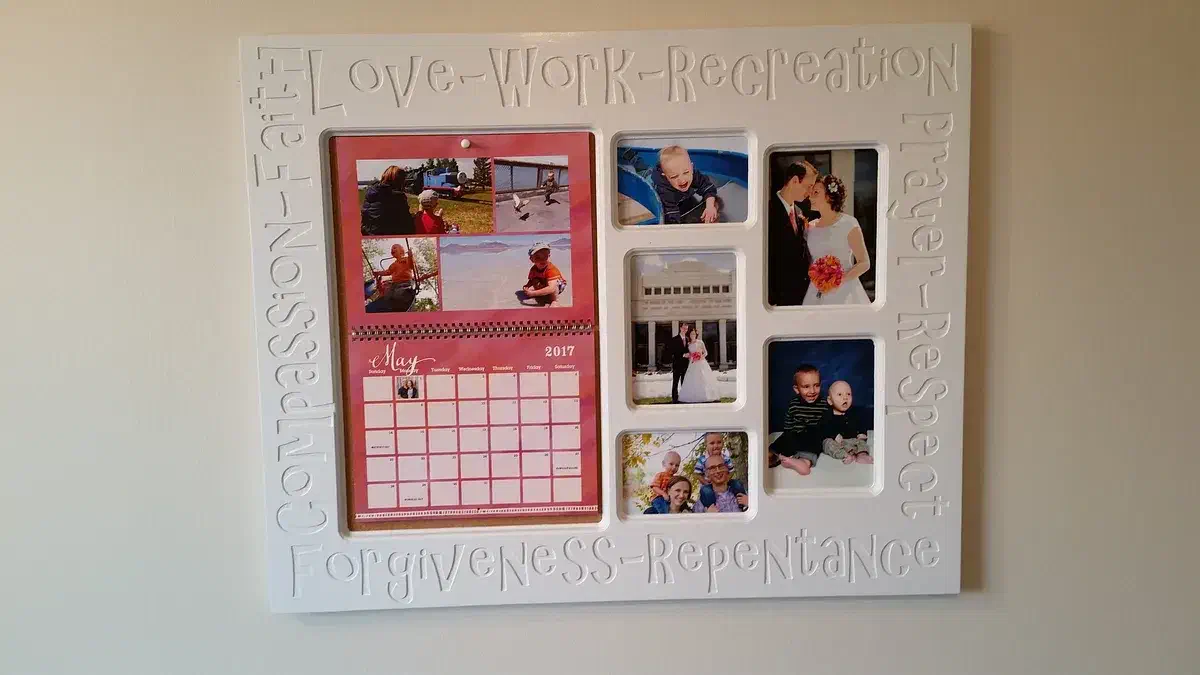
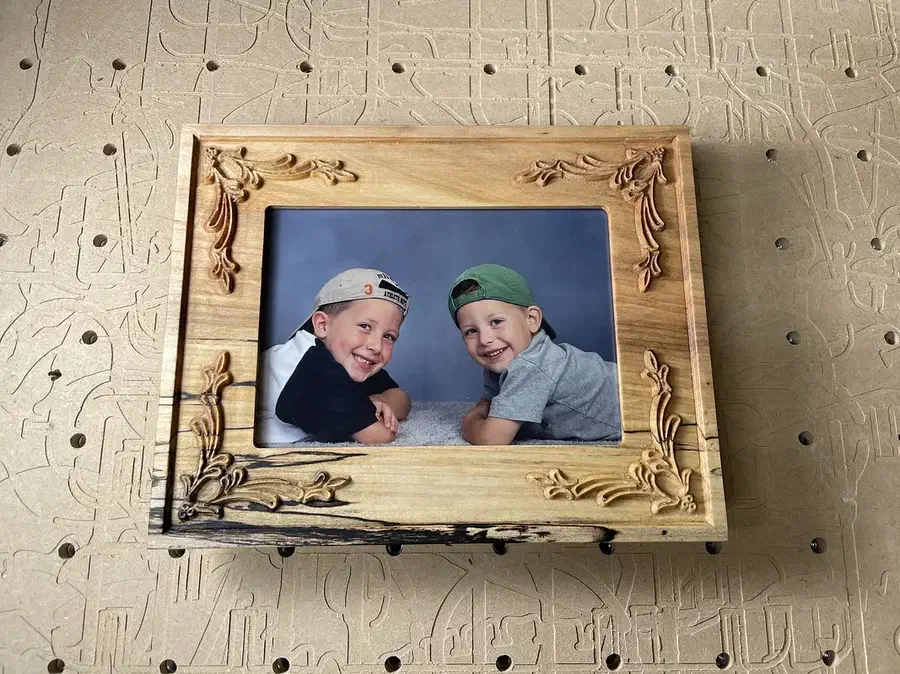
Make a frame for your favorite photo

Carve a border or join wooden rails around your favorite photo. Explore real community builds and open a shared Easel design to make your own frame.

Explore the frames

Start from a blank workpiece

Design your own picture frame

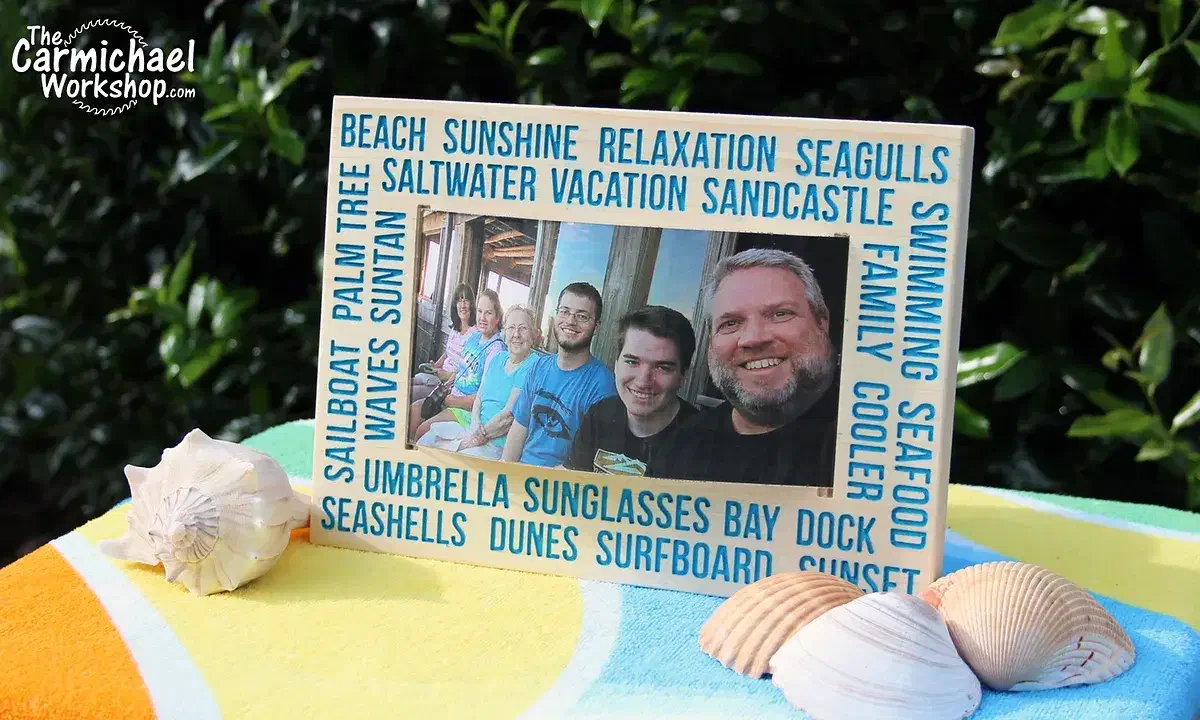
Watch a pine picture frame take shape in Easel: draw the frame and photo opening, add a decorative inset groove and FAMILY lettering, then turn the 3D preview to see the design.

Recorded in the Easel editor, playing at 8× real speed.

Carve a border, join the corners or group several photos

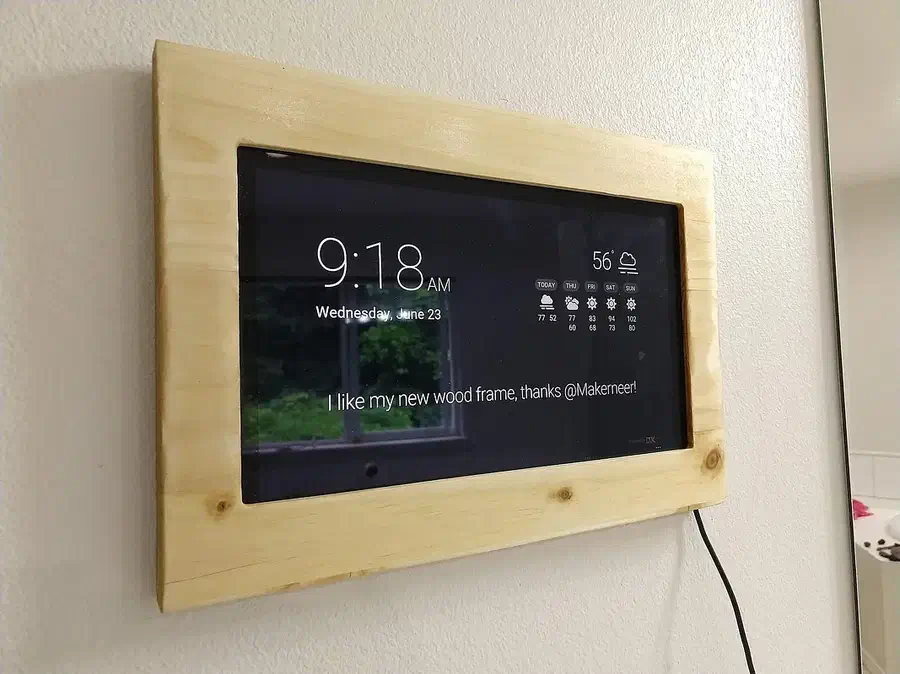
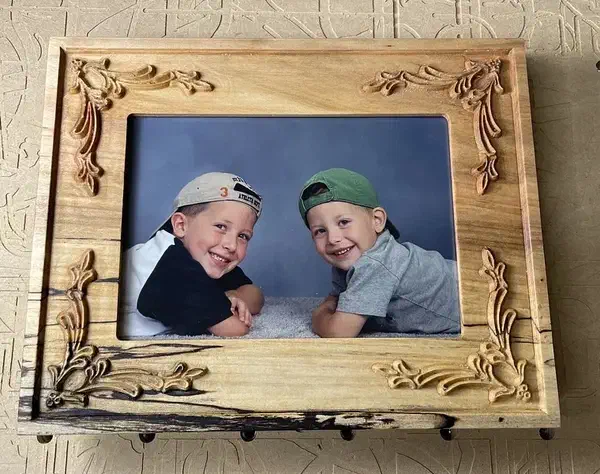
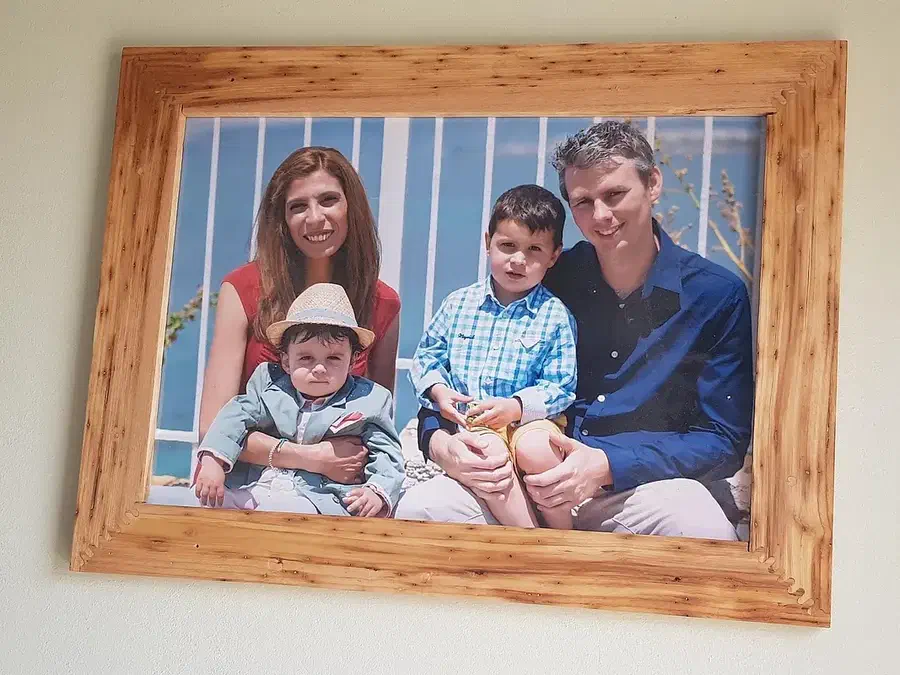
These builds show different ways to hold a printed photo, a group of pictures or a digital display. Choose the construction that suits the picture and the wood you have.

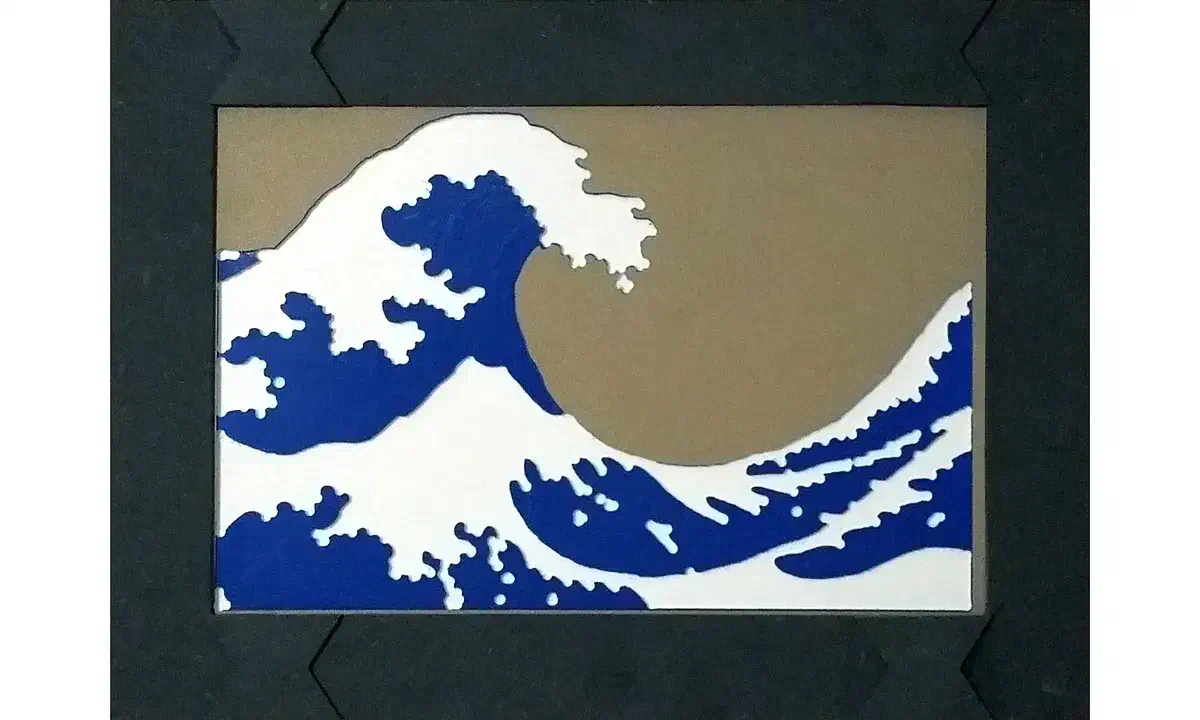
A dark MDF frame with shaped corner joints around blue and white wave artwork Black MDF Picture Frame - Advanced Pocketingby Peter James

Black MDF Picture Frame - Advanced Pocketing

Make a frame from smaller pieces of black MDF rather than cutting it from one large board. Peter’s design uses interlocking corner joints and a recessed ledge for the artwork. His illustrated instructions explain how round cutters affect square corners and how the pieces are clamped and glued. The preview’s acrylic stock setting differs from the MDF used in the build.

See more picture frame projects →

From the makers’ comments and project notes

Details to use in your own picture frames build

Read the project comments without an account. Log in to post a question in the project discussion; replies are not guaranteed.

Unpin the frame shapes before moving the layout

Steve Moseley explains that pinned shapes can prevent the frame layout from moving. In your own copy, select the parts individually and unpin the ones you need to reposition. His replies in the discussion explain where to enable and access the pinning controls.

Comment by Steve Moseley: read the source.

From Decorative Picture Frame by Steve Moseley.

Ask a question

Bend the clear cover when changing the curved photo

Steve Carmichael’s notes say to bend the photo and acrylic cover to release them from the grooves. Pulling the ends straight out can let the acrylic catch an edge and chip the wooden face. Relieve that pressure first when swapping in a new picture.

Project notes by Steve Carmichael: read the source.

From Picture Frame with Bent Picture by Steve Carmichael.

Ask a question

Start your picture frame

Create a free Easel account to copy a shared design and adjust it for your picture. No credit card required.