Make your own marble maze

Choose a rocking maze or a hand-held puzzle with a clear lid. See finished maker projects, open their shared designs and draw a simple route of your own.

Explore the maze projects

Start from a blank workpiece

Connect shallow channels into a maze route

Start with a blank workpiece in Easel and join seven rectangles into a winding channel. Set the channel width and depth, then look at the native 3D preview. This simple route is a starting point: add branches and size the channel for your ball before planning a finished puzzle.

A real Easel Sandbox blank workpiece becomes seven connected shallow rectangles forming a winding ball channel, beside its native MDF 3D preview.
Recorded in the Easel editor, shown at 4× speed.

Finished projects from the gallery

Rock the base or tilt a covered puzzle

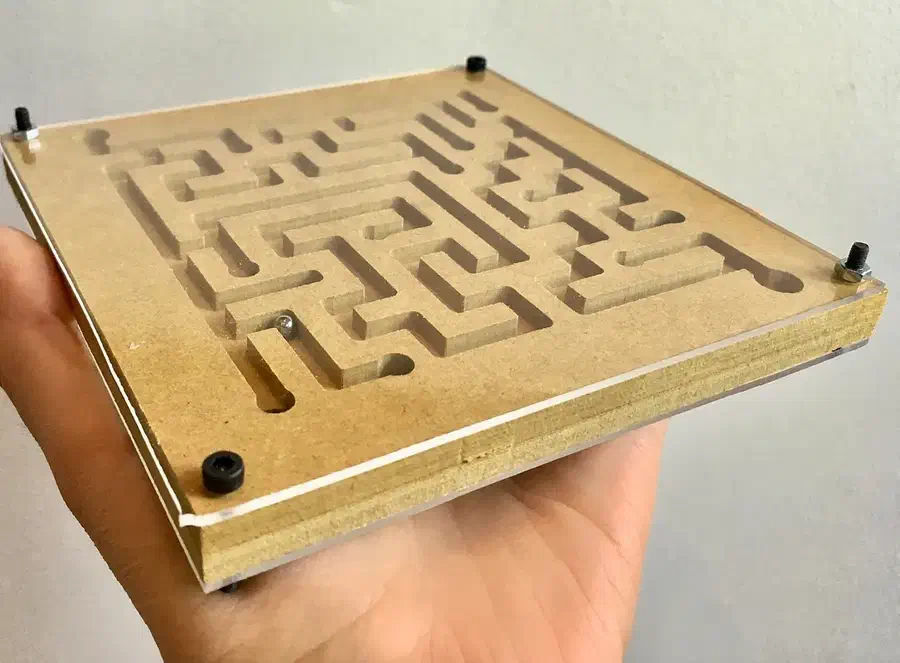
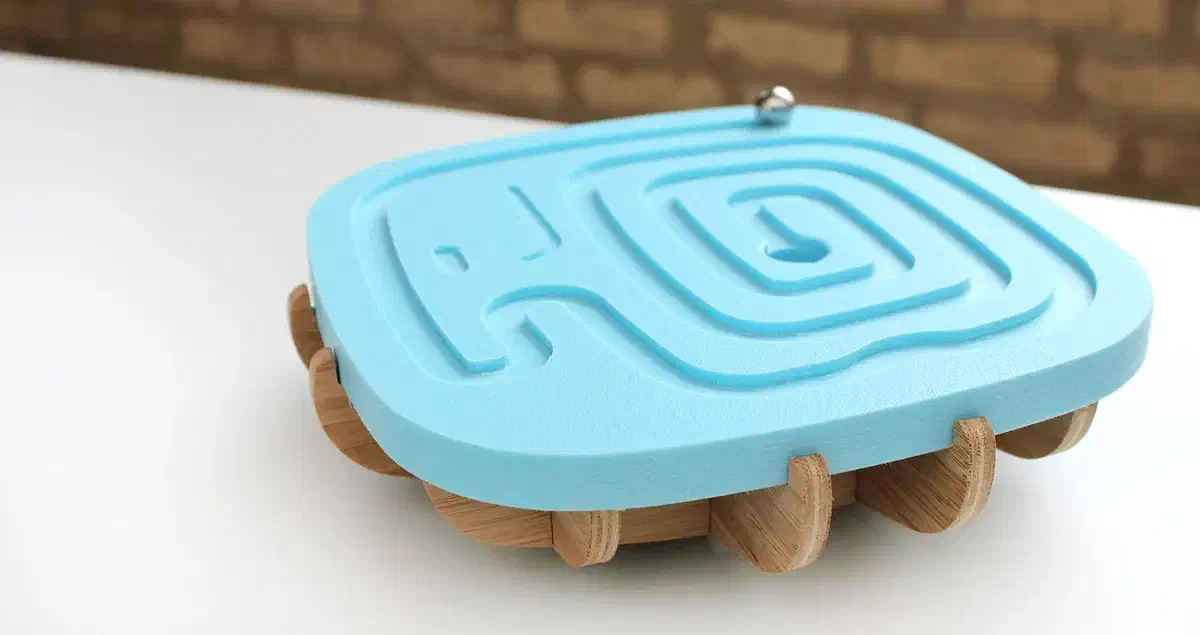
A removable top lets you swap maze patterns. A clear lid keeps the ball inside a hand-held game. Compare the parts and materials before choosing your build.

See more maze projects →

From maker notes

Plan the second face and mark the finish points

Read the notes and comments without an account. Log in to join the discussion; replies are up to the community.

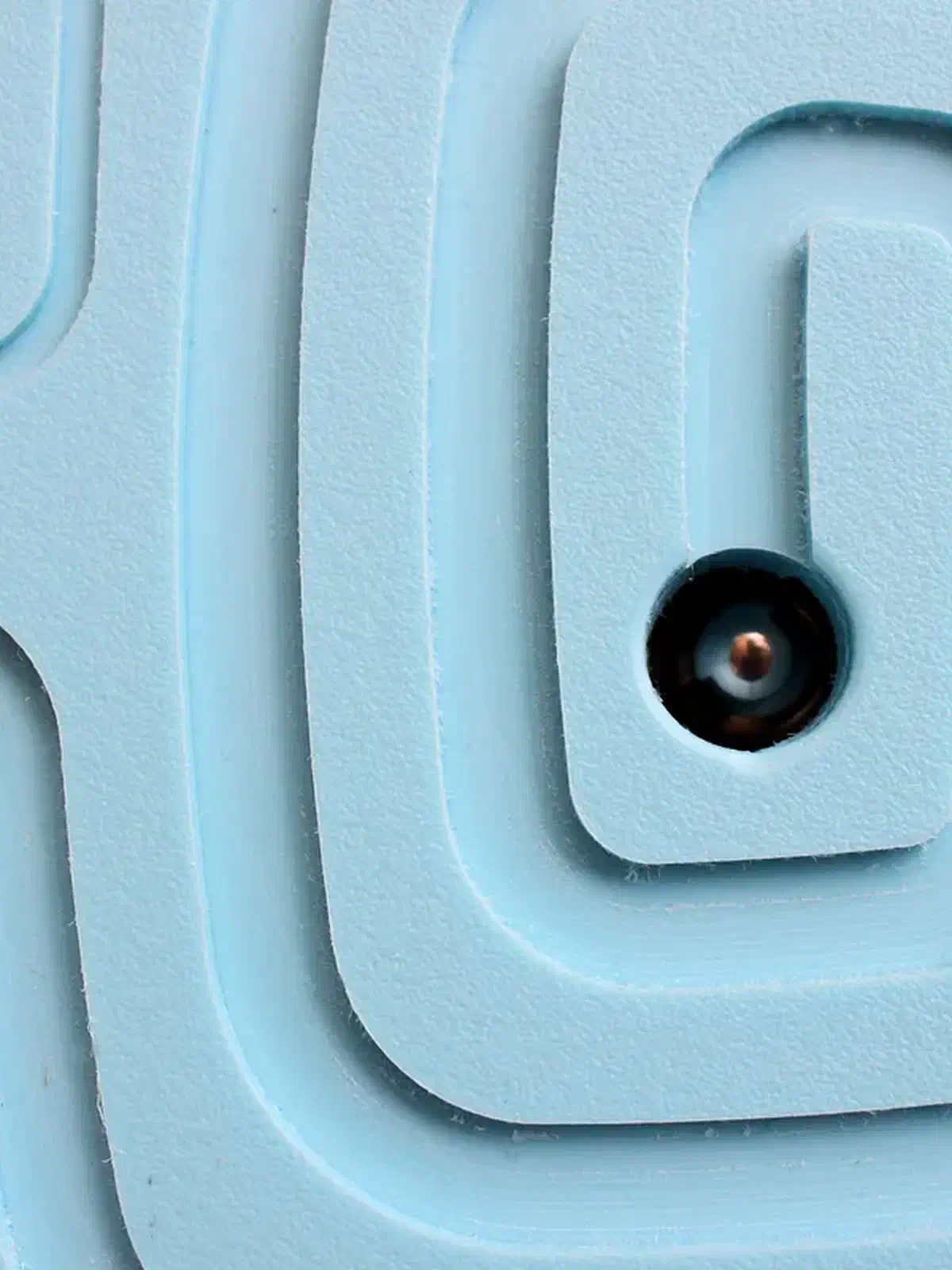
Reuse the ball exit on a reversible top

Volume Studios cuts a second maze on the reverse face of the removable top and uses the existing ball exit for both sides. If you draw another route, place its finish at that same exit so you do not need another through-hole.

Project notes by Volume Studios: read the source.

From Marble Maze by Volume Studios.

Ask a question

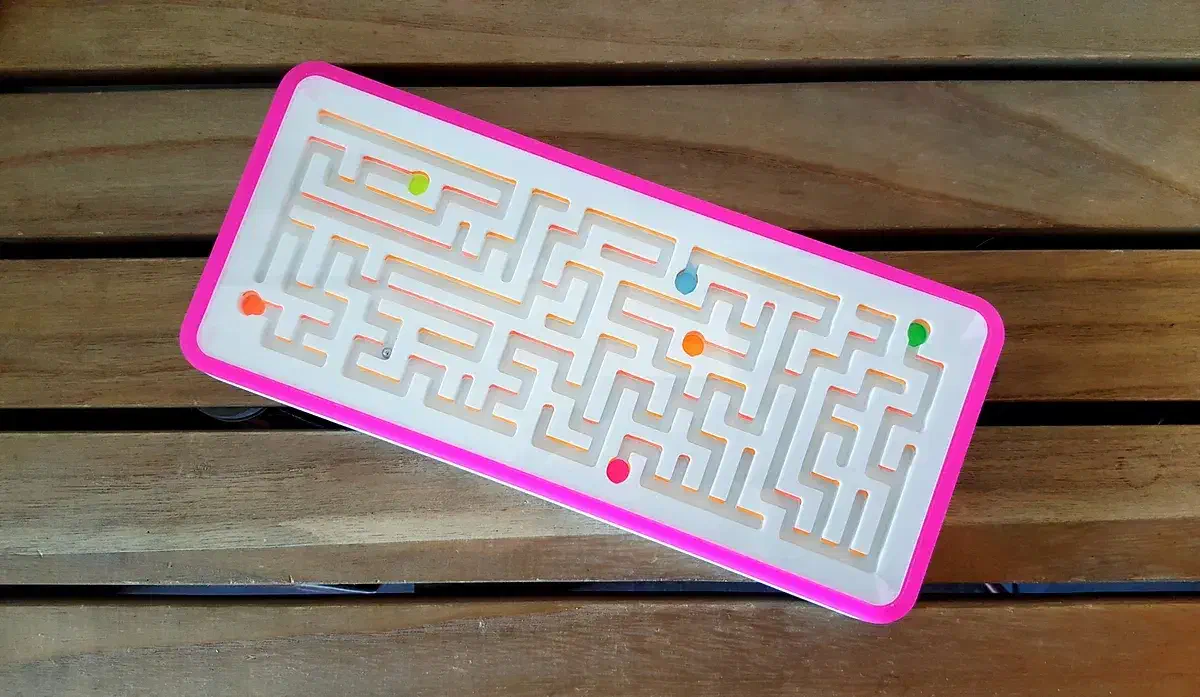
Give each finish point its own color

Jules uses neon markers inside the maze, with a different color for each finish point. Add the color while the channels are accessible, before fitting the clear cover. Leave the Corian white if you prefer an uncolored maze.

Project notes by Jules: read the source.

From Corian Tilt Maze by Jules.

Ask a question

Make a maze of your own

Start with a shared project or draw a route for your ball.