Design bookends in Easel by sizing a tall back piece and a base to fit your books and shelf. See the design steps below, then explore two makers’ finished bookends, their materials, shared cut files and assembly instructions.
Make an L-shaped bookend from 3/4-inch MDF, with a tall back piece glued into a base that slides under the books. The books’ weight on the base helps keep the bookend standing; this design uses glue, not separate screws or other mechanical hardware. First, start with a blank 12 × 12-inch workpiece in Easel. Draw a 5 × 7-inch back piece, then a 5 × 6-inch base, with outside cuts through the MDF. Next, add a 3/4-inch-wide, 3/8-inch-deep groove across the base for the bottom edge of the back piece. The native 3D preview shows this shallow groove and both cutout shapes. The recording shows the design, not a physical build or load test.
Recorded in the Easel editor, playing at 2× real speed.
Creating an Easel account is free. No credit card required.
Use center work zero. Place the upright’s lower-left corner at X −5, Y −4 inches and the base’s at X 0.5, Y −4. Place the groove rectangle at X 0.375, Y 0.5, sized 5.25 × 0.75 inches. Its extra 1/8 inch at each end runs beyond the base edges so the 1/8-inch cutter can clear a square-ended seat rather than leave rounded internal corners.
After cutting, remove the tabs and sand their edges flush. Dry-fit the upright’s bottom edge into the groove, then glue it in place, square to the base, and clamp until the glue cures. The groove leaves 3/8 inch of material beneath the upright; the base projects 4.5 inches under the books and 3/4 inch behind it. Put the books on that longer side so their weight bears on the base.
Measure your actual sheet and set the groove width to that thickness; cut a scrap joint and adjust for a snug sliding fit before the full parts. This recording designs the joint but does not physically cut, assemble or load-test it. Choose tabs, workholding and cutting settings for your machine, then test the cured bookend with the books you intend to support.
Made by the Easel community
A layered letter or a character with feet
The ampersand uses a base that reaches beneath the books. The dinosaur stands on its feet and tail. That difference matters when you choose shelf space and decide how the bookend will resist a leaning row.
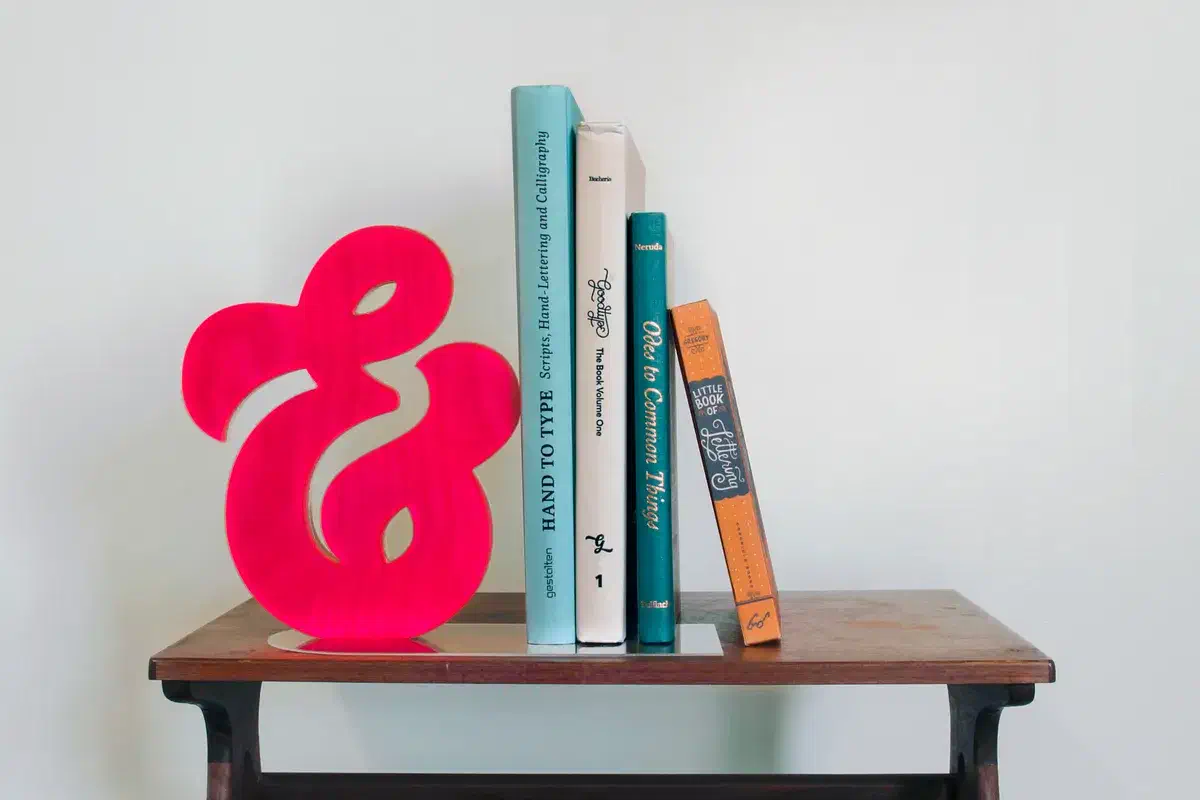
Cultivate Studios joins a plywood ampersand to a matching acrylic face, then glues it onto a clear acrylic base. The main file holds the ampersand outline; the instructions link a second file for the rounded base. Cut the face in acrylic using the same outline, and add spray adhesive and strong glue for assembly. Allow room beneath the books for the projecting base.
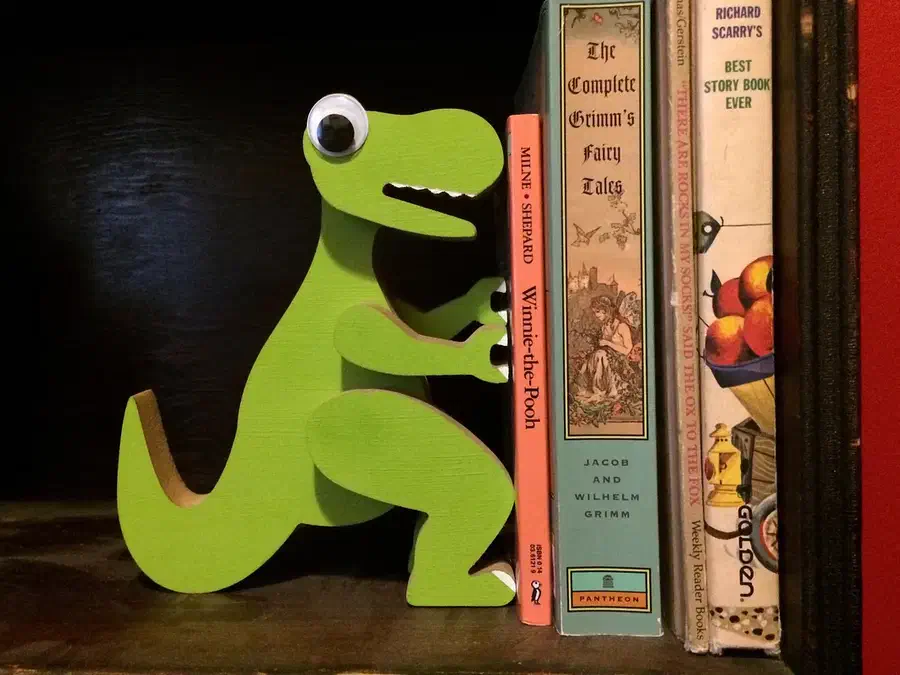
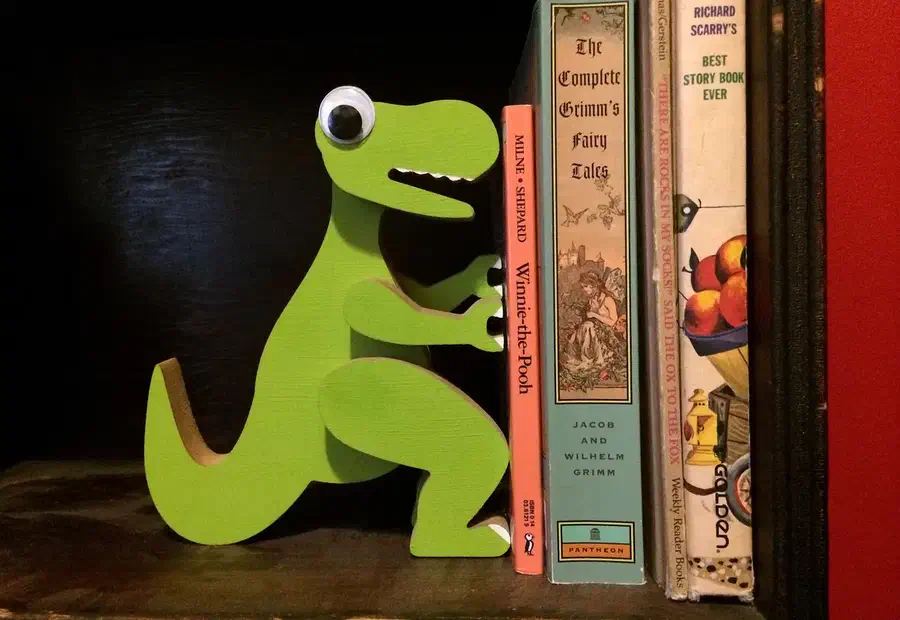
James Rodovich makes an 8-inch-tall dinosaur from painted fiberboard. Its Easel file contains six separate body, limb and head pieces on 3/4-inch MDF. The extra layers give the legs and arms their depth; glue the parts on both sides of the body, then add the painted details and a purchased googly eye. No separate under-book base is shown.
Creating an Easel account is free. No credit card required.
From the makers’ project instructions
Keep the layers flat and the dinosaur standing
Read the project comments without an account. Log in to post a question in the project discussion; replies are not guaranteed.
Measure the sheet you are about to cut
Cultivate Studios warns that plywood thickness varies from piece to piece. Measure the actual sheet before changing the material dimensions and through-cut depth in the ampersand file.
James Rodovich found the dinosaur layers tricky to align during glue-up. His instructions say both feet must be level with the lowest point of the tail, and the toes, knees, fingertips and snout should line up vertically. He suggests a printed composite outline as an alignment aid; he did not use one in the build shown. Glue one piece at a time rather than trying to hold every layer in place at once.
Open the ampersand file for a letter with an under-book base, or the dinosaur file for a layered figure. Copy your choice into a free Easel account to adapt the cut shapes. Keep the glue, paint, acrylic and finishing steps beside your cutting plan. No credit card is required.
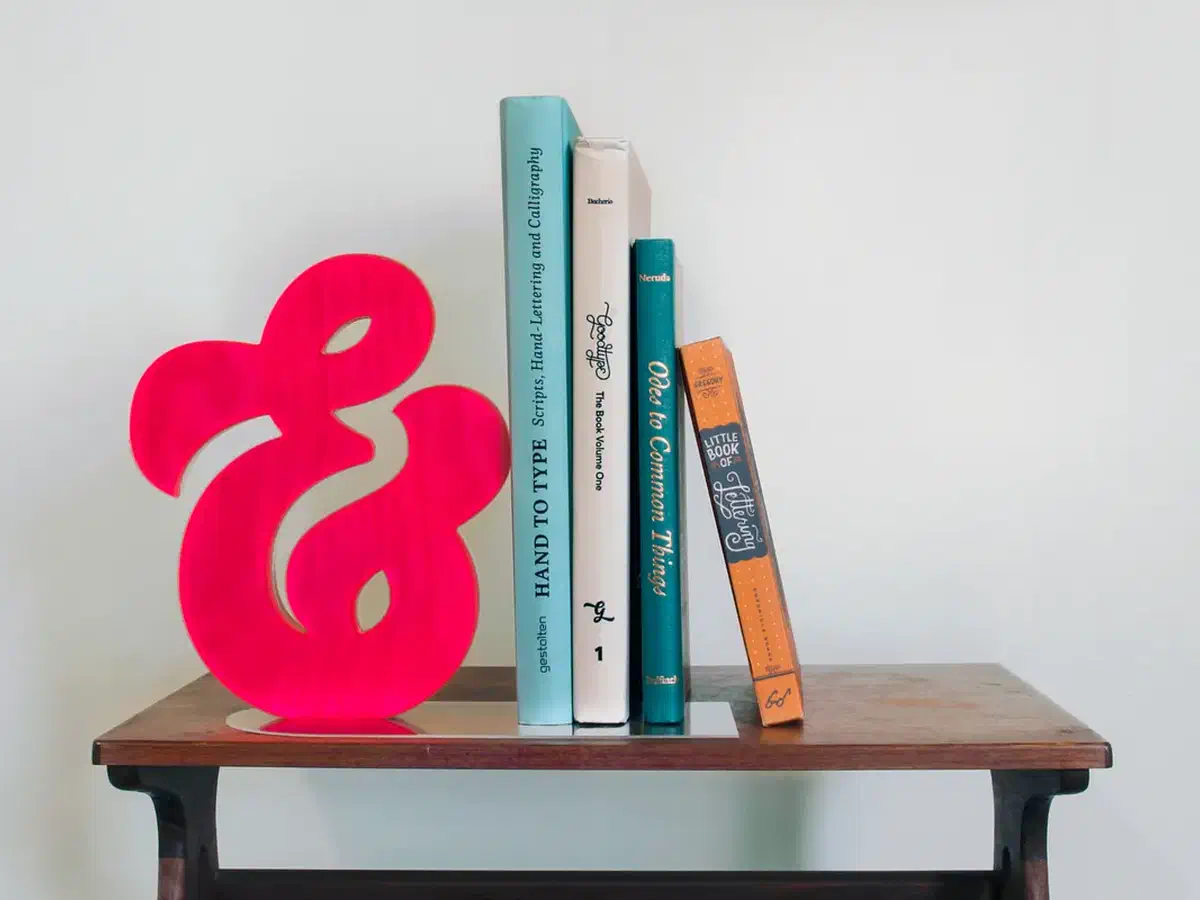 Ampersand Bookendby Cultivate Studios